

Download Config “cyx.cfg” for CS 1.6

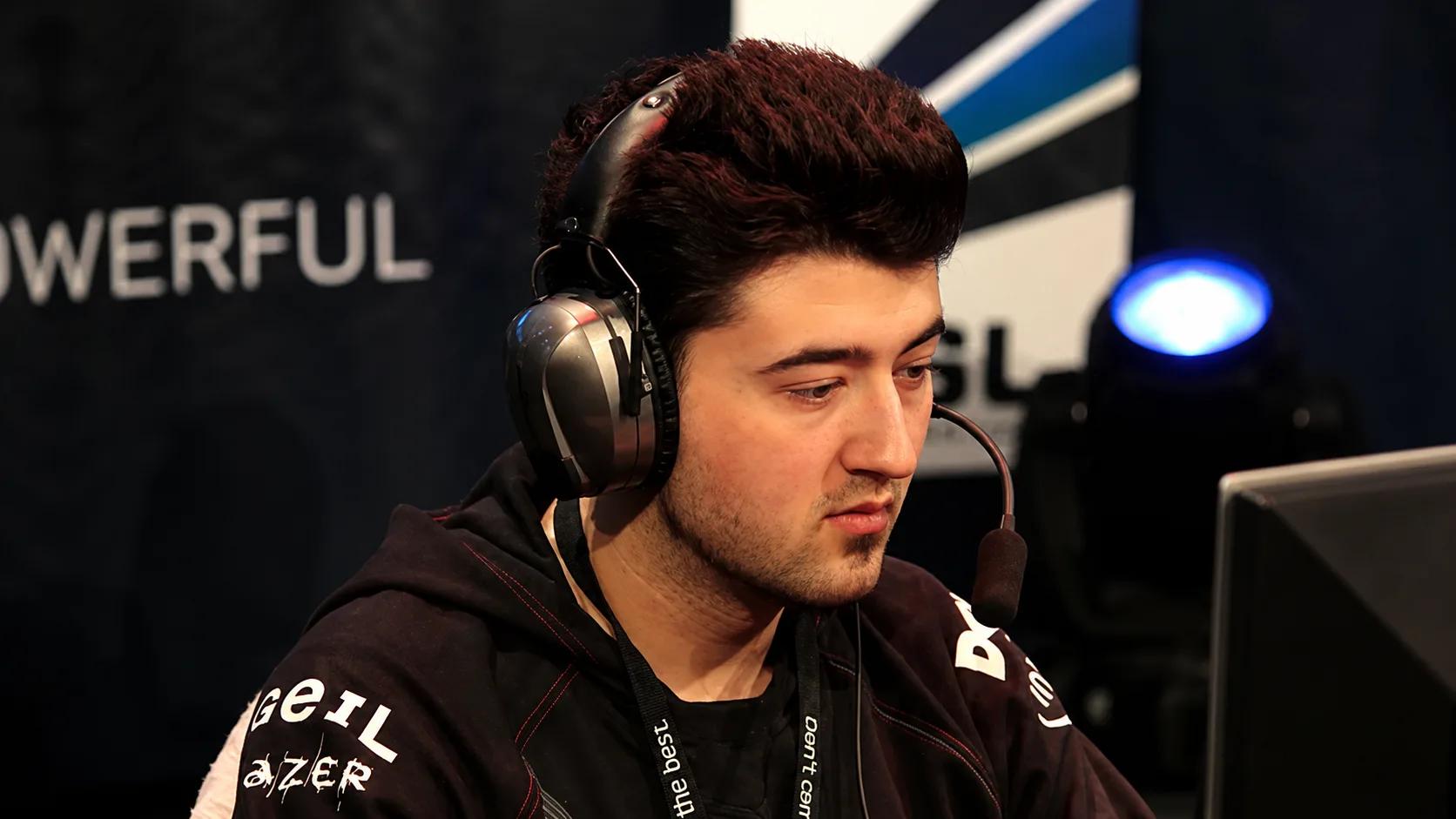
Download the config of Antonio “cyx” Danilovsky, a professional Counter-Strike 1.6 player from Germany. Played for mousersports.

cyx.cfg is an iconic configuration file for Counter-Strike 1.6, owned by one of the most talented players in the history of the discipline, Antonio "cyx" Daniloski. Antonio was the main star of the German team mousesports in the late 2000s. His life was tragically cut short in 2010, but his gaming style and unique settings are still passed down by players from generation to generation.

Config installation

1.Unpack the archive and copy the configuration file with the extension .cfg to a folder cstrike, which is located in the folder with CS 1.6 installed.

2.Launch the game, open the console with the key ~ and enter the command exec config_name.cfg (for example, exec markeloff.cfg), then click Enter.

After this, the config will be downloaded and ready for use.