

Download Config “Zeus.cfg” for CS 1.6

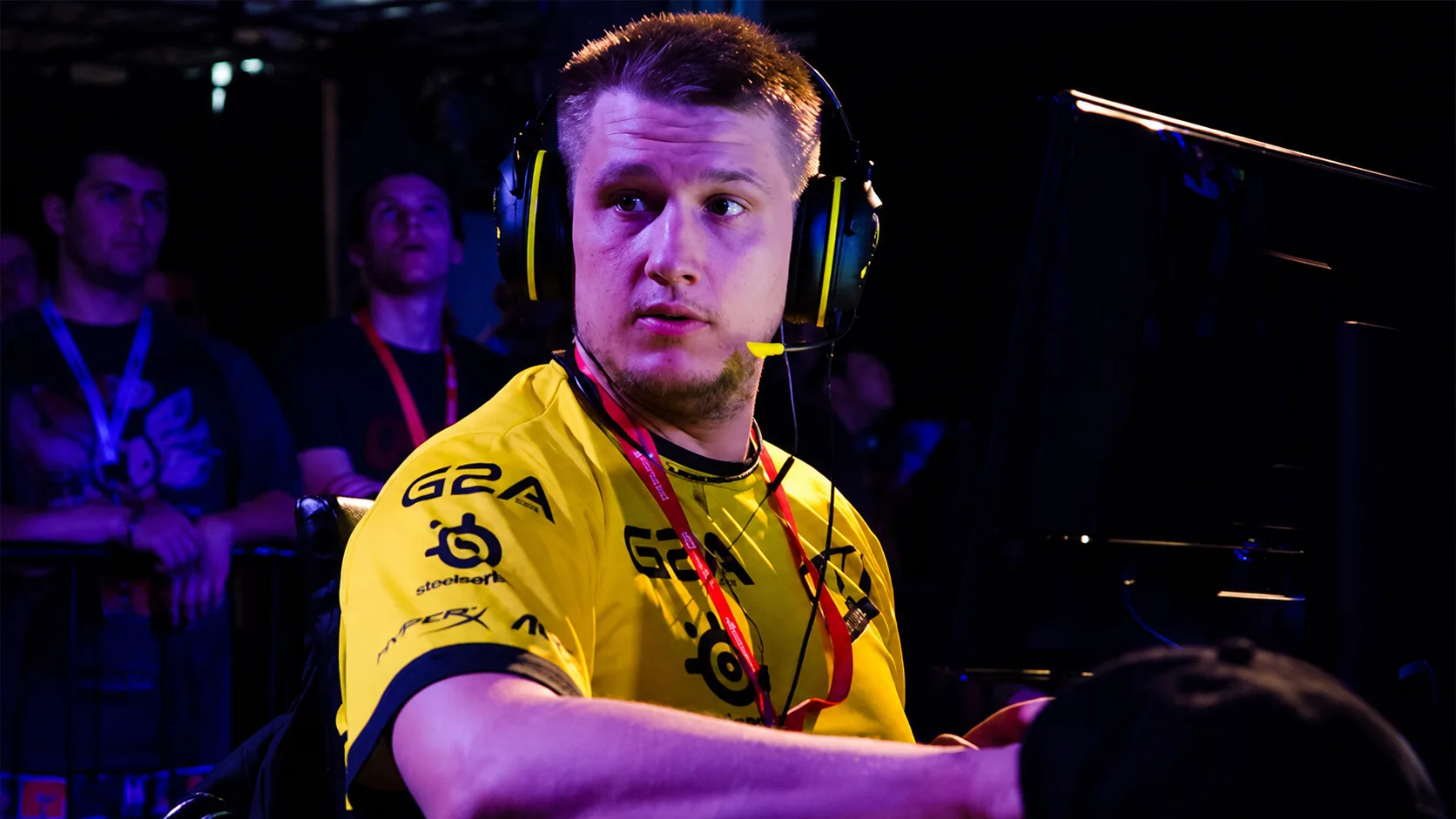
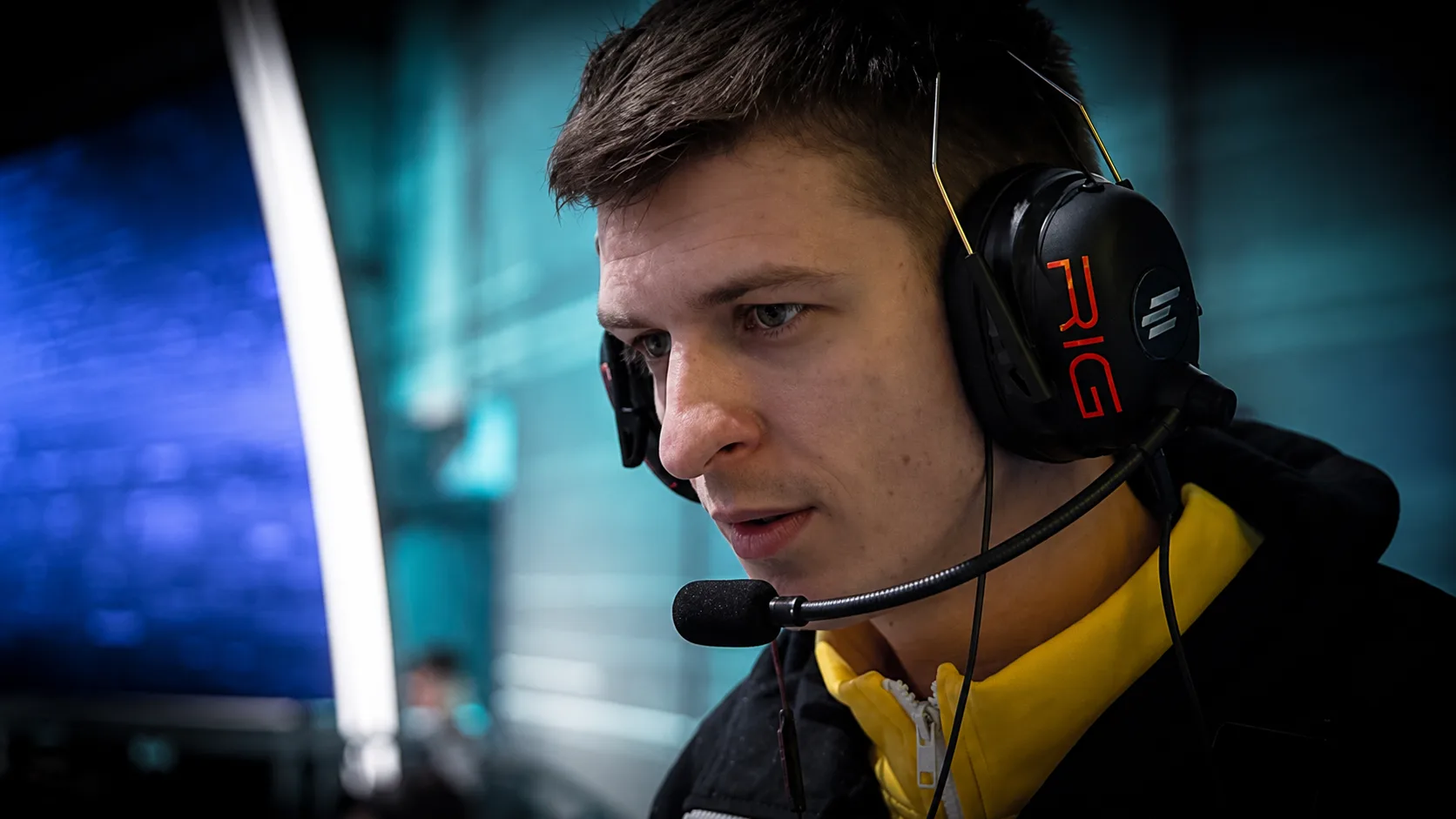
Download the config of Danilo “Zeus” Teslenko, a professional Counter-Strike 1.6 player from Ukraine. He played for such teams as: Virtus.pro and NaVi. He runs the YouTube channel ZEUS CS:GO [Official] (654 thousand subscribers).

Zeus.cfg - classic tournament settings from one of the most titled and charismatic captains of the CIS scene. An excellent competitive base for those who rely on tactical superiority, absolute composure in clutch situations and stable, confident control of the recoil of assault rifles.

Config installation

1.Unpack the archive and copy the configuration file with the extension .cfg to a folder cstrike, which is located in the folder with CS 1.6 installed.

2.Launch the game, open the console with the key ~ and enter the command exec config_name.cfg (for example, exec markeloff.cfg), then click Enter.

After this, the config will be downloaded and ready for use.