 Russian
 Ukrainian
 English
 Polish
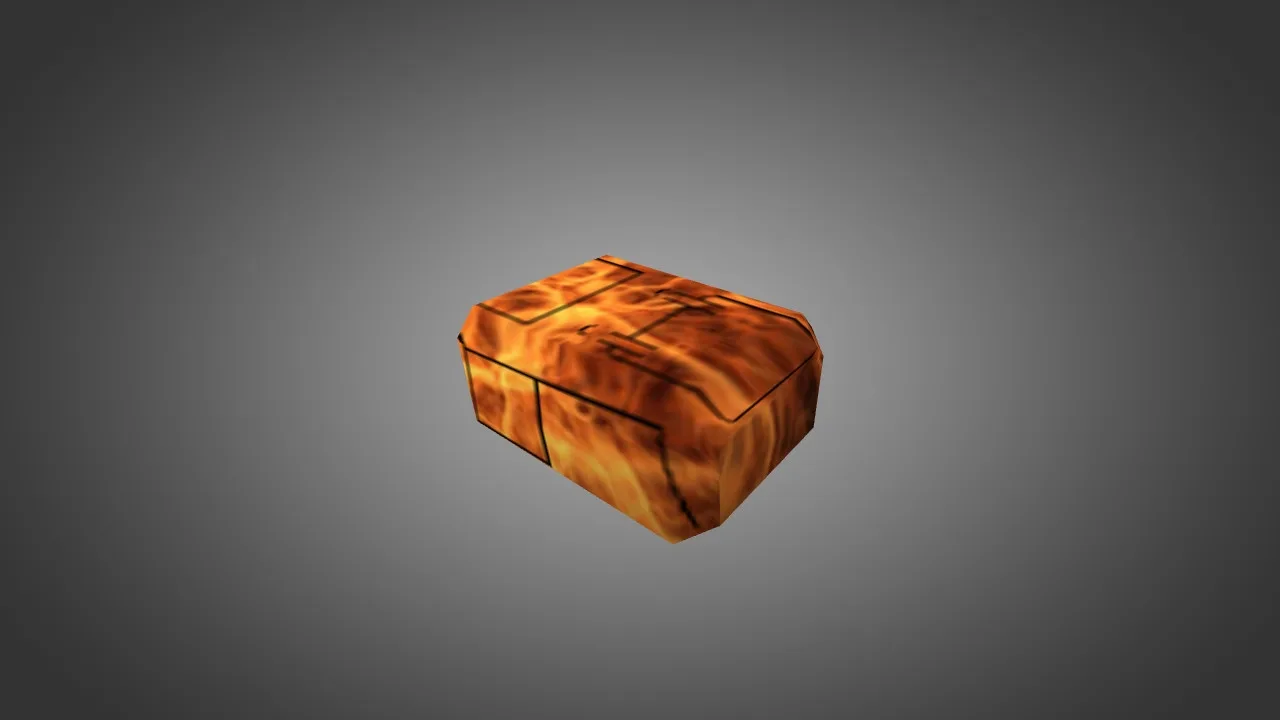
To replace the C4 model in Counter-Strike 1.6, do this:
Step 1. Download model C4
Typically the archive contains the following files:
v_c4.mdl - first person view.
p_c4.mdl - view in the hands of another player.
w_c4.mdl - type of bomb on the ground.
Step 2. Find the game folder
Open the CS 1.6 folder and go to:
cstrike\models
Step 3: Make a backup
Before replacing, copy the original files:
v_c4.mdl
p_c4.mdl
w_c4.mdl
to any separate folder.
Step 4. Replace files
Copy the new model files to the folder:
cstrike\models
and confirm replacing existing files.
Step 5. Launch the game