 Russian
 Ukrainian
 English
 Polish
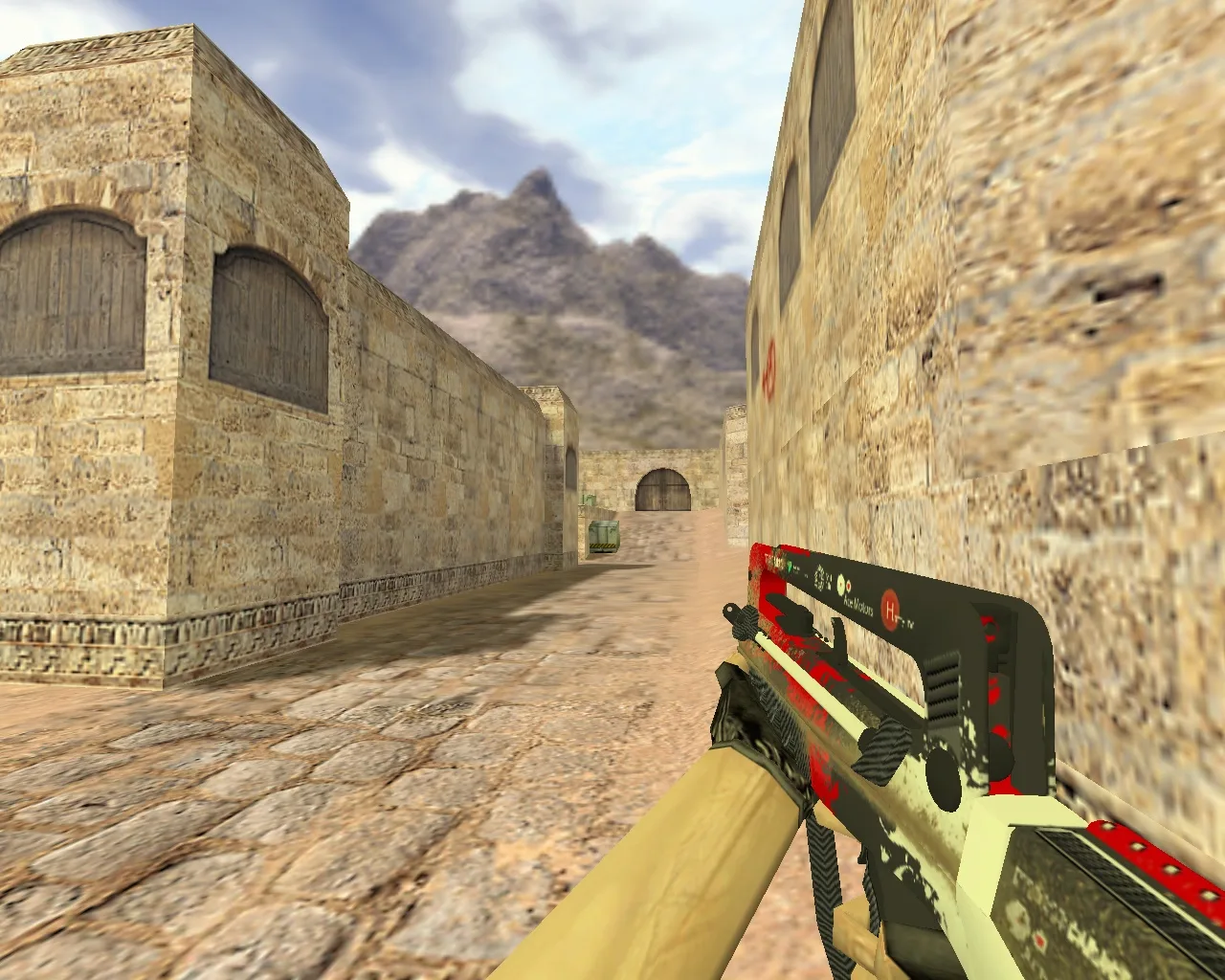
Simple installation instructions:
Replacing the loan model will take you no more than a minute:
1.Vanture the archives by clicking on the “Vanante” button again.
2.Unzip the files with the extended .mdl extension to your desktop.
3.Move them to the folder with the models of your game: Your folder with the game/cstrike/models/.
4.Confirm replacing files in the dialog box.
5.Done! Launch CS 1.6 and enjoy the game with a new stylish device