 Russian
 Ukrainian
 English
 Polish
How to install:
Download the archive with the modification and unpack it to a convenient location on your computer.
Move the model file (with .mdl extension) to the folder cstrike/models in your game directory, confirming the replacement of the original file.
We recommend that you read the instructions first “How to install skins on weapons in CS 1.6”.
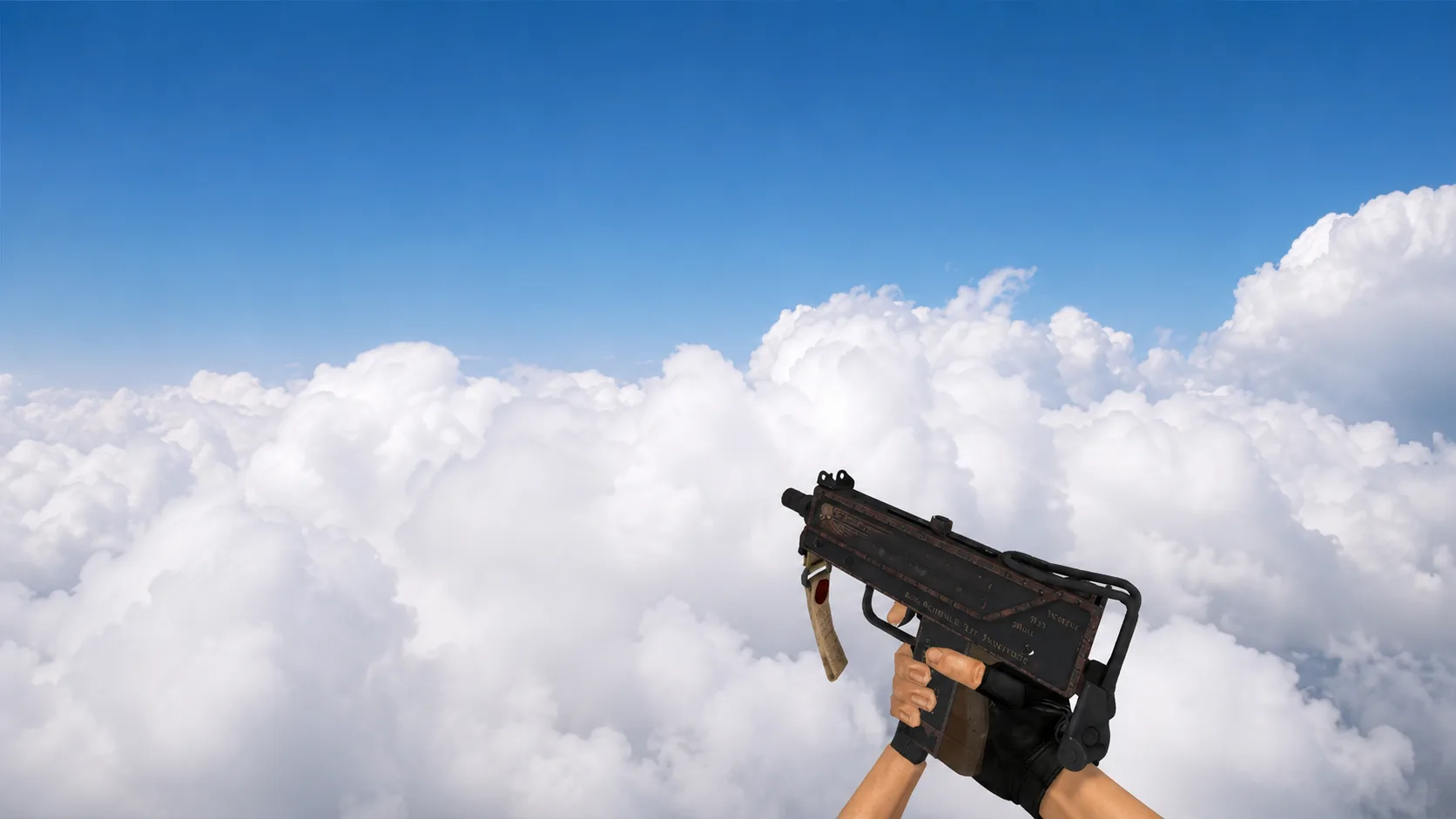
MAC-10 "Silver Boom" for CS 1.6
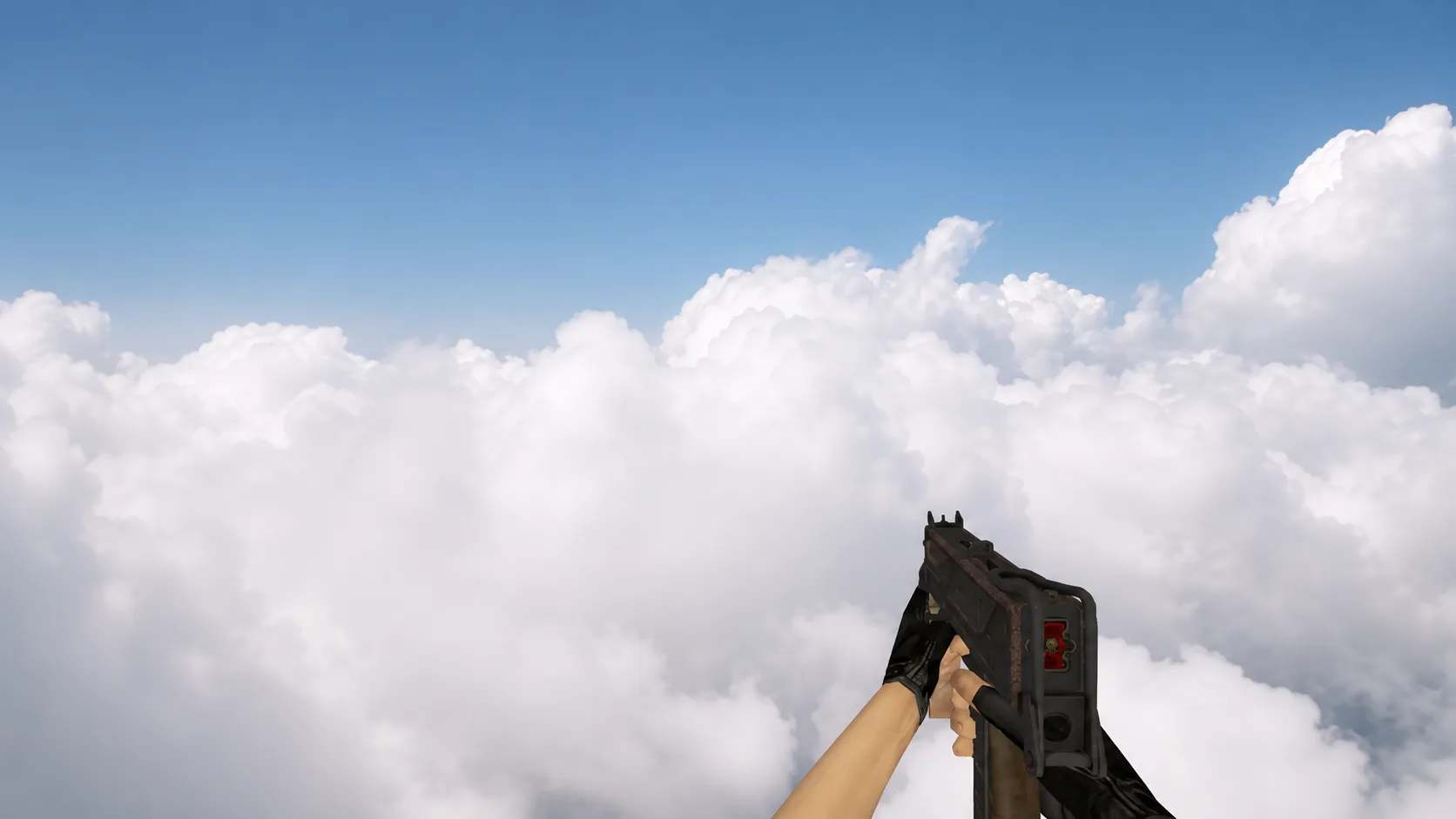
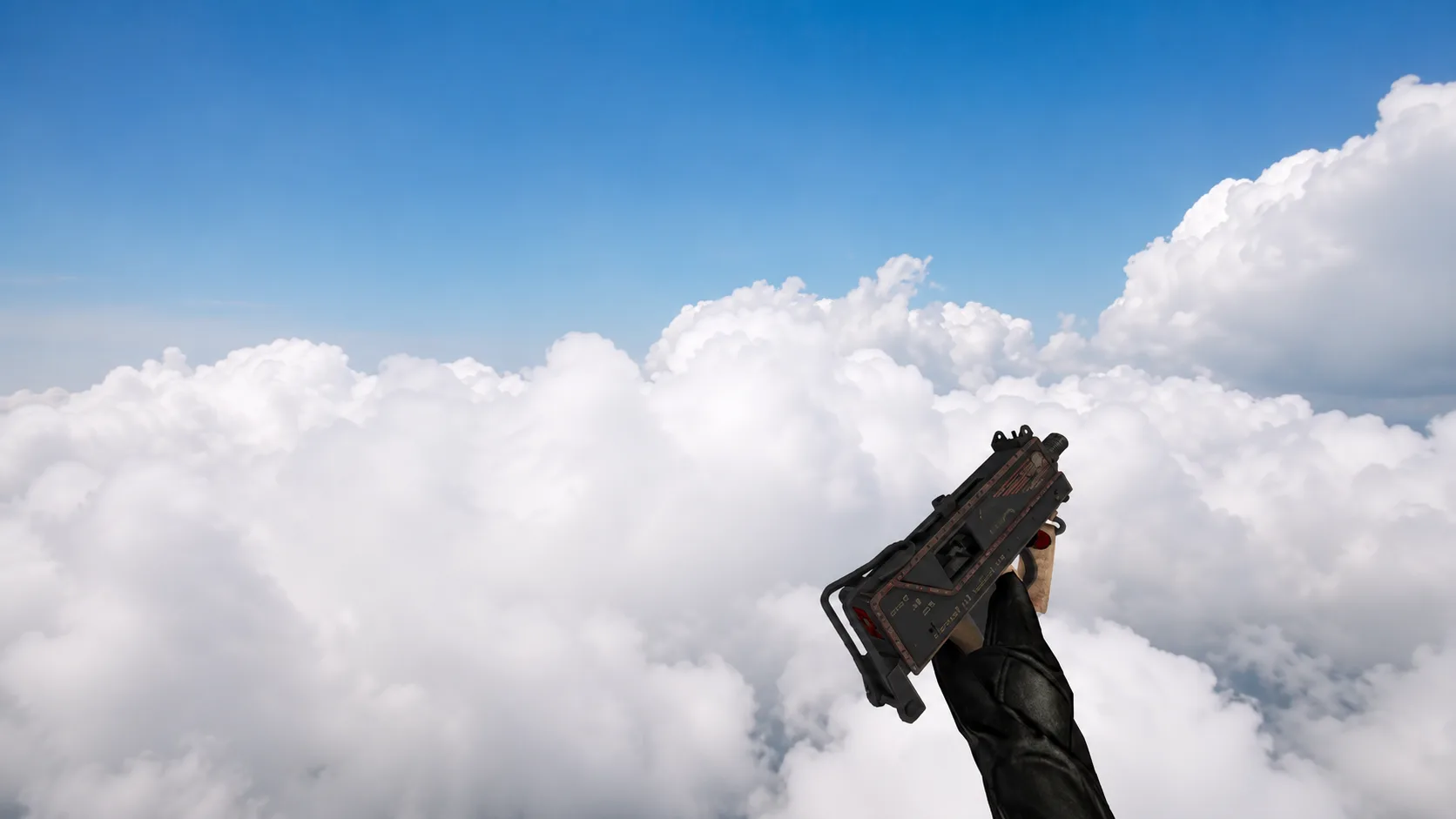
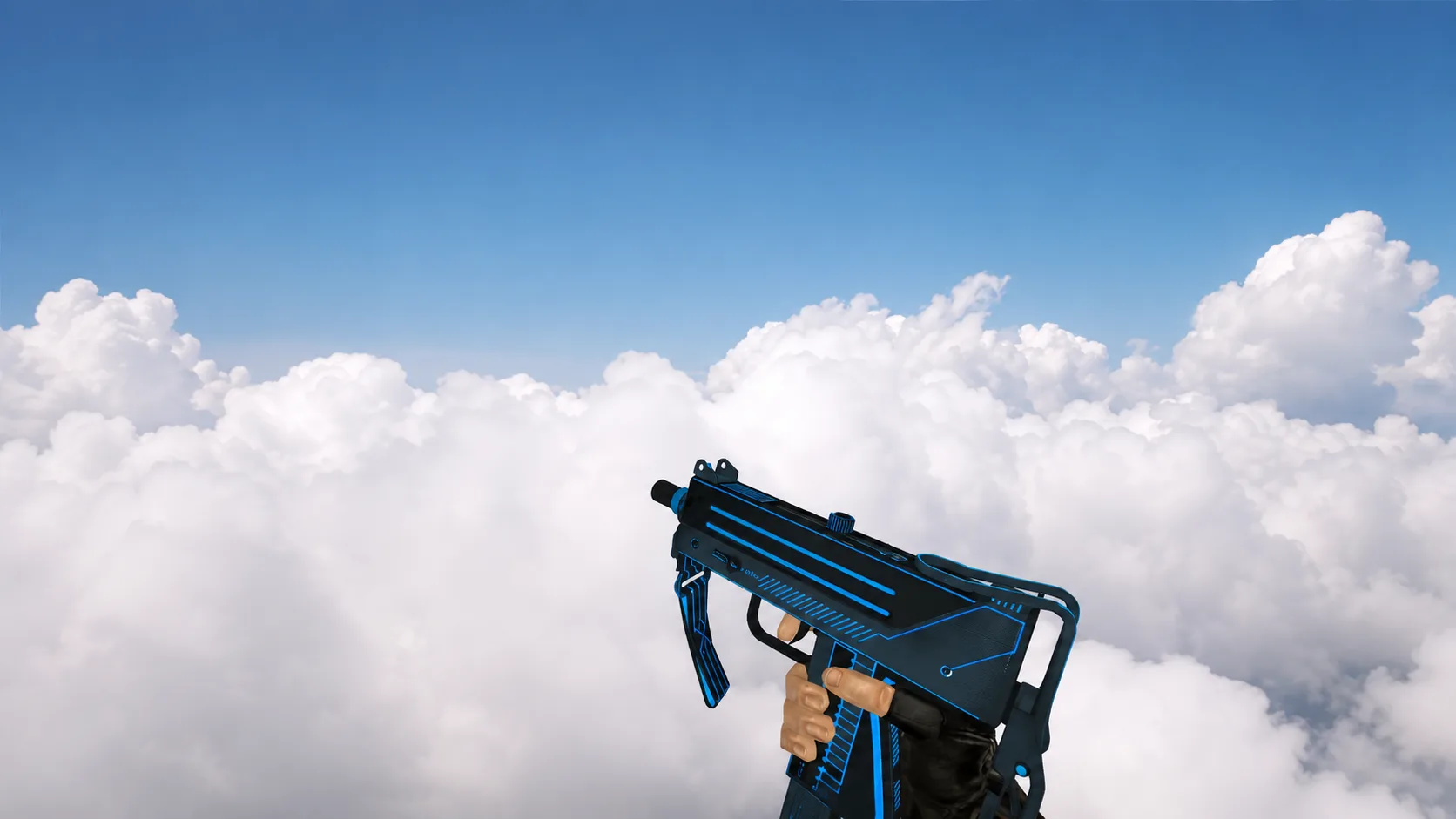
Download the MAC-10 “Silver Boom” model for CS 1.6 with a dark body, red inserts and a yellow BOOM inscription. Look at the screenshots and install it instead of the standard weapon.
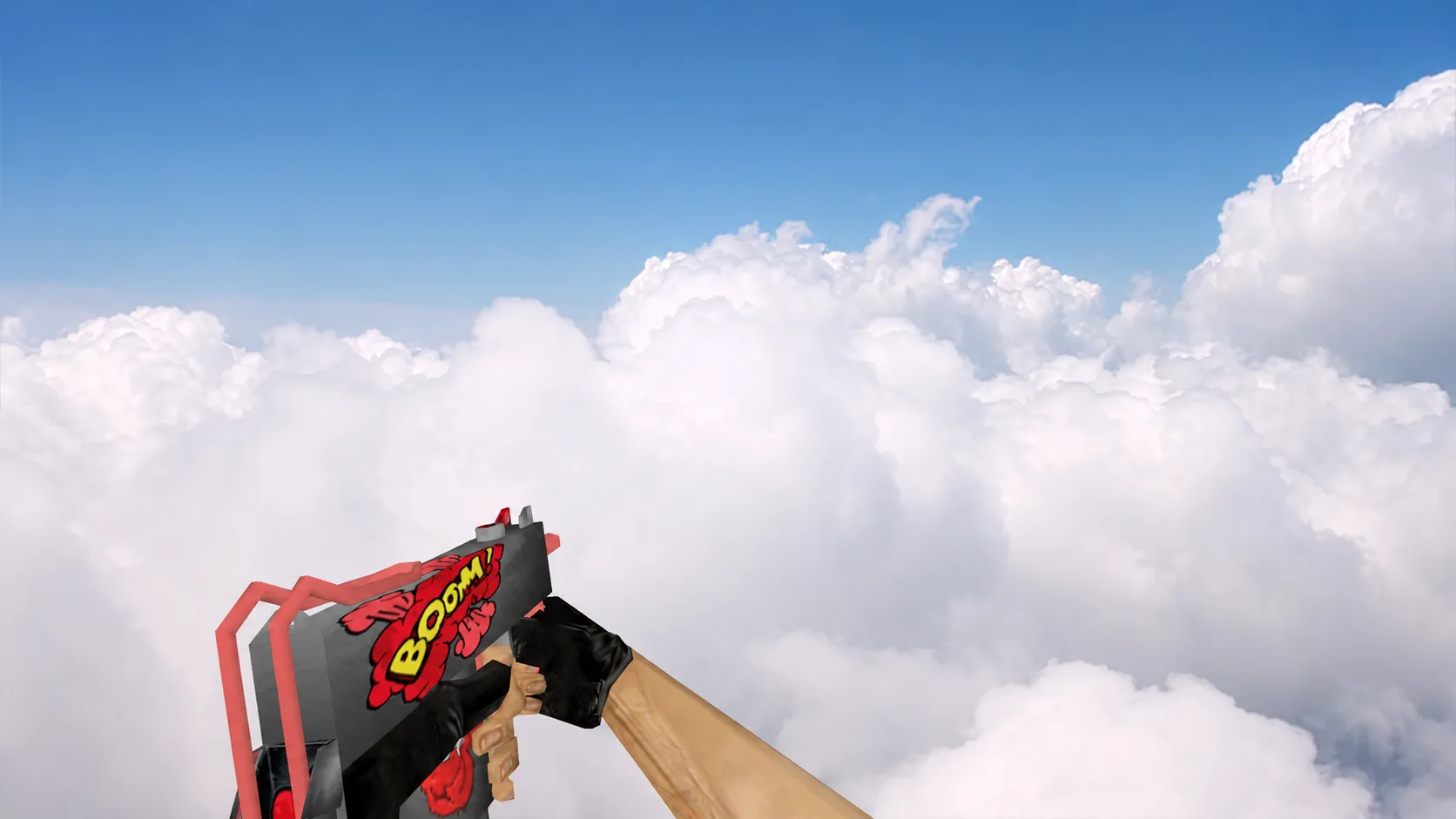
Bright custom skin for a submachine gun in CS 1.6. The dark gray body is complemented by a red stock and a comic print of an explosion with the inscription BOOM!. The player's standard black gloves have been retained.