 Russian
 Ukrainian
 English
 Polish
How to install:
Download the archive with the modification and unpack it to a convenient location on your computer.
Move the model file (with .mdl extension) to the folder cstrike/models in your game directory, confirming the replacement of the original file.
We recommend that you read the instructions first “How to install skins on weapons in CS 1.6”.
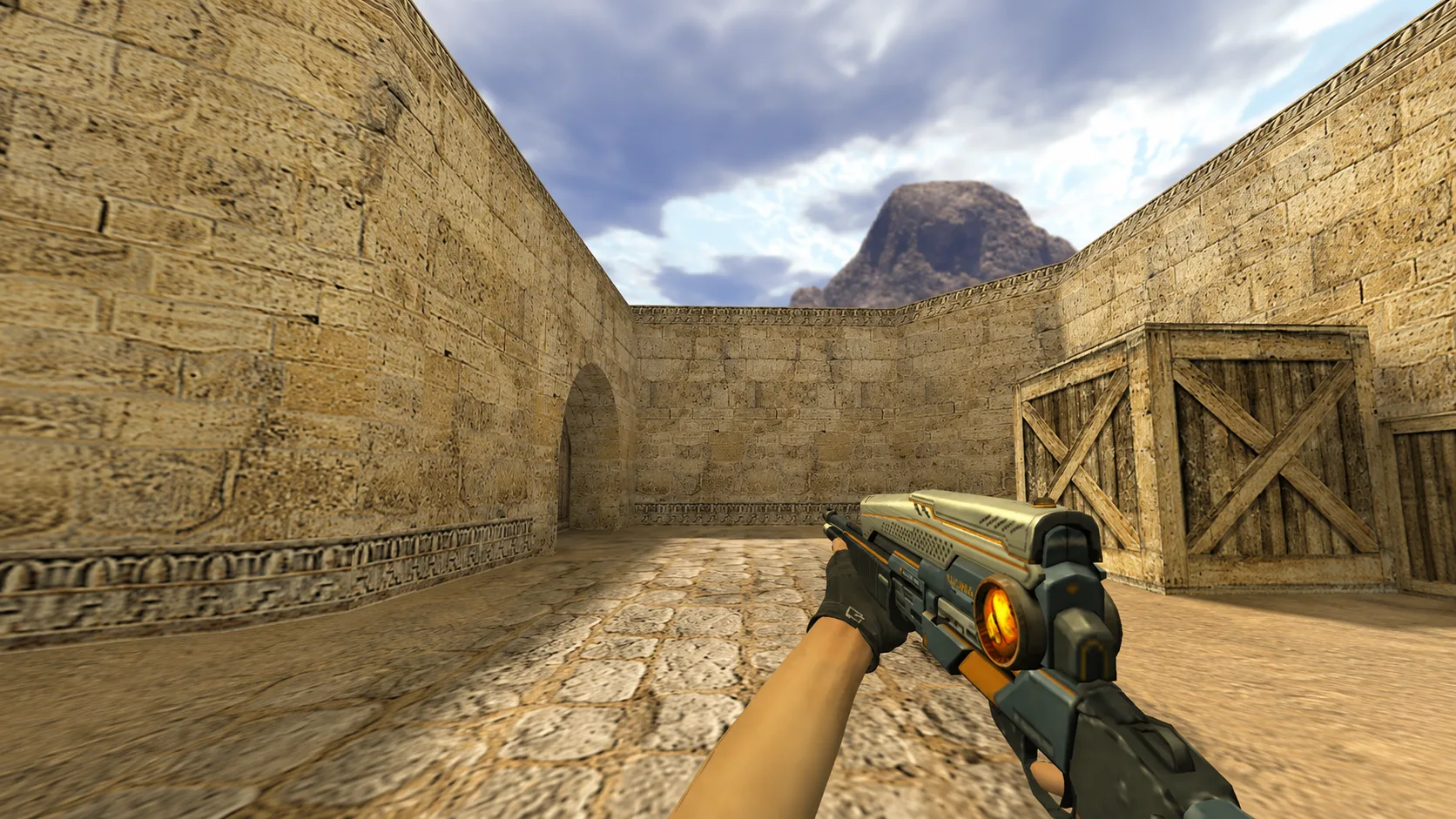
Model Balrog XI Blue for CS 1.6
The Balrog XI Blue model for CS 1.6 replaces the standard shotgun with a bright blue design and spectacular animation. Download and install in a couple of minutes!
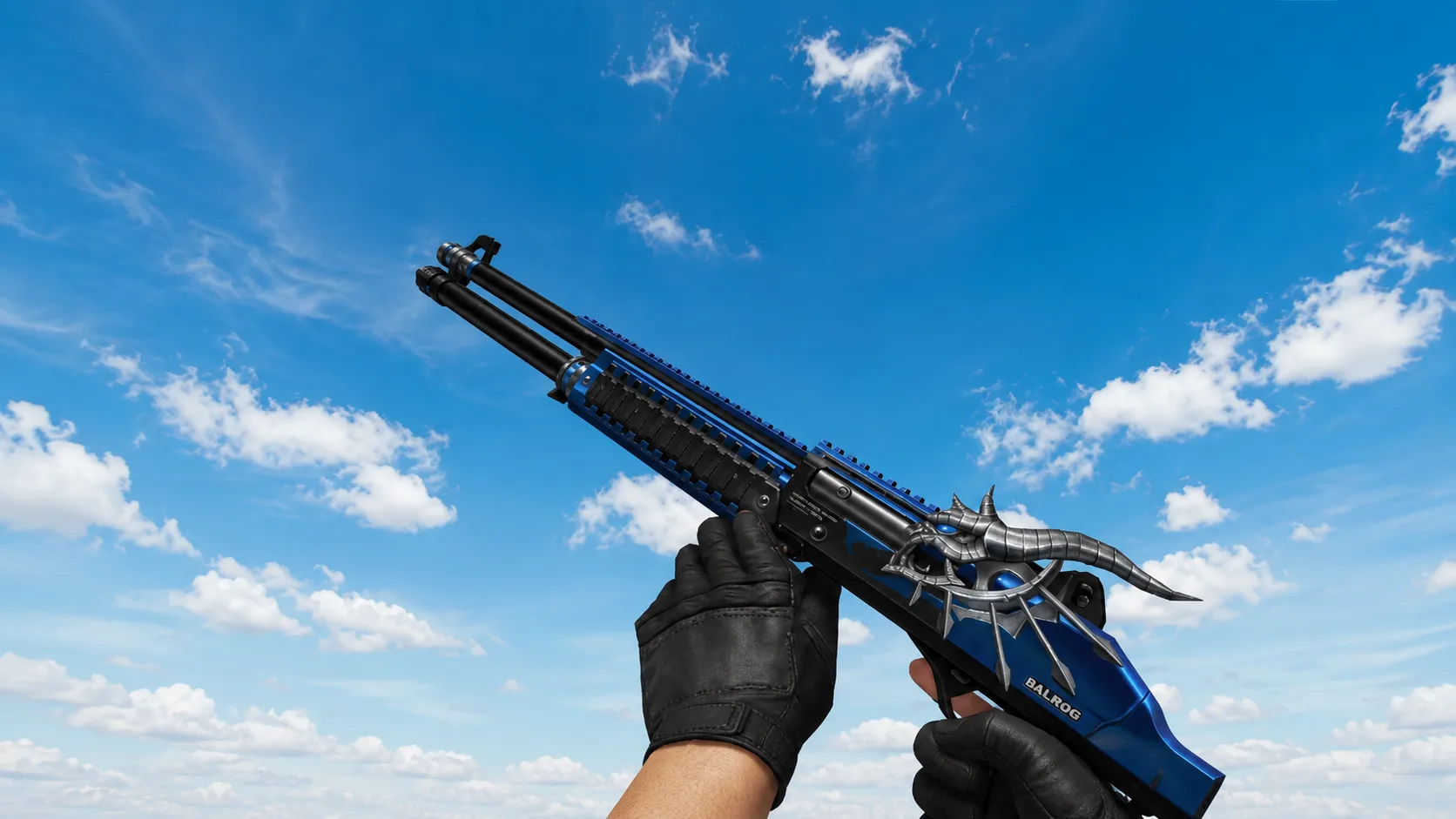
Cold metal Balrog XI Blue captivates with its blue and black style. The main feature is the massive head of a horned demon with a burning eye. The fantasy geometry of the weapon left no trace of the boring original. Take this unusual gun into your game!