 Russian
 Ukrainian
 English
 Polish
How to install:
Download the archive with the modification and unpack it to a convenient location on your computer.
Move the model file (with .mdl extension) to the folder cstrike/models in your game directory, confirming the replacement of the original file.
We recommend that you read the instructions first “How to install skins on weapons in CS 1.6”.
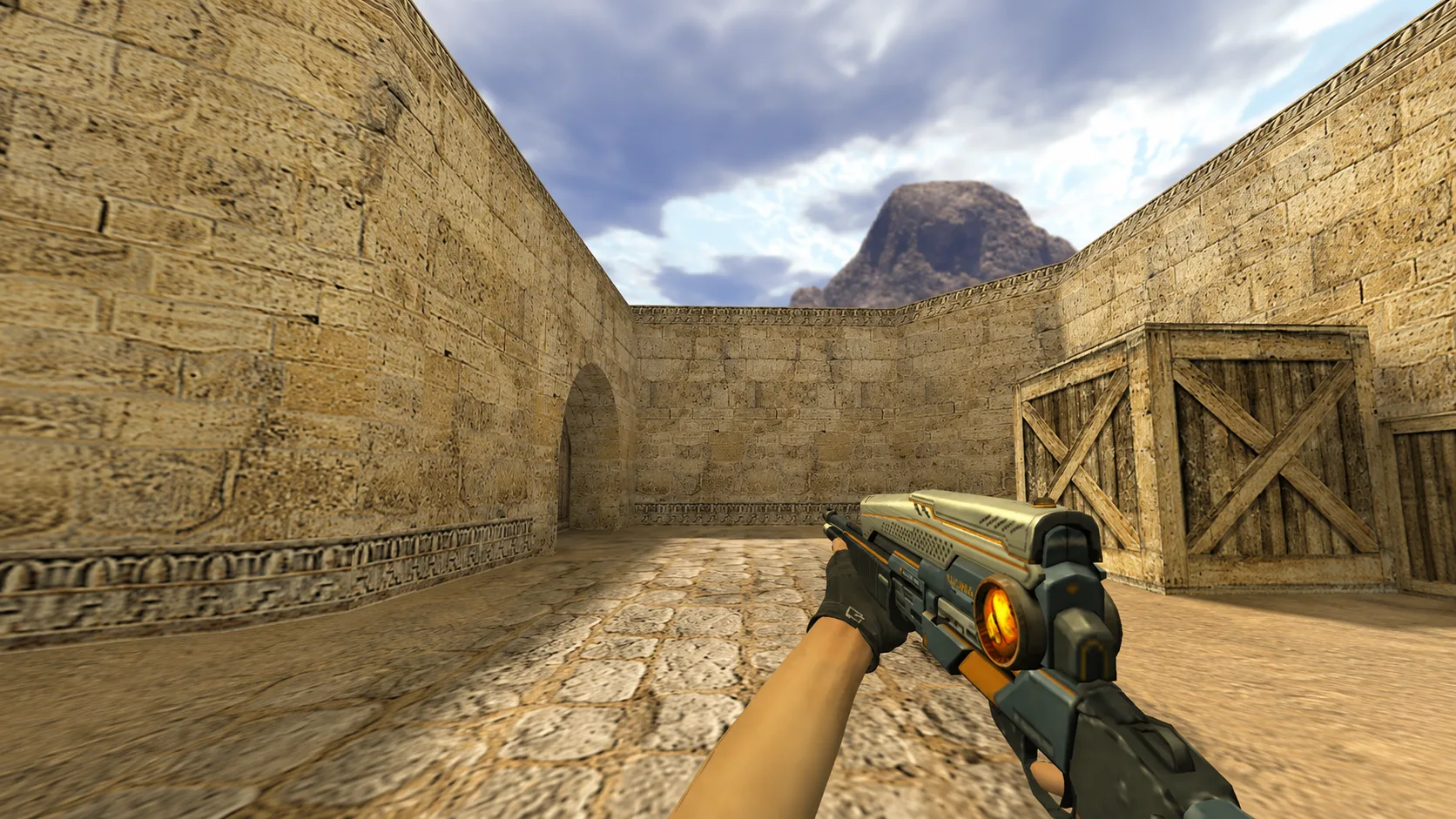
Model CSO Rail Cannon for CS 1.6
Model CSO Rail Cannon for CS 1.6 with a dark matte body, bright blue energy elements and yellow stripes instead of standard weapons, download it!

In front of you is a futuristic CSO Rail Cannon - The austere dark body is effectively complemented by a number of neon blue energy cells and contrasting yellow and black stripes. Arm yourself with high technology - download and install this model!