 Russian
 Ukrainian
 English
 Polish
How to install:
Download the archive with the modification and unpack it to a convenient location on your computer.
Move the model file (with .mdl extension) to the folder cstrike/models in your game directory, confirming the replacement of the original file.
We recommend that you read the instructions first “How to install skins on weapons in CS 1.6”.
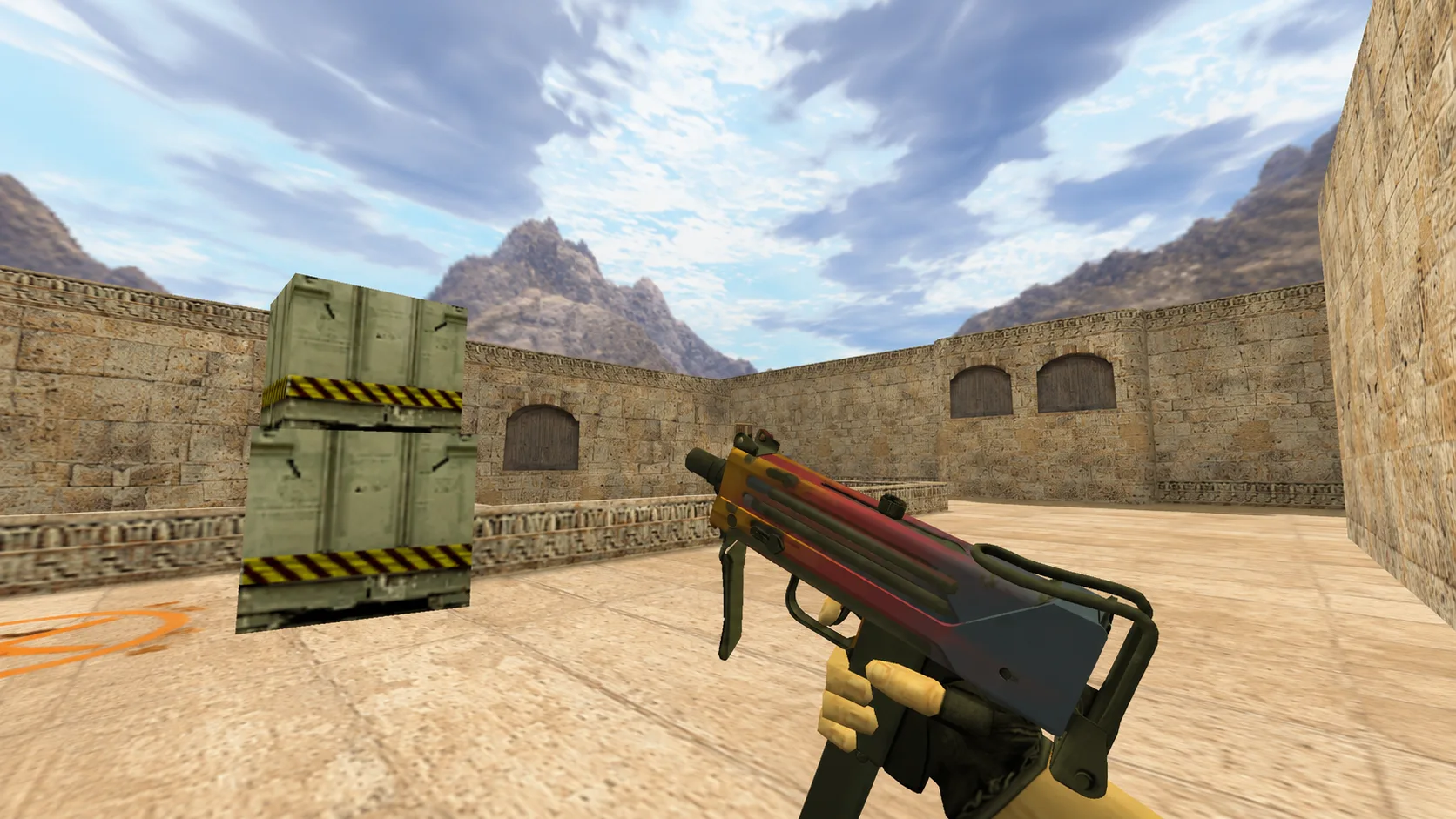
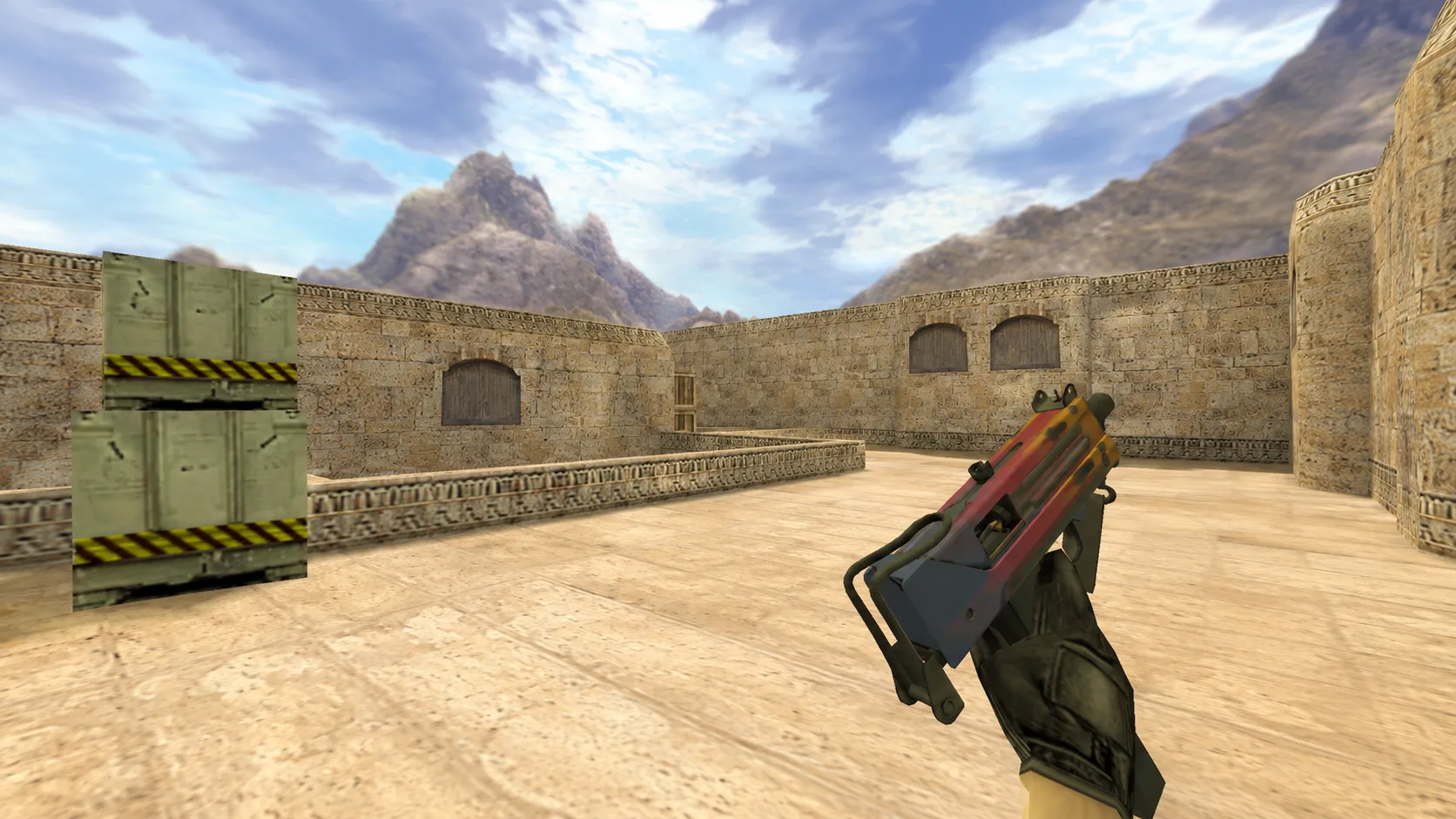
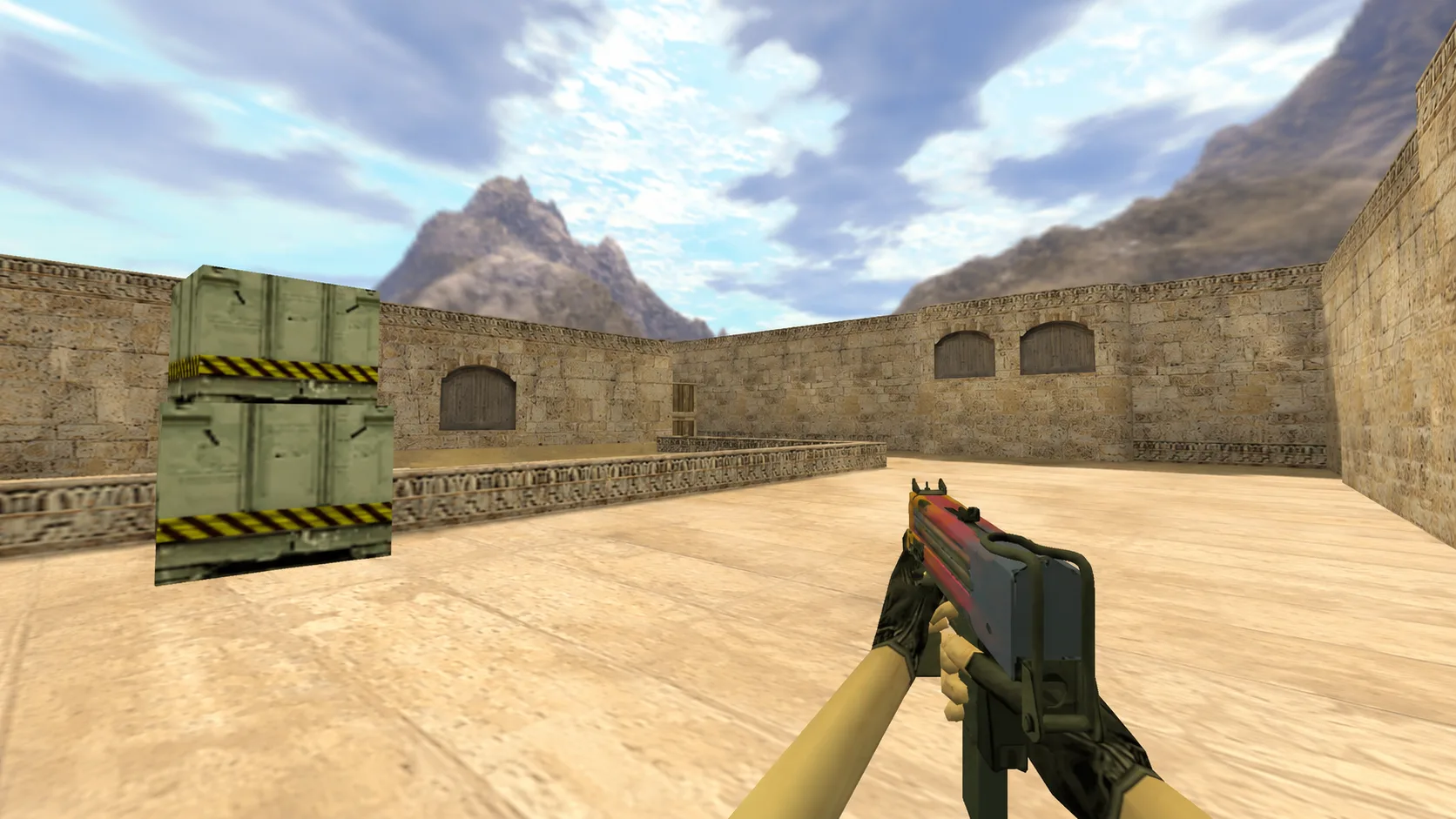
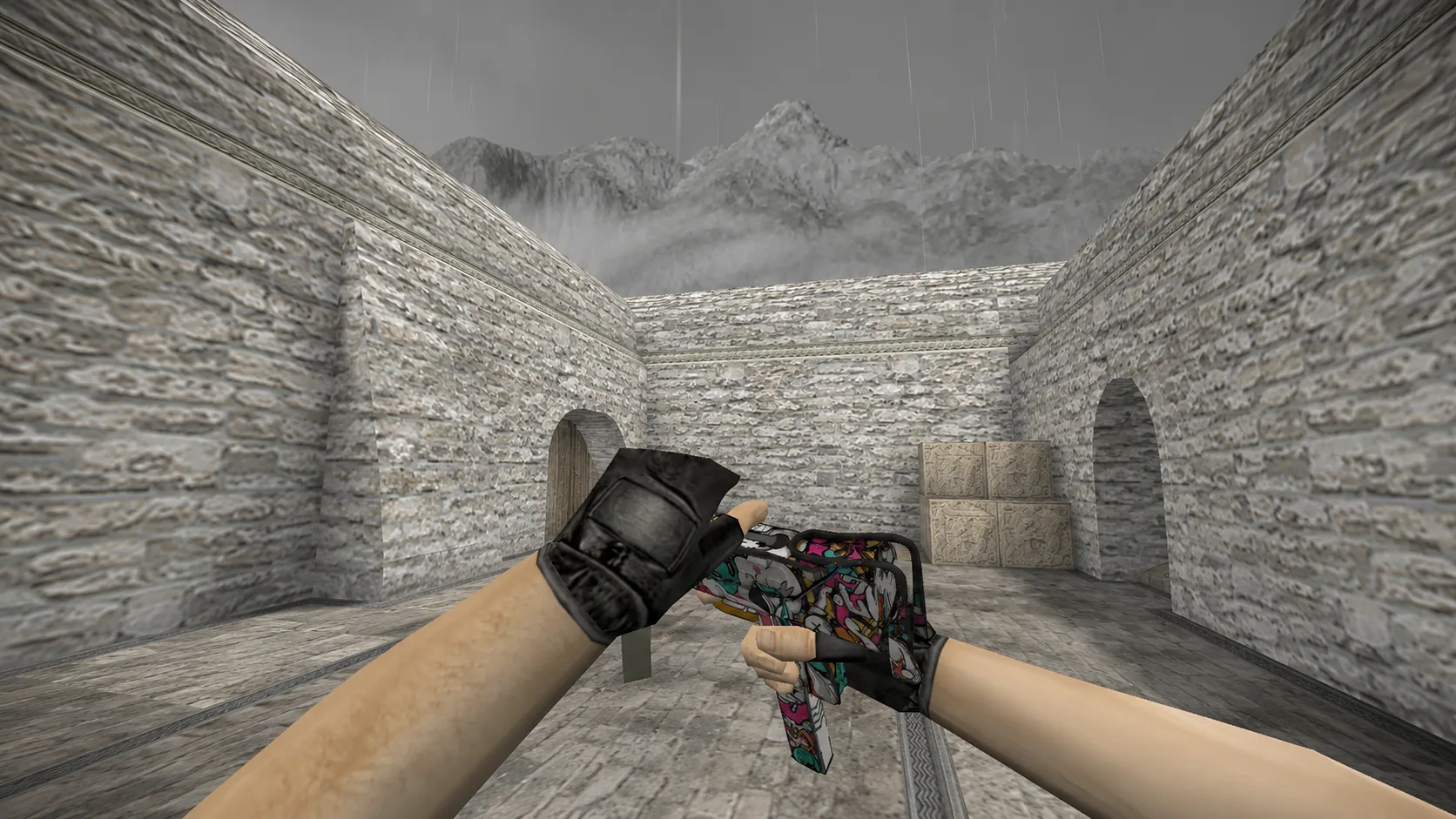
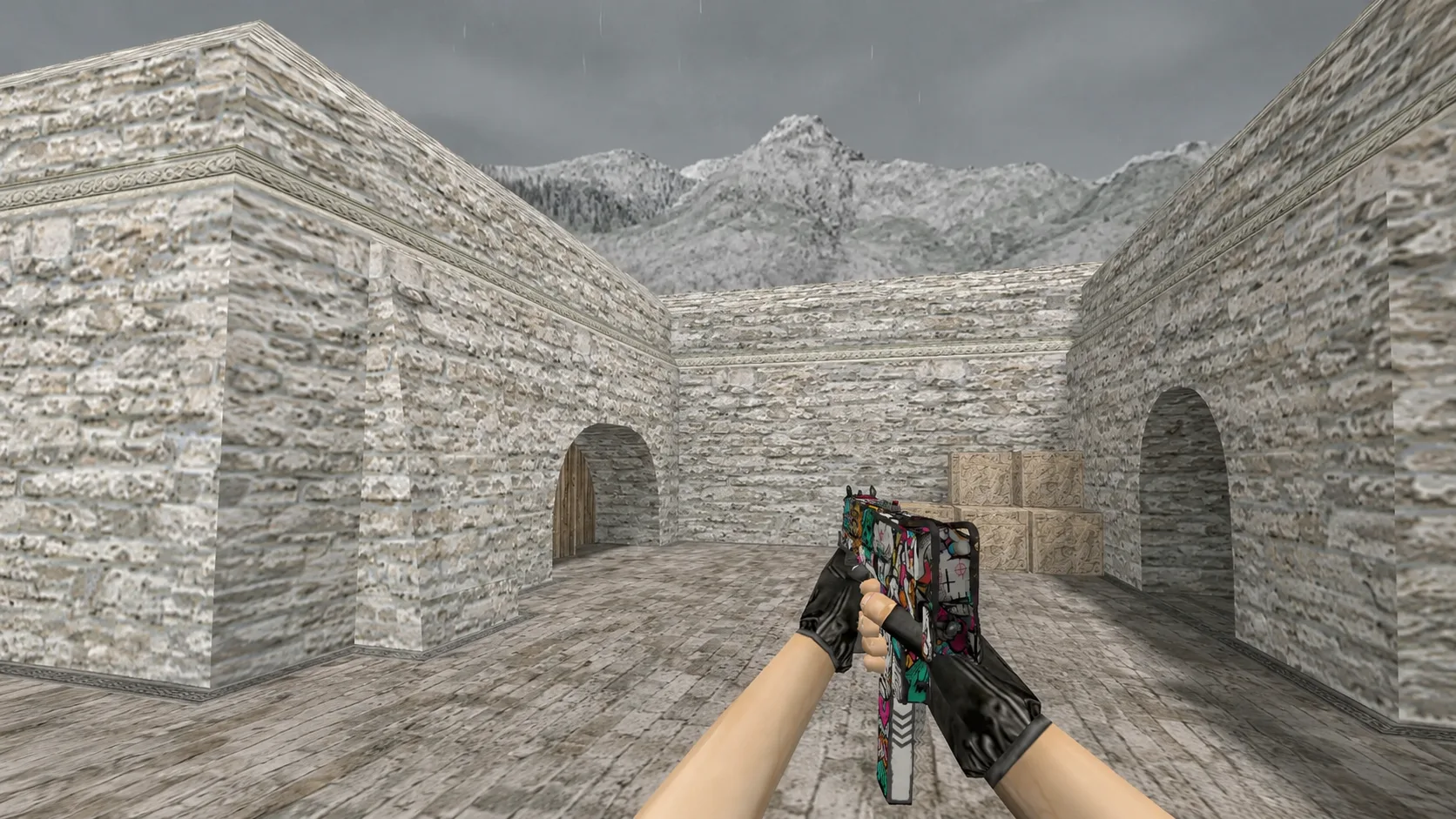
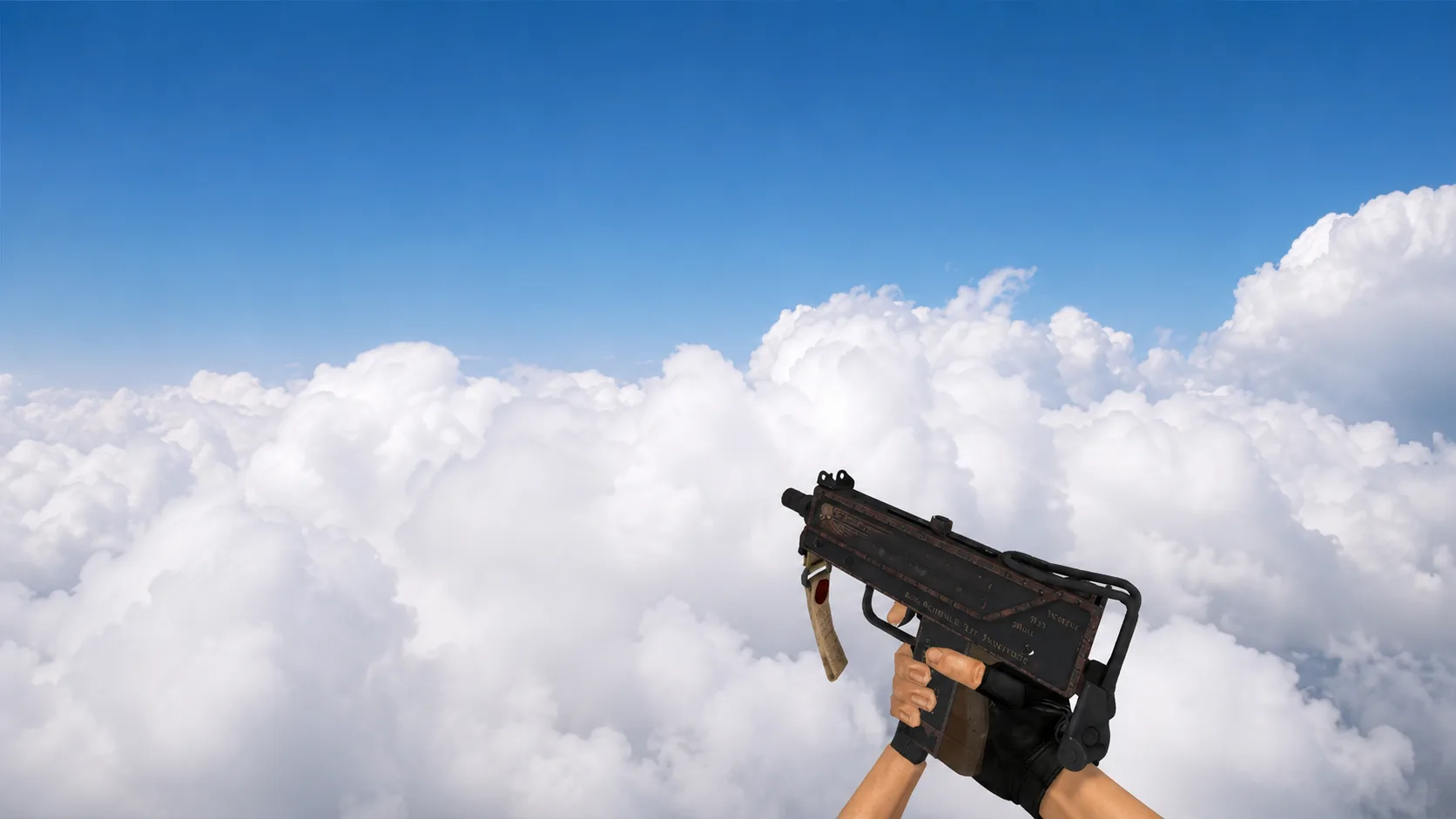
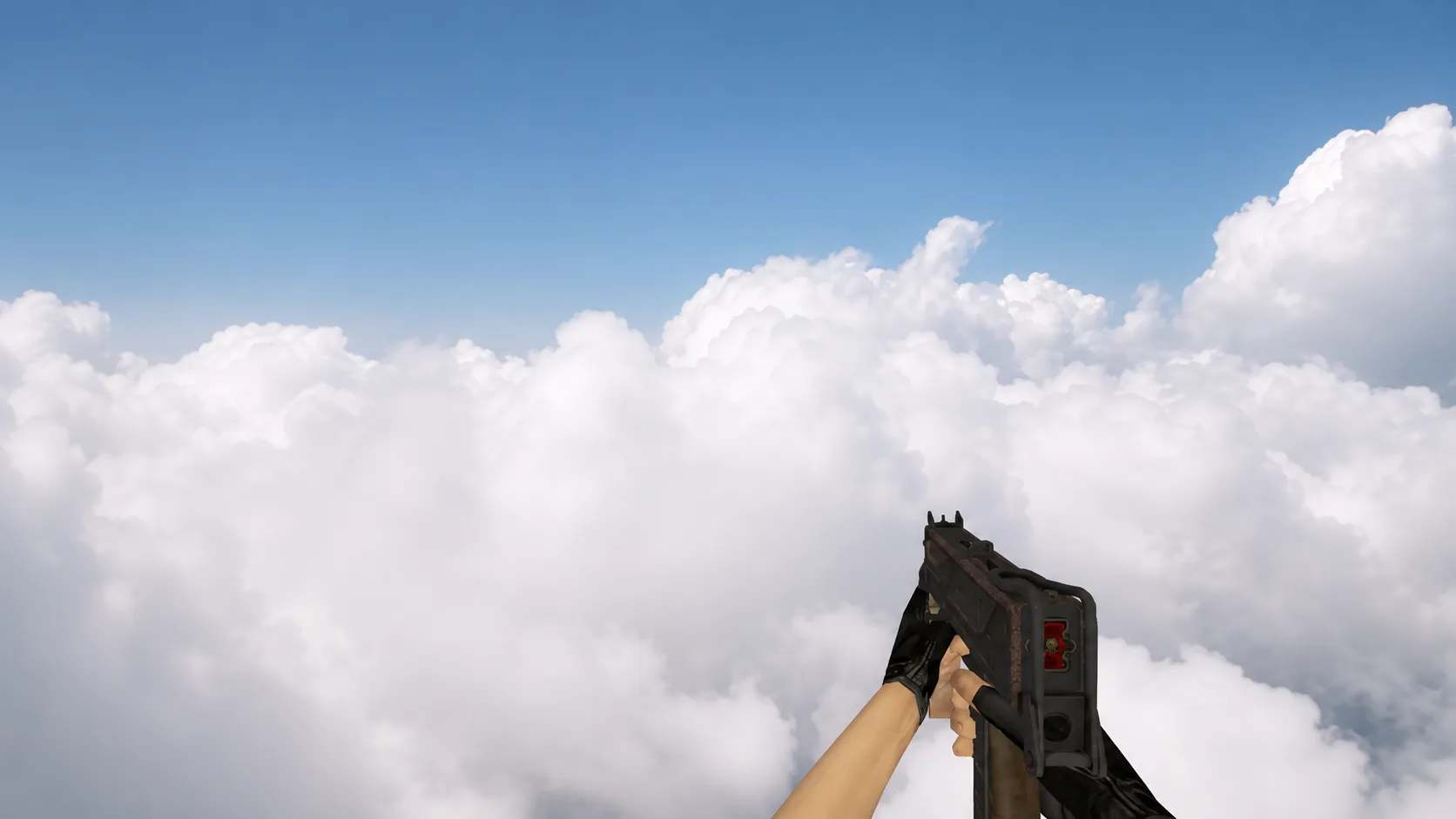
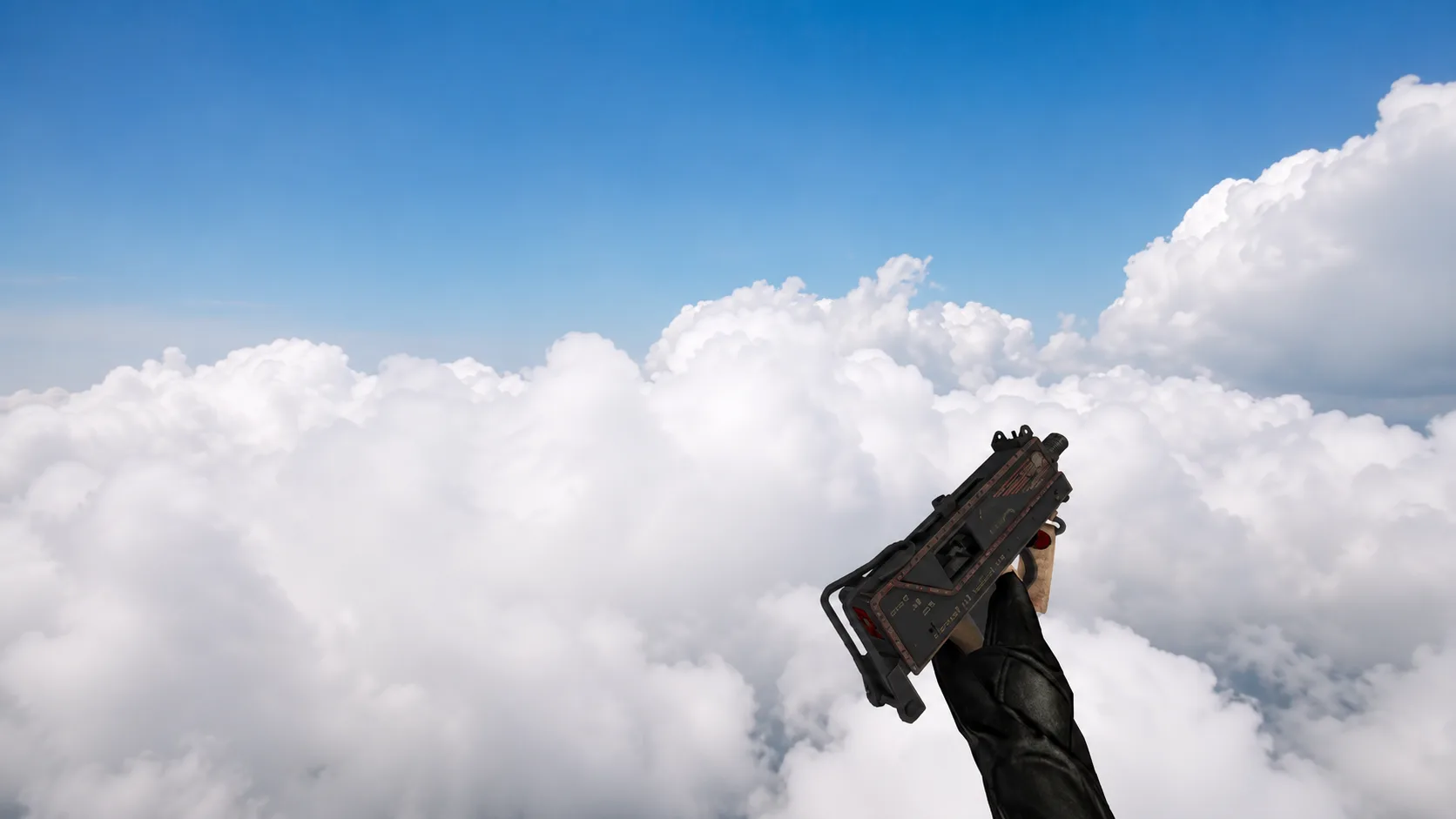
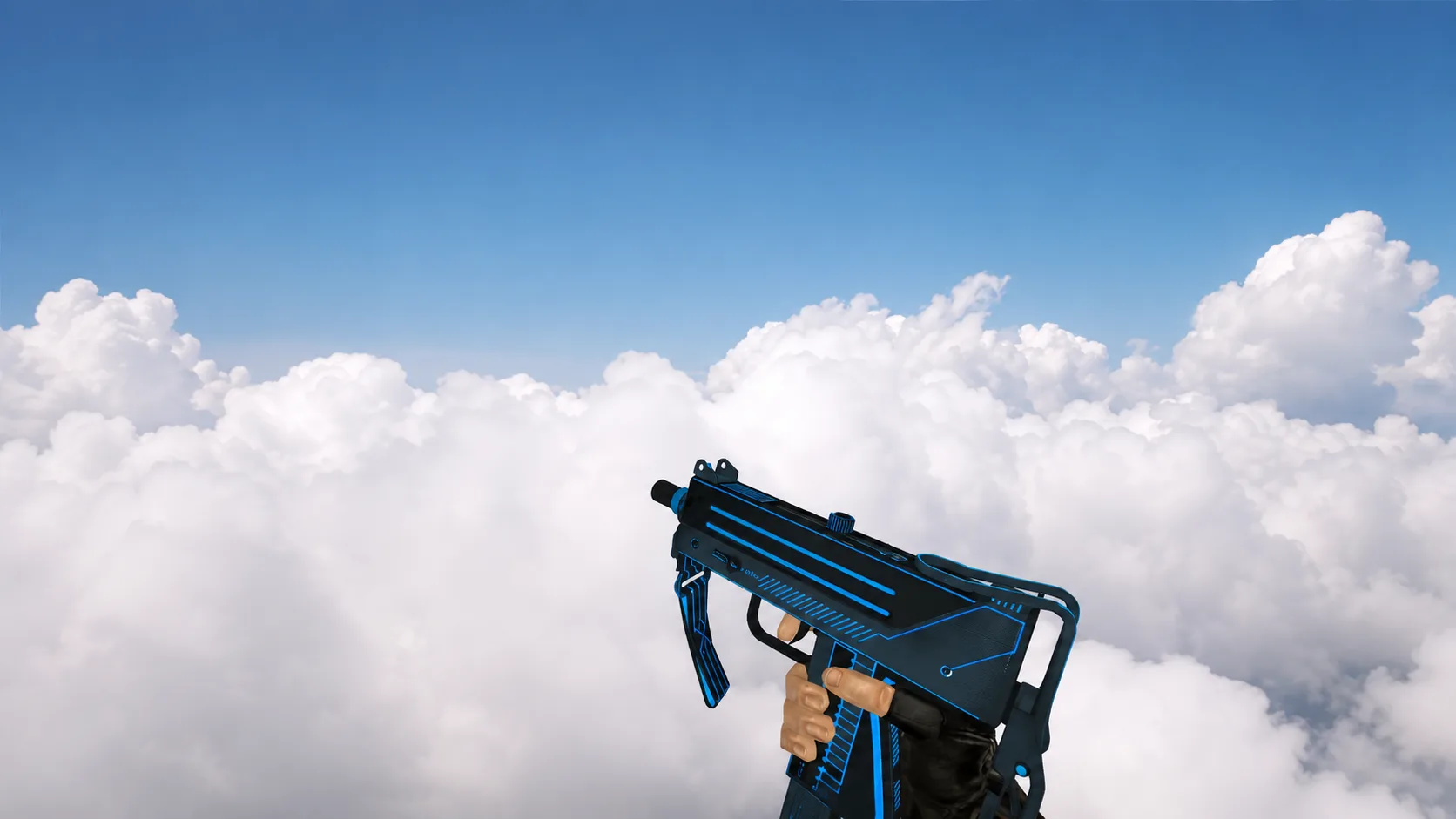
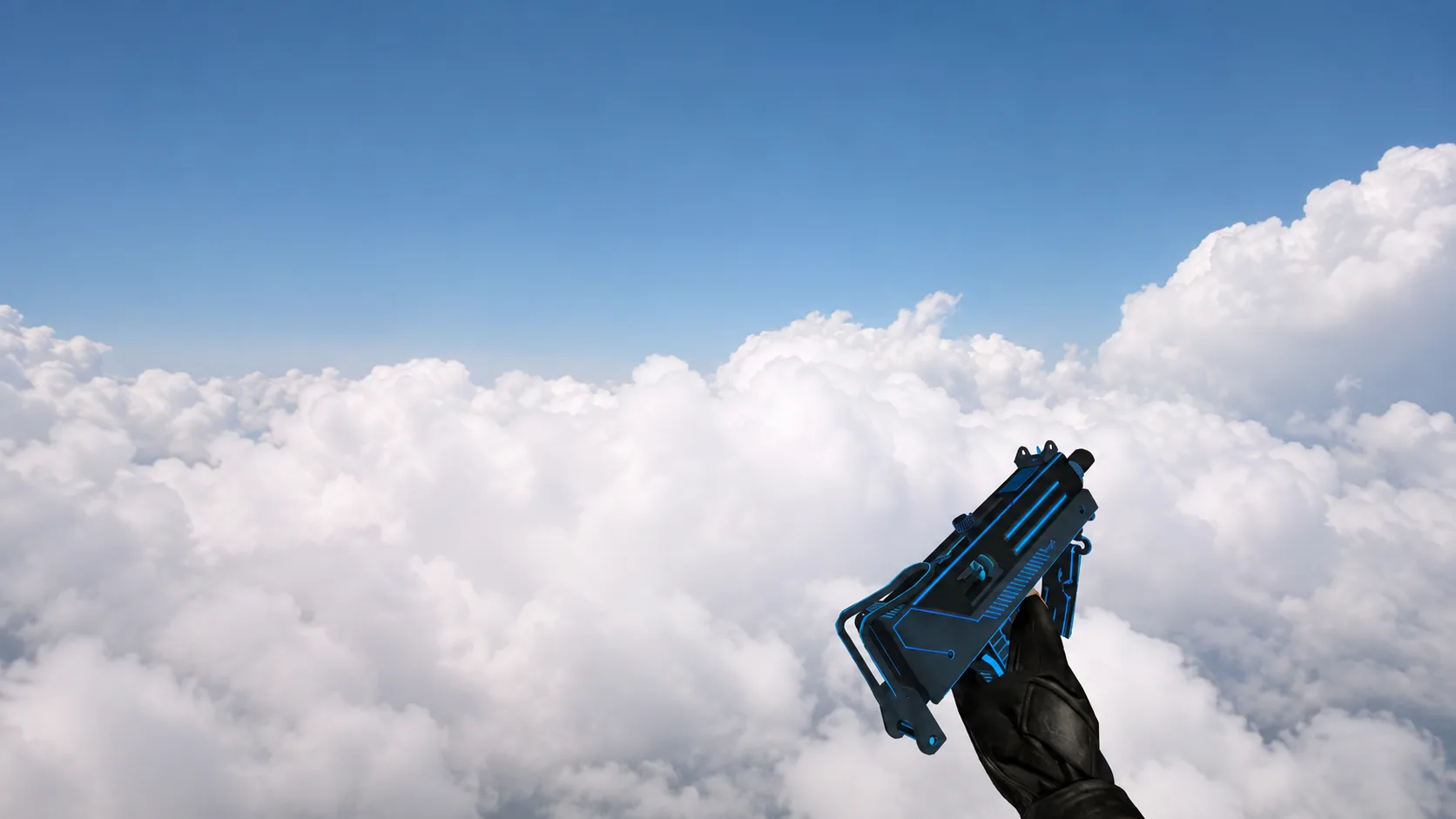
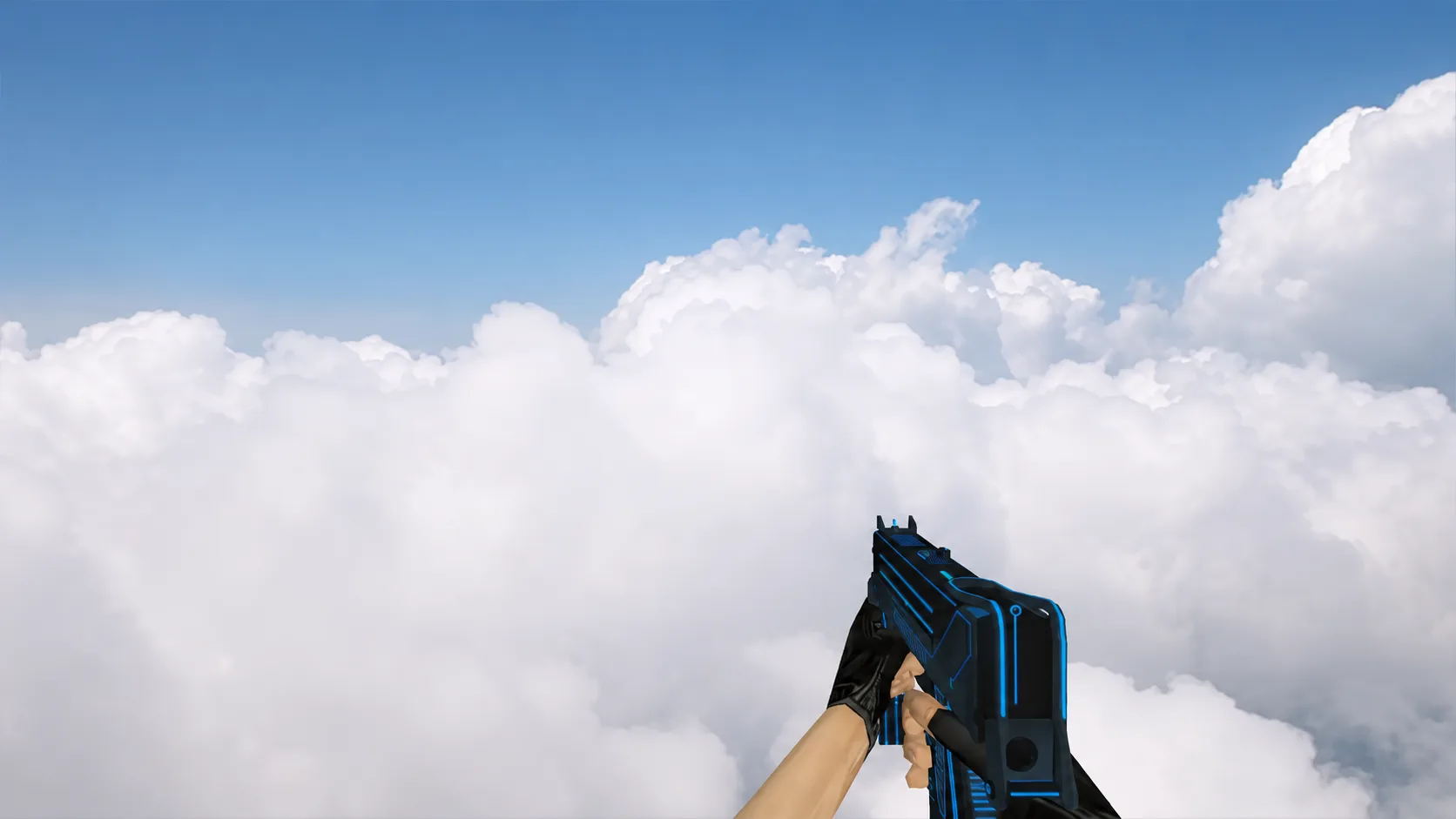
Model MAC-10 "Case Hardened" for CS 1.6
The MAC-10 "Case Hardened" skin for CS 1.6 has a metallic texture with blue and gold tints. Forget about the standard, download this model!
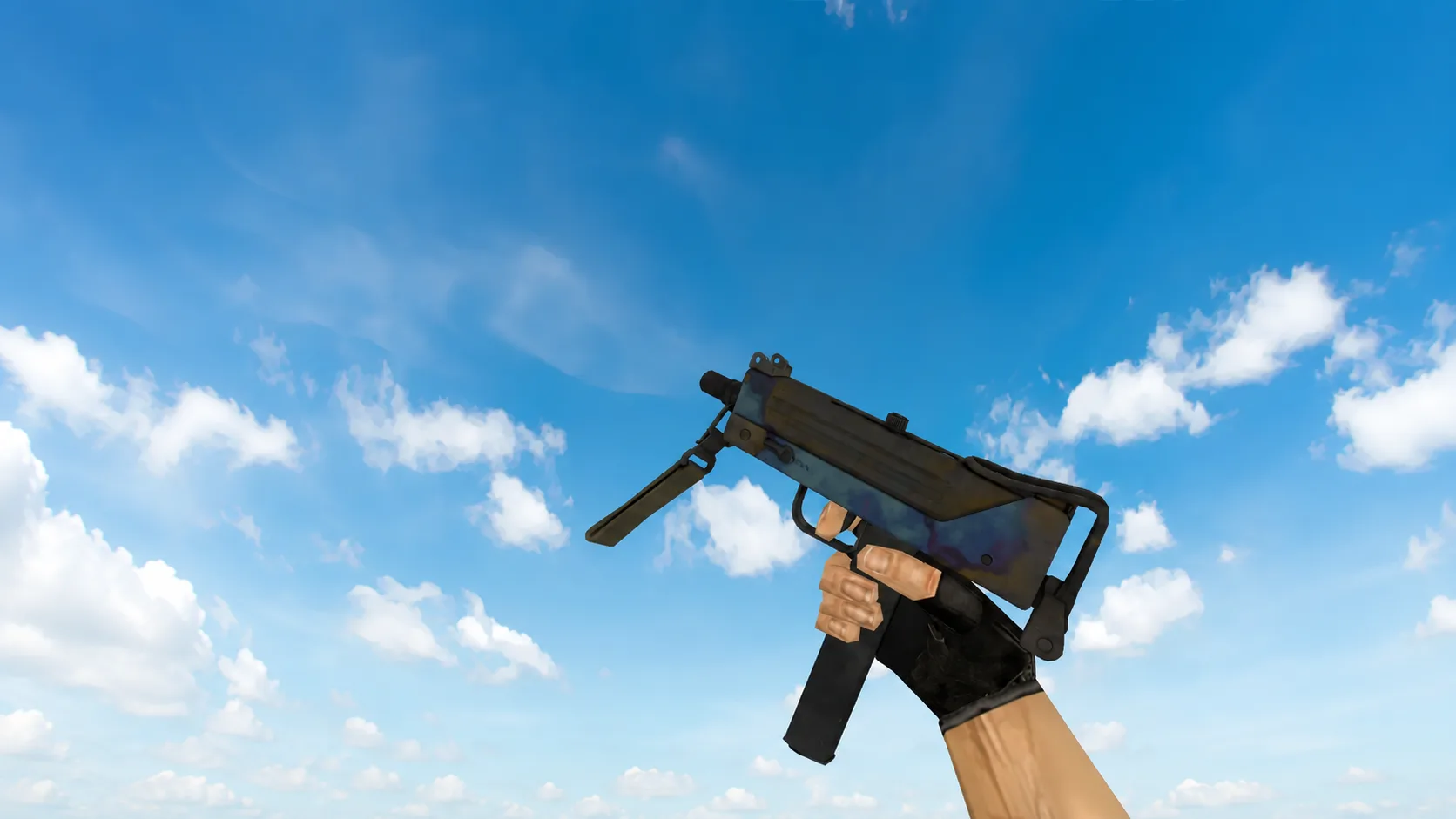
Realistic custom model of the MAC-10 submachine gun for CS 1.6. The receiver has a hardened metal texture with characteristic blue, purple and gold spots. The modification includes classic models of hands with gloves and black matte body parts.