 Russian
 Ukrainian
 English
 Polish
How to install
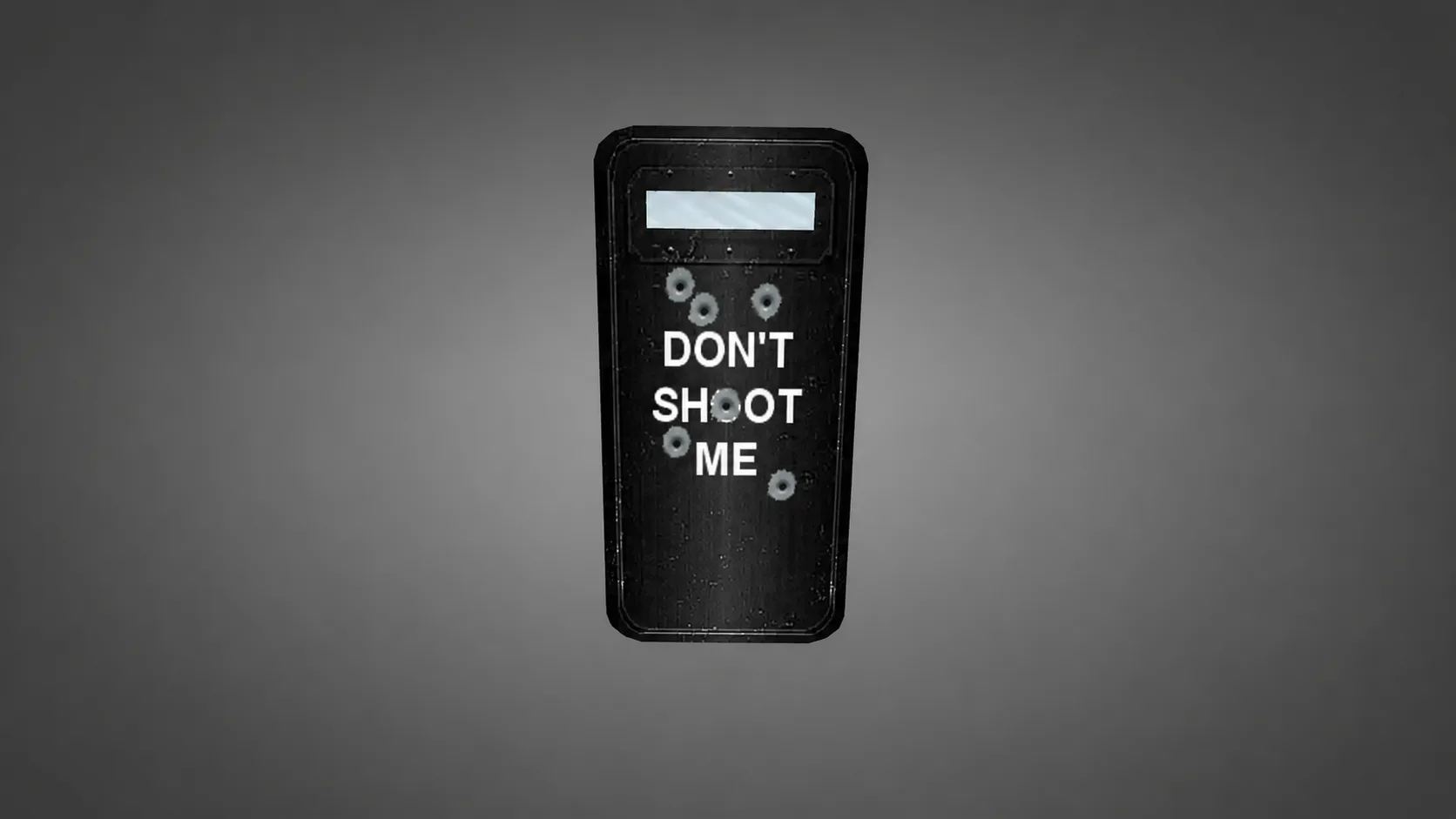
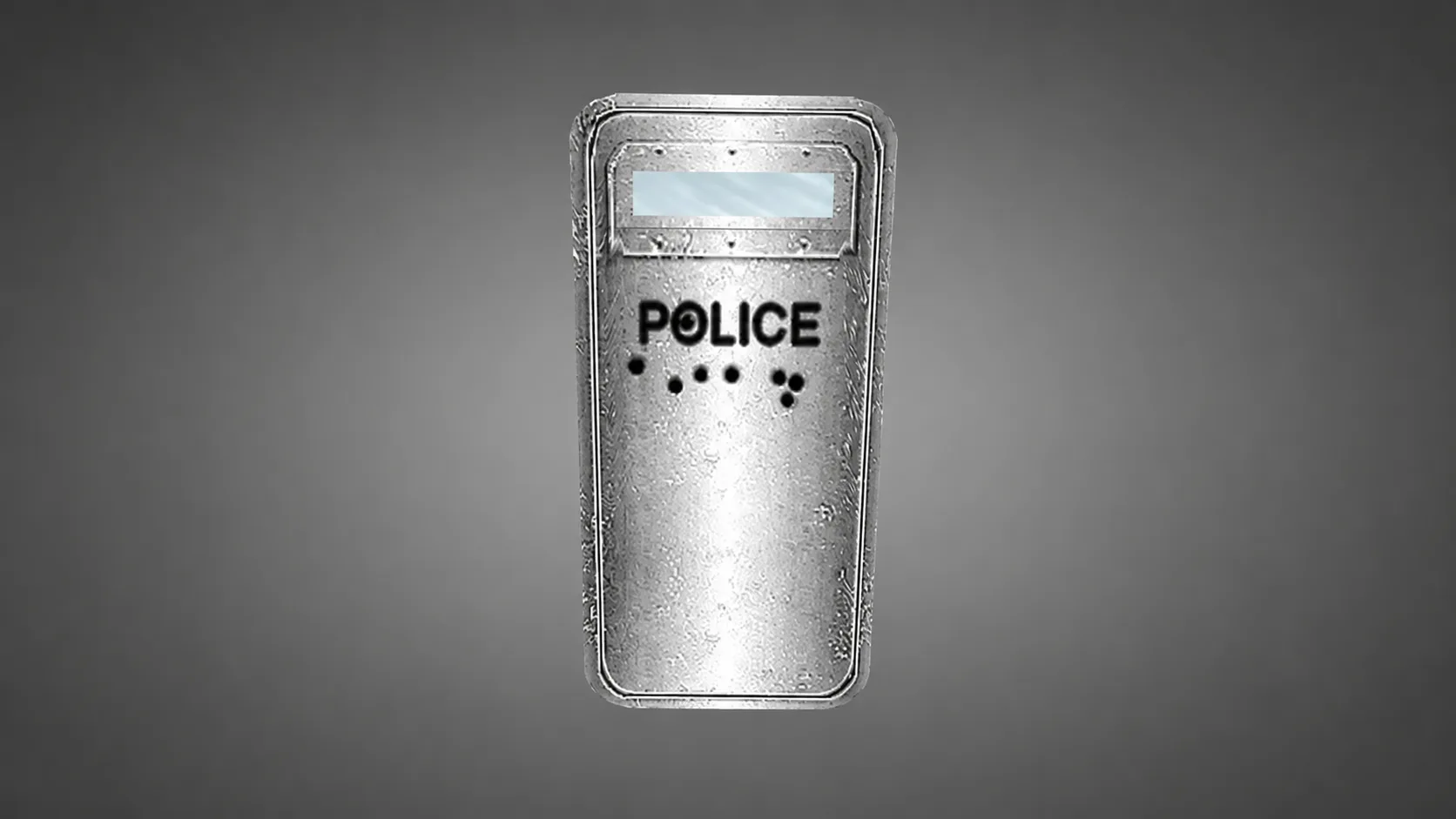
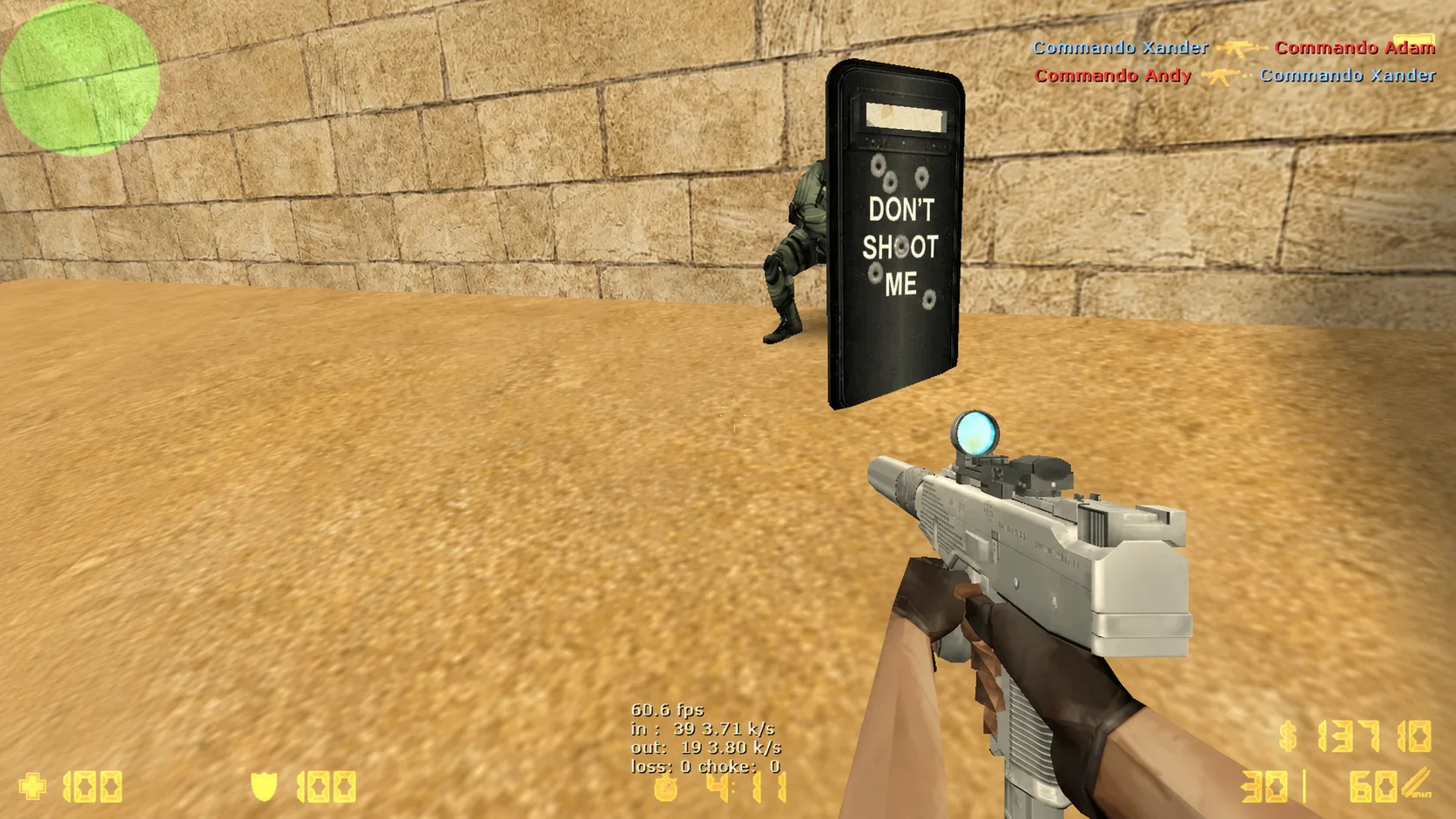
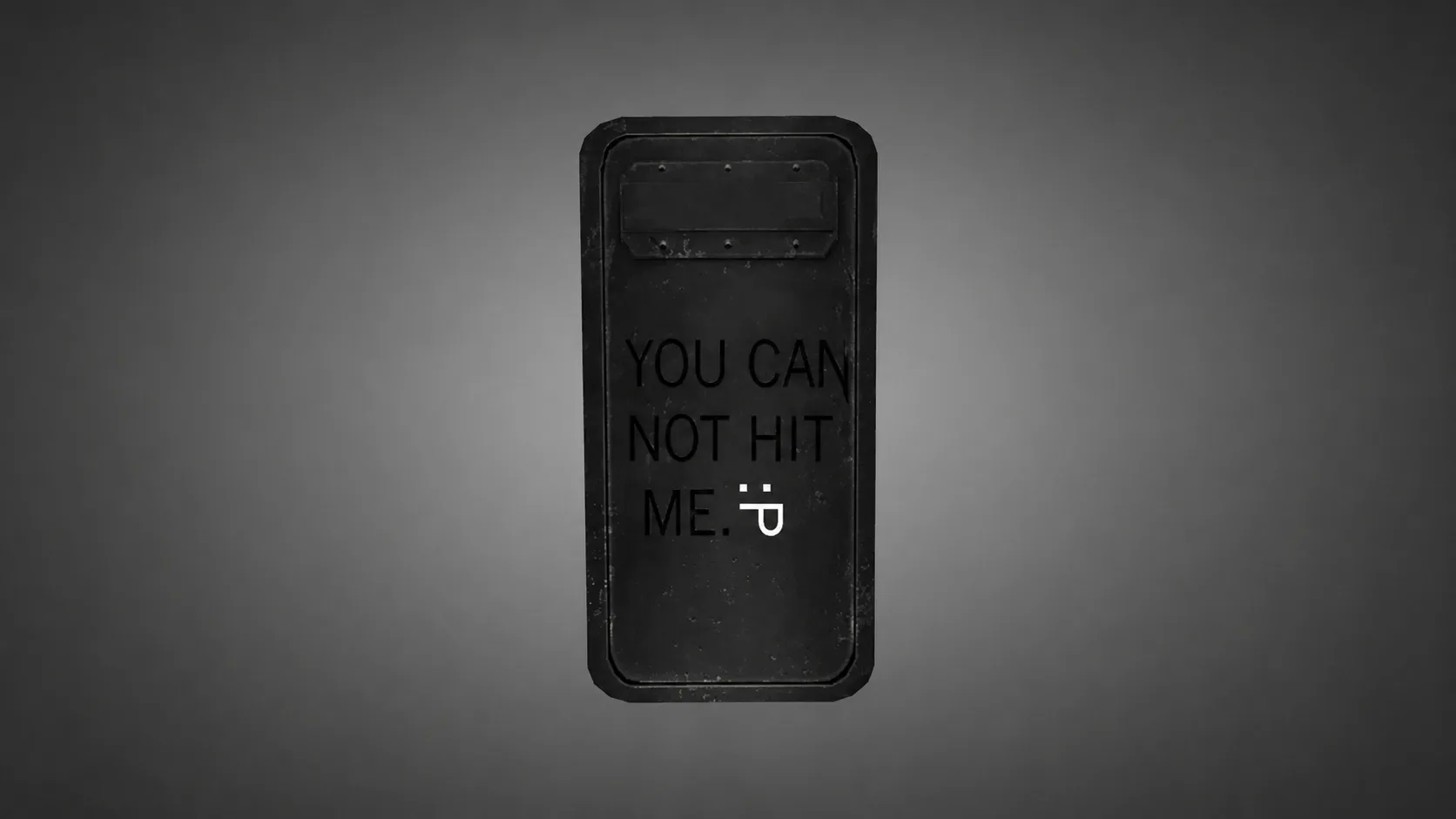
Installation is very simple. Extract files with the extension from the archive .mdl and copy them to a folder cstrike/models your game.
If this is your first time installing models or skins for CS 1.6, we recommend that you read the instructions first “How to install skins on weapons in CS 1.6”.