 Russian
 Ukrainian
 English
 Polish
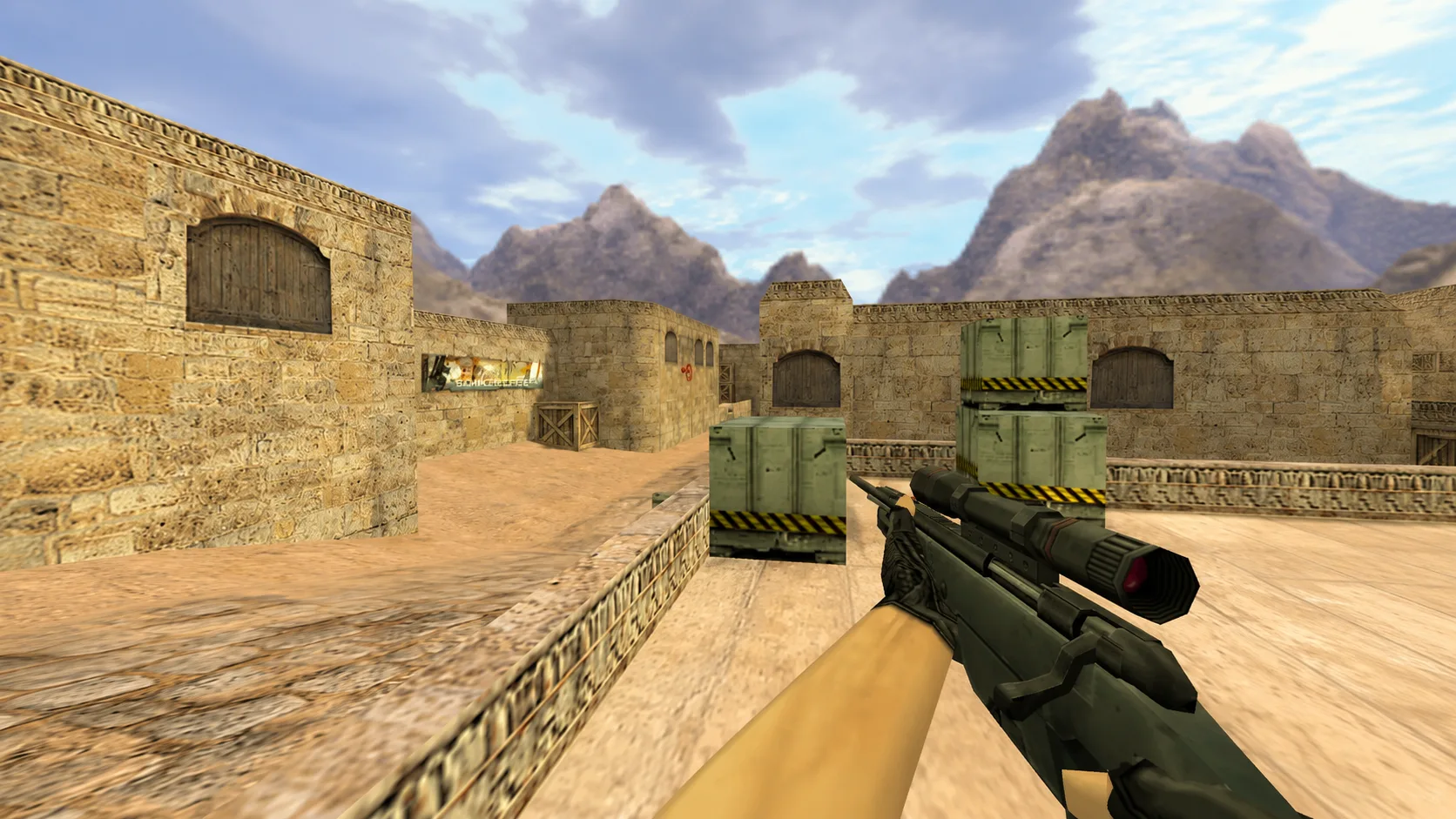
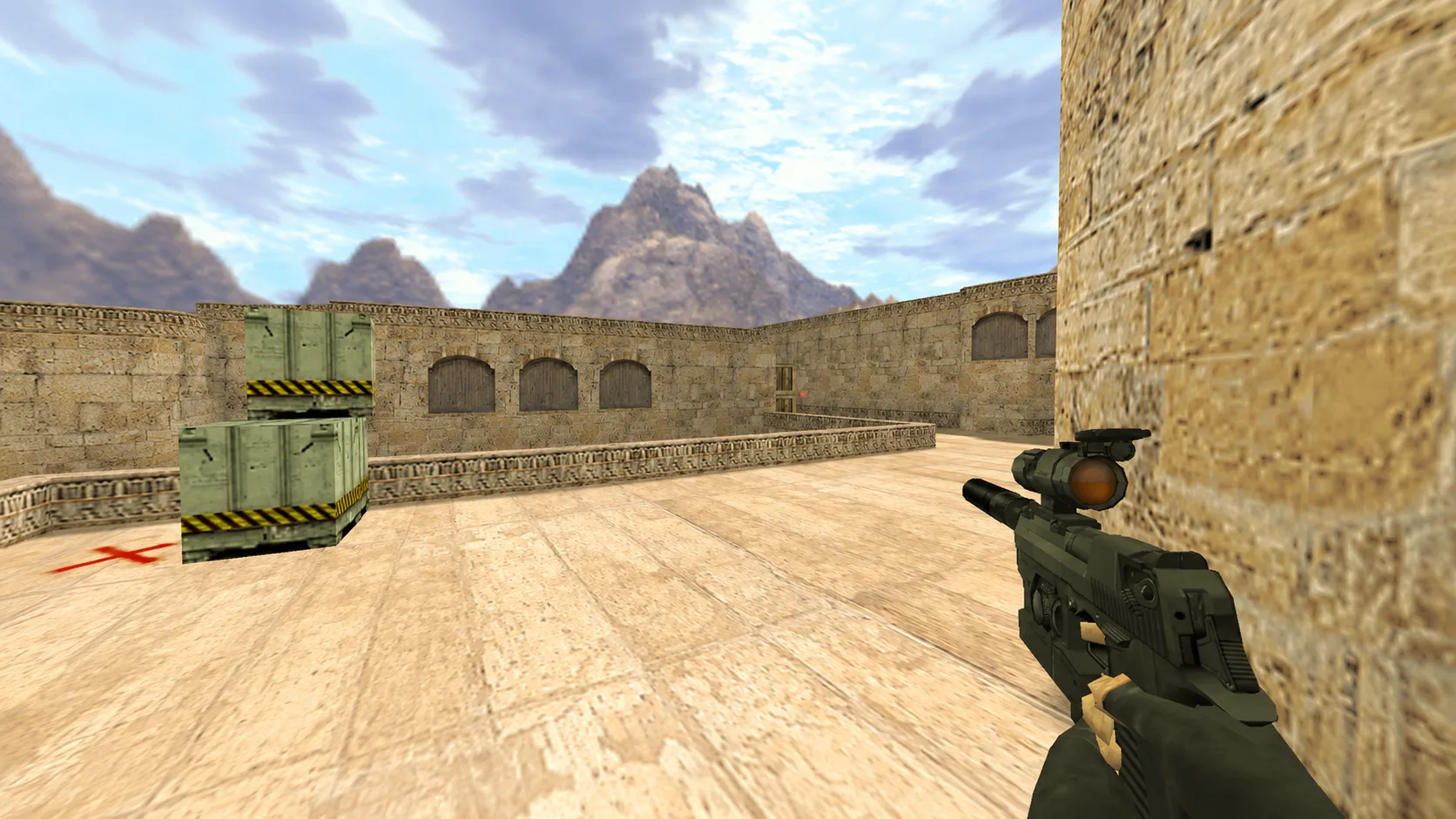
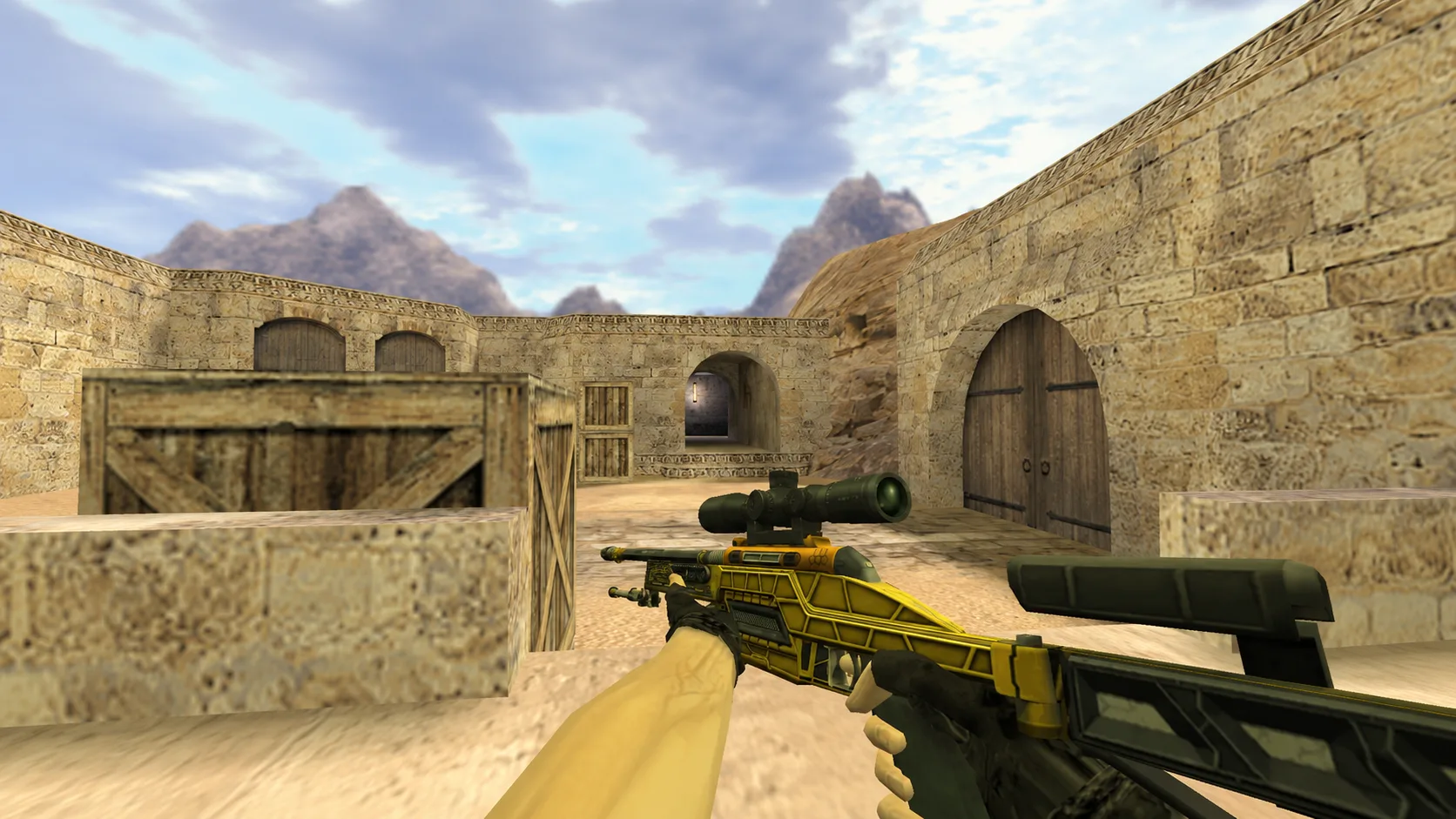
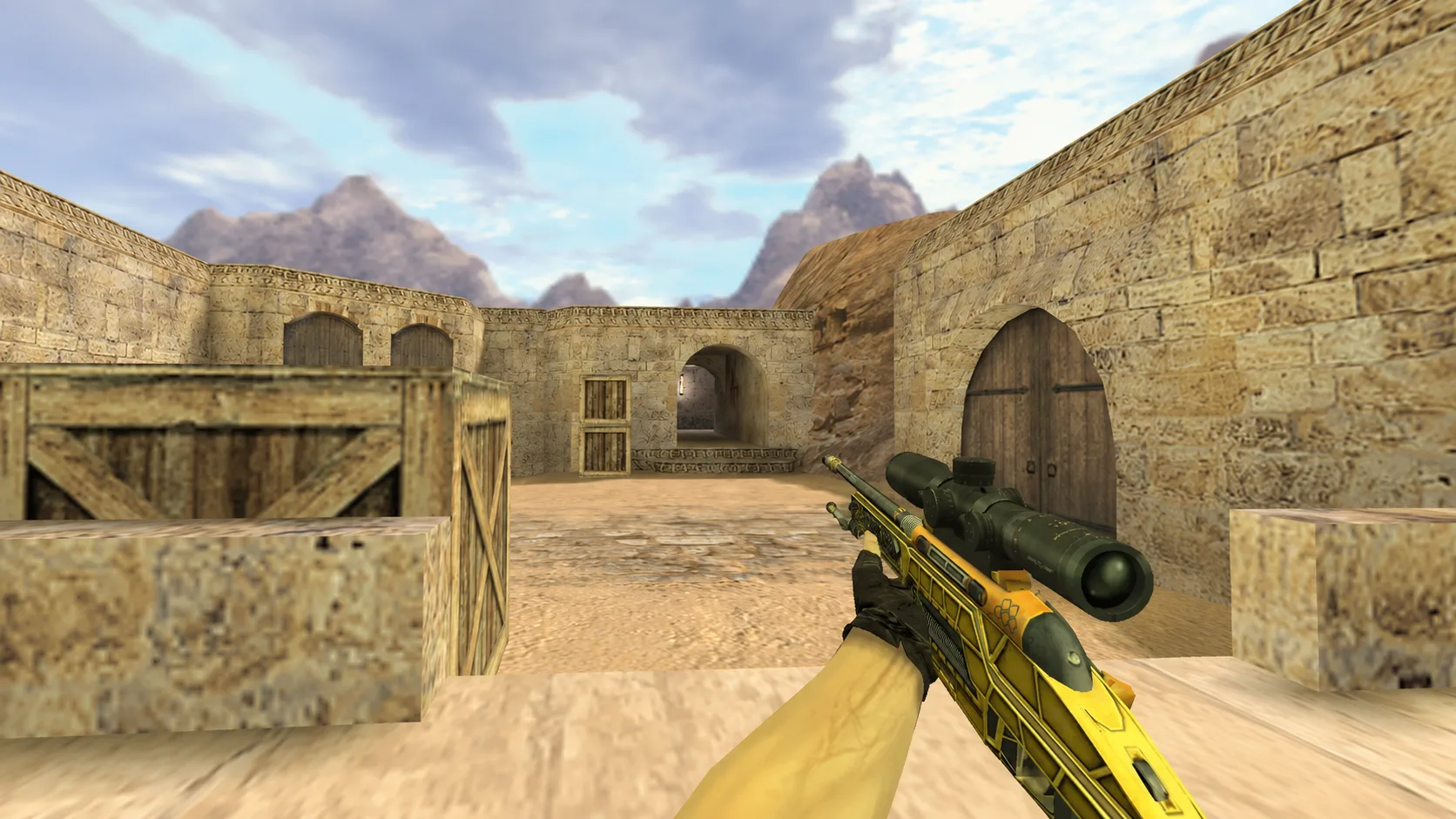
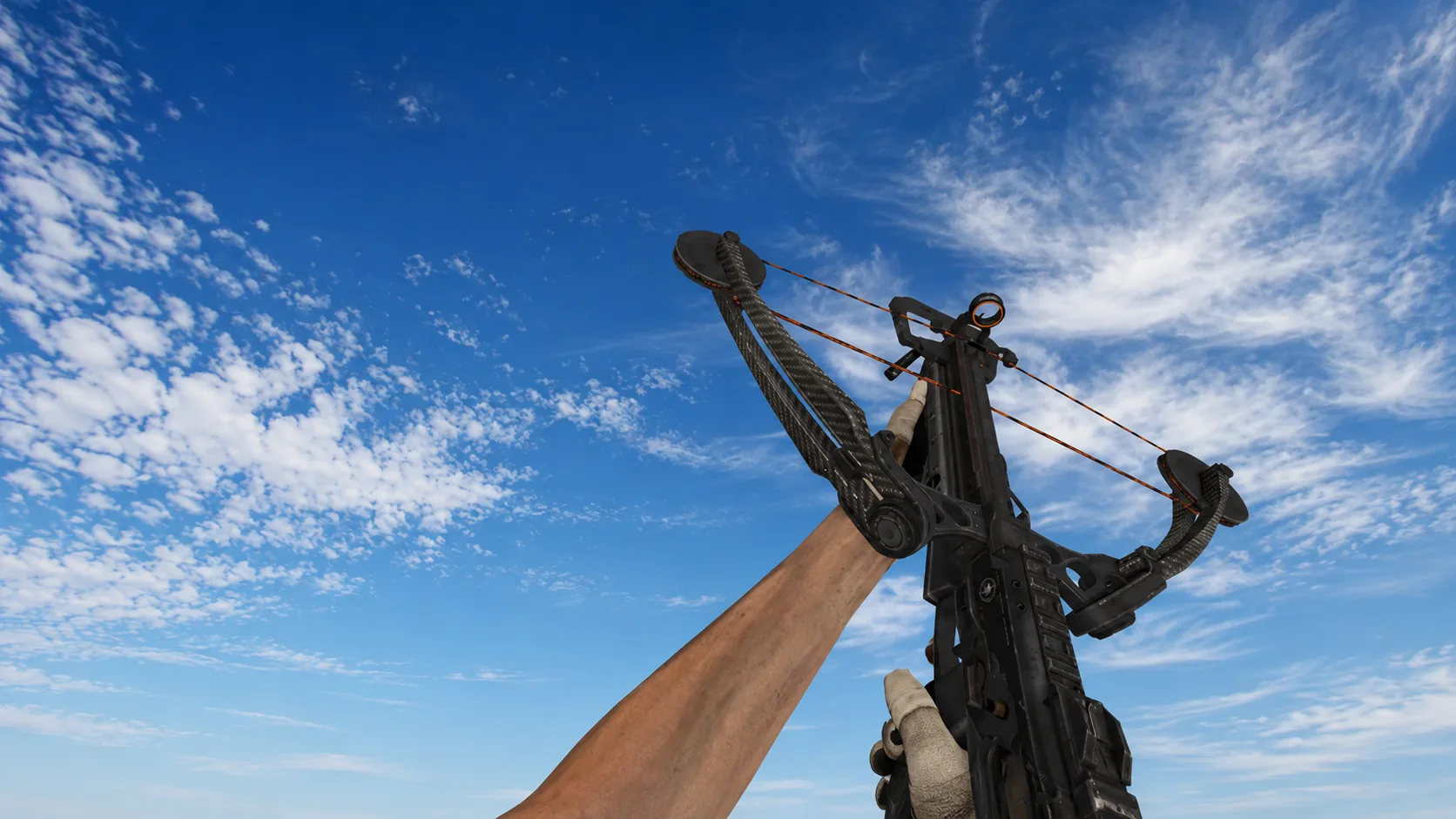
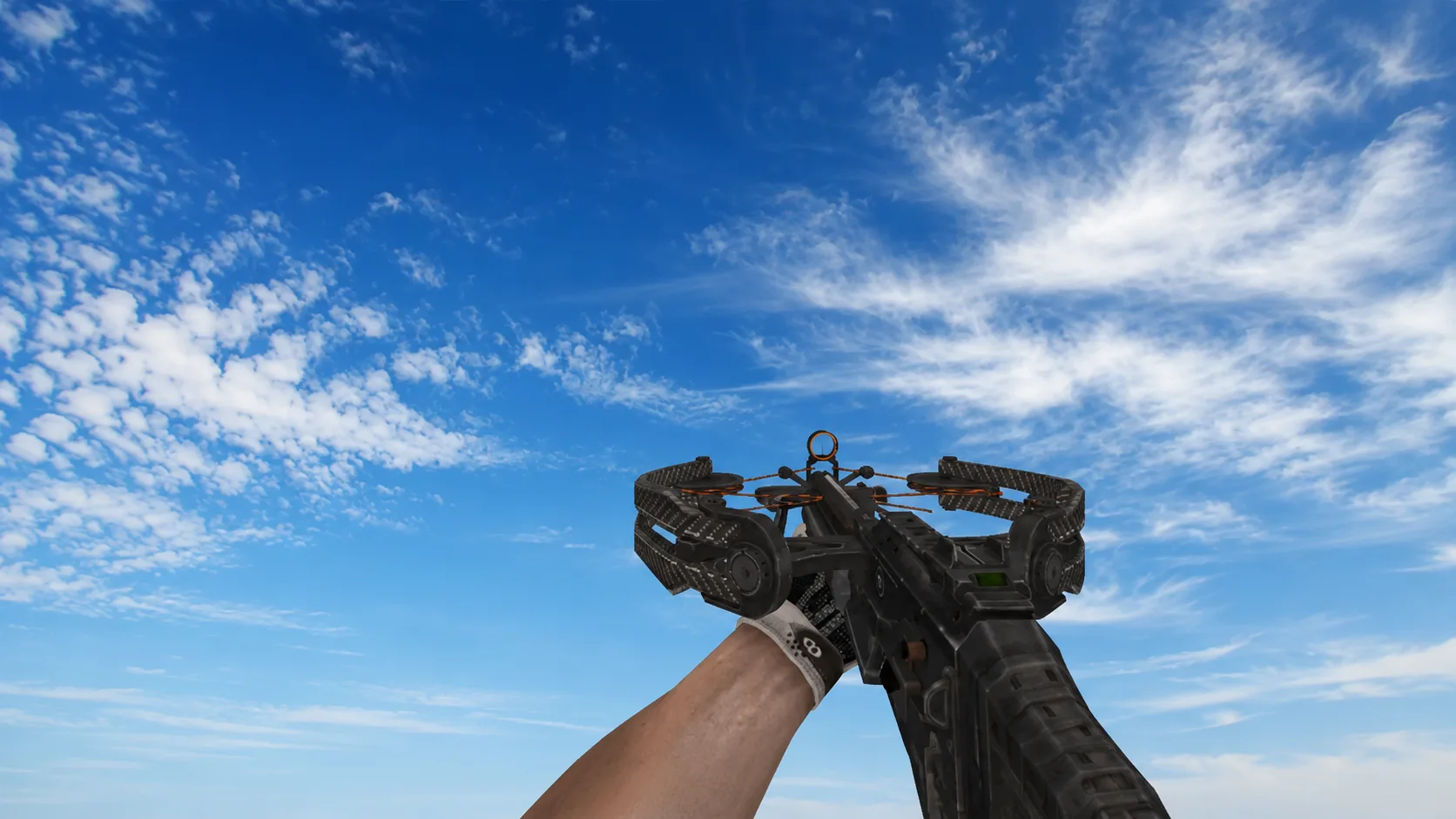
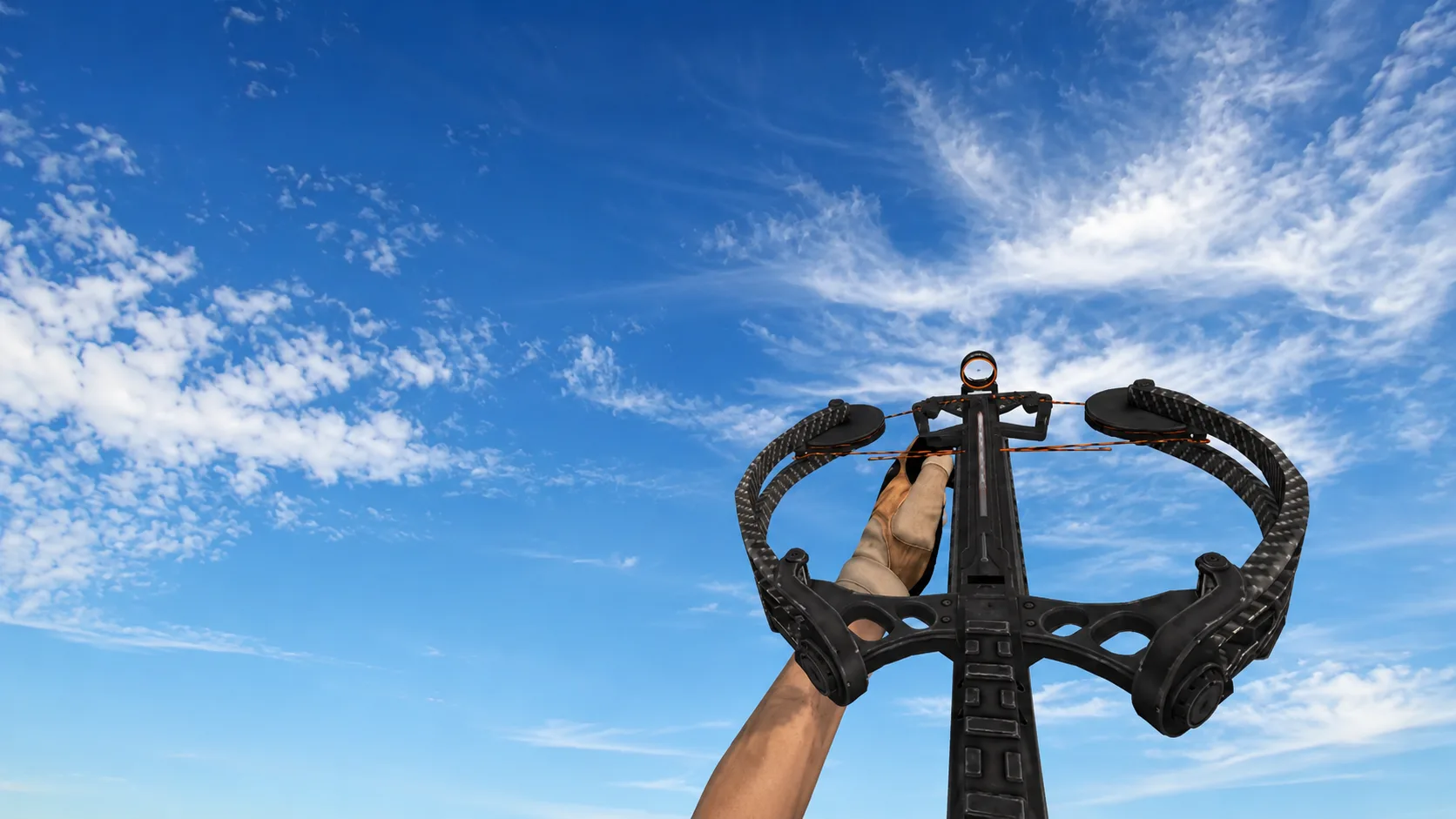
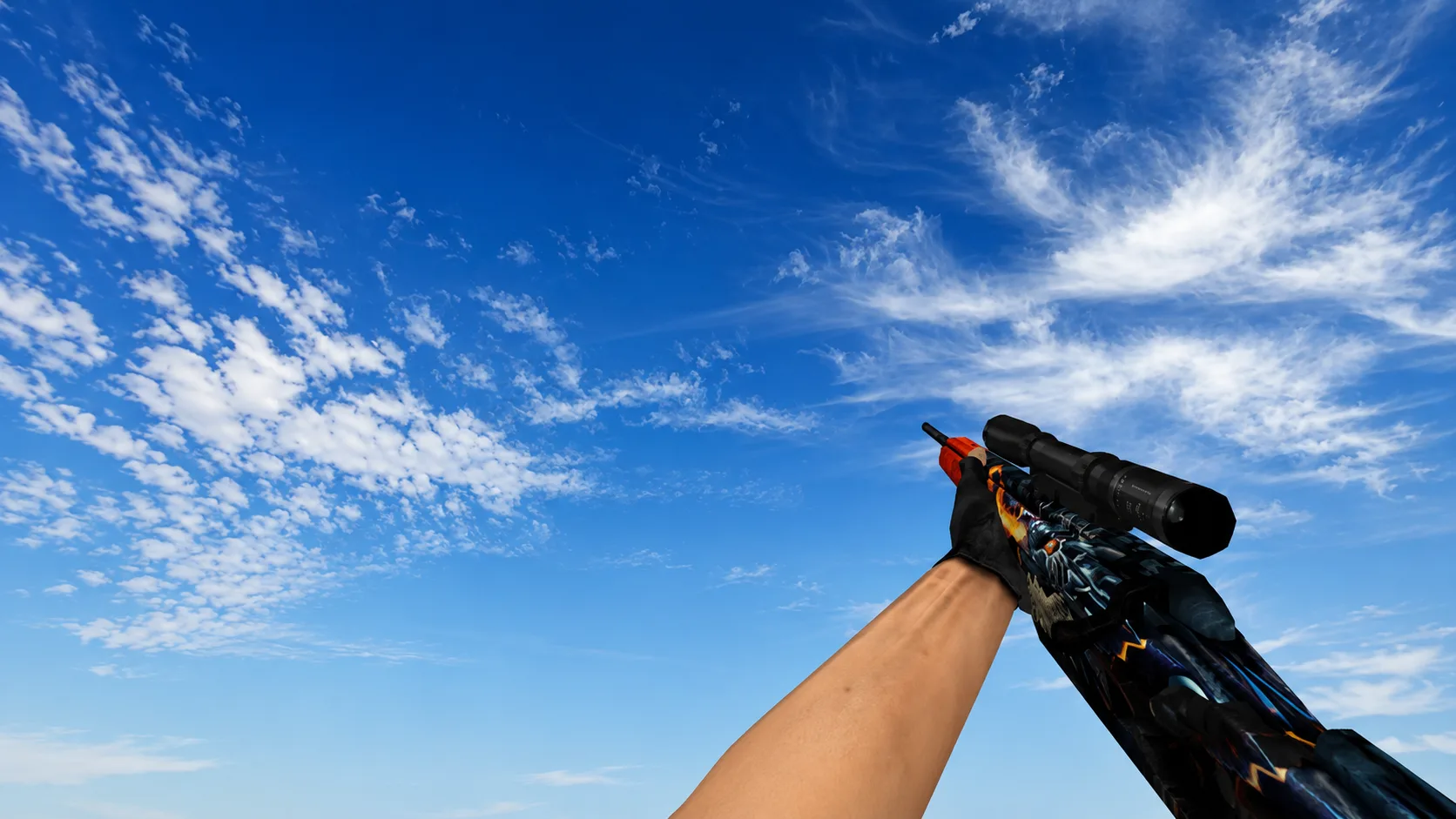
Model Standard Scout “Dragonfire” from CS:GO for CS 1.6
Download the Standard Scout “Dragonfire” model for CS 1.6 for free. High-quality HD Scout skin with detailed textures, hand animation, high performance and easy installation. Large selection of weapon models from CS:GO for Counter-Strike 1.6.
How to install weapon models in CS 1.6
Installing weapon models for CS 1.6 takes only a few minutes. Unzip the archive and copy the files with the extension .mdl to a folder cstrike/models your game, confirming the replacement of files if necessary.
After that run Counter-Strike 1.6 — new weapon models or skins will be automatically displayed in the game.
If this is your first time installing skins or weapon models for CS 1.6, we recommend that you read the detailed instructions “How to install skins on weapons in CS 1.6”, where the entire process of installing and replacing standard models is shown step by step.