 Russian
 Ukrainian
 English
 Polish
How to install:
Download the archive with the modification and unpack it to a convenient location on your computer.
Move the model file (with .mdl extension) to the folder cstrike/models in your game directory, confirming the replacement of the original file.
We recommend that you read the instructions first “How to install skins on weapons in CS 1.6”.
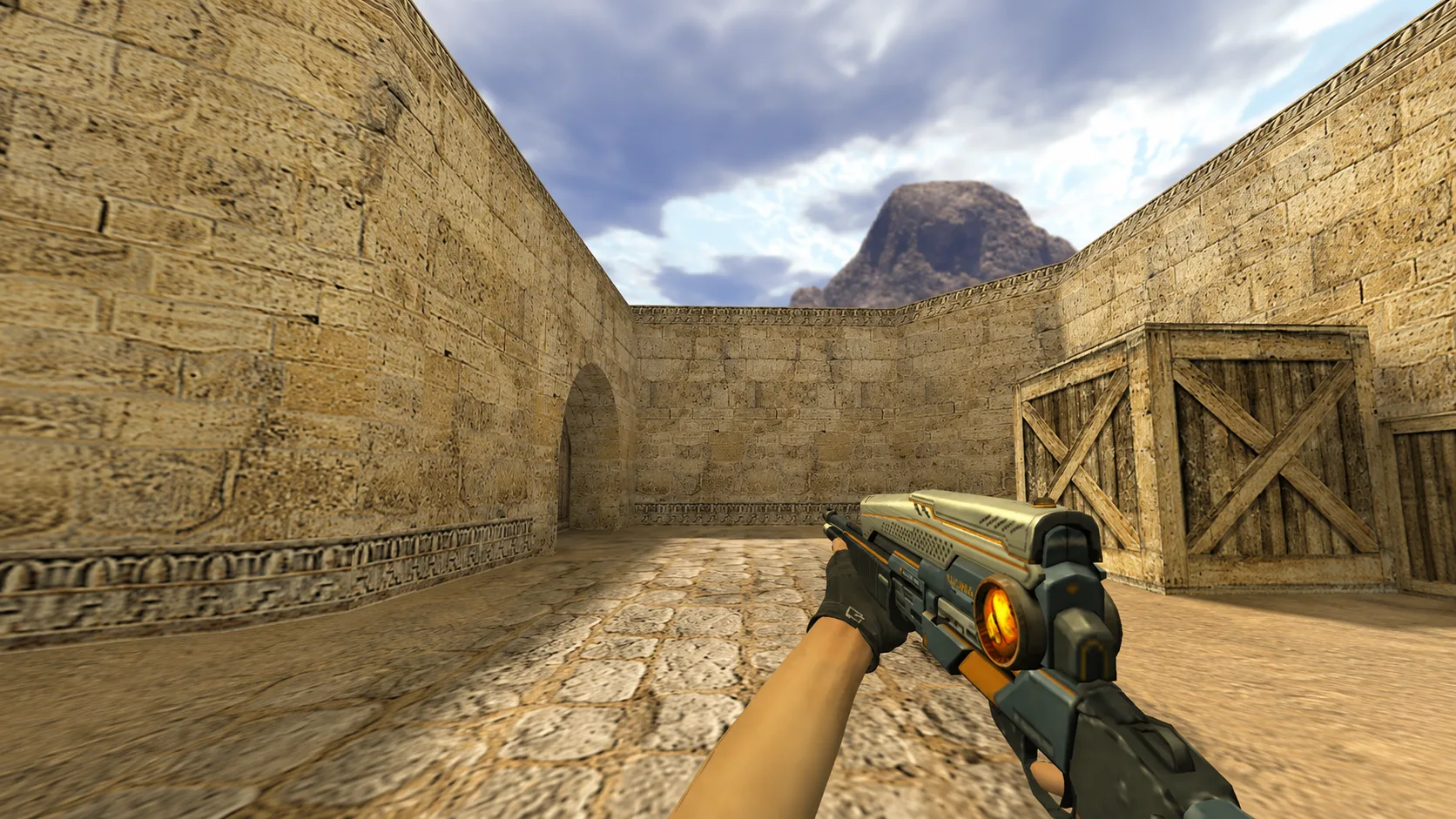
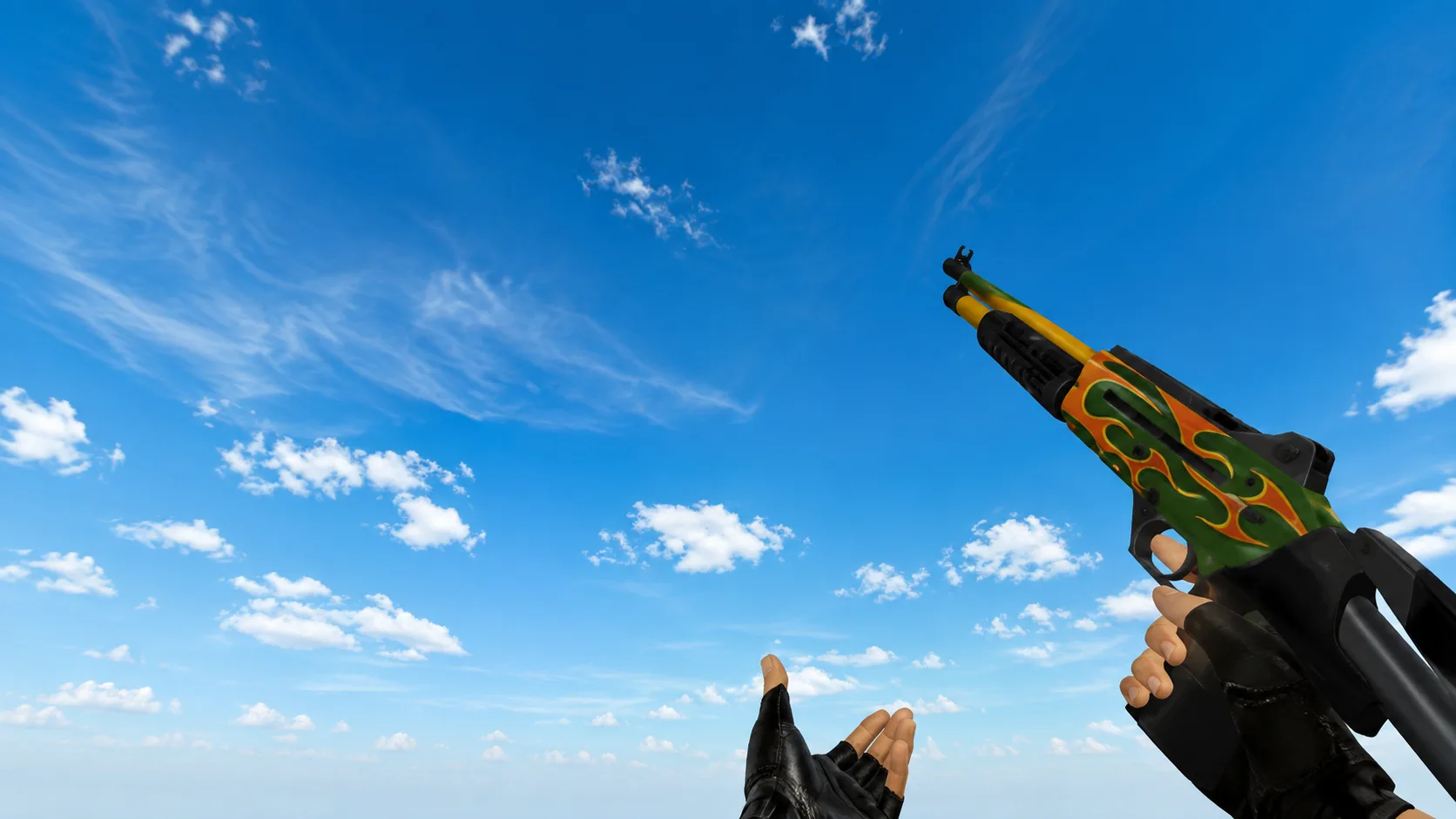
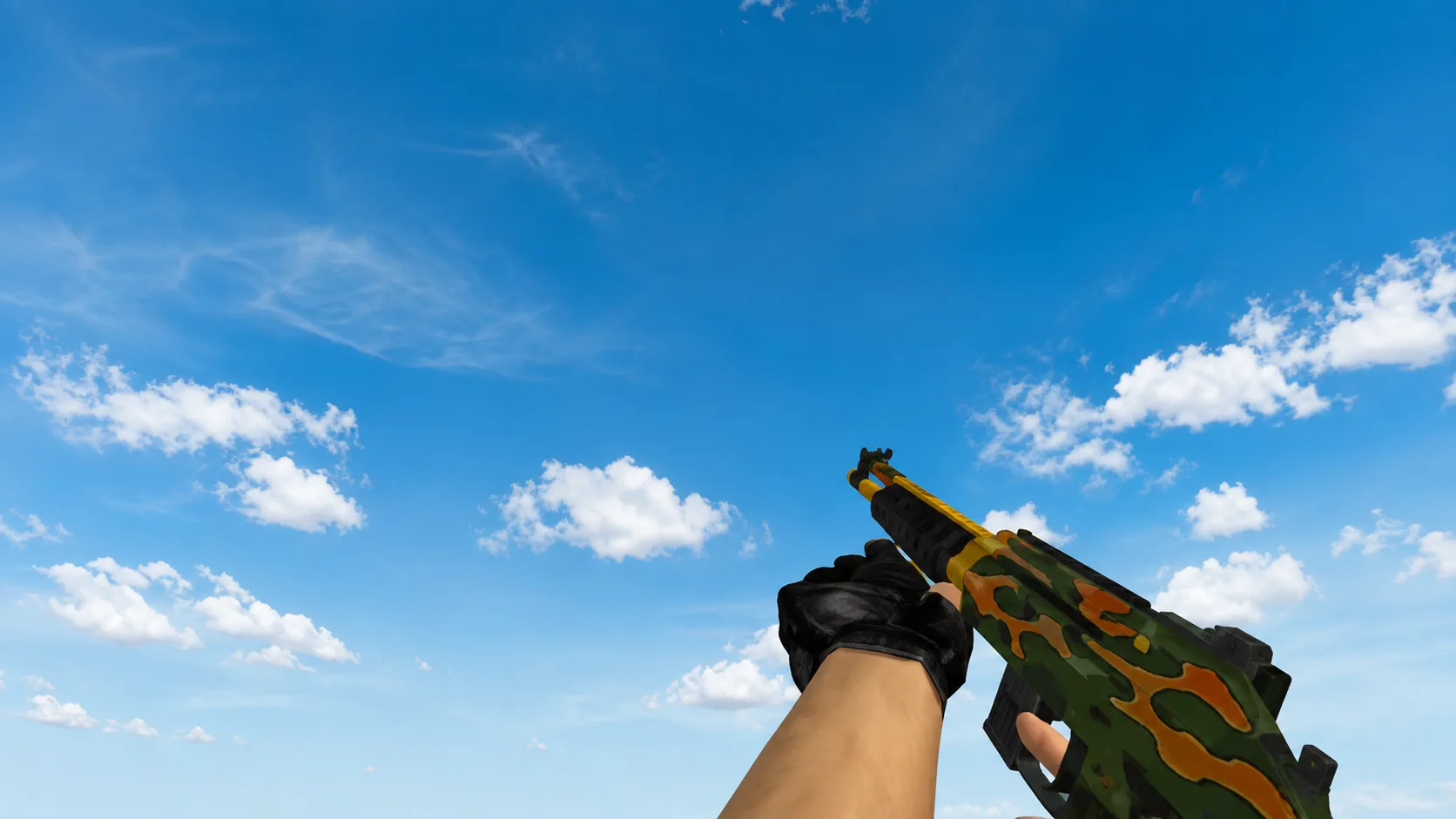
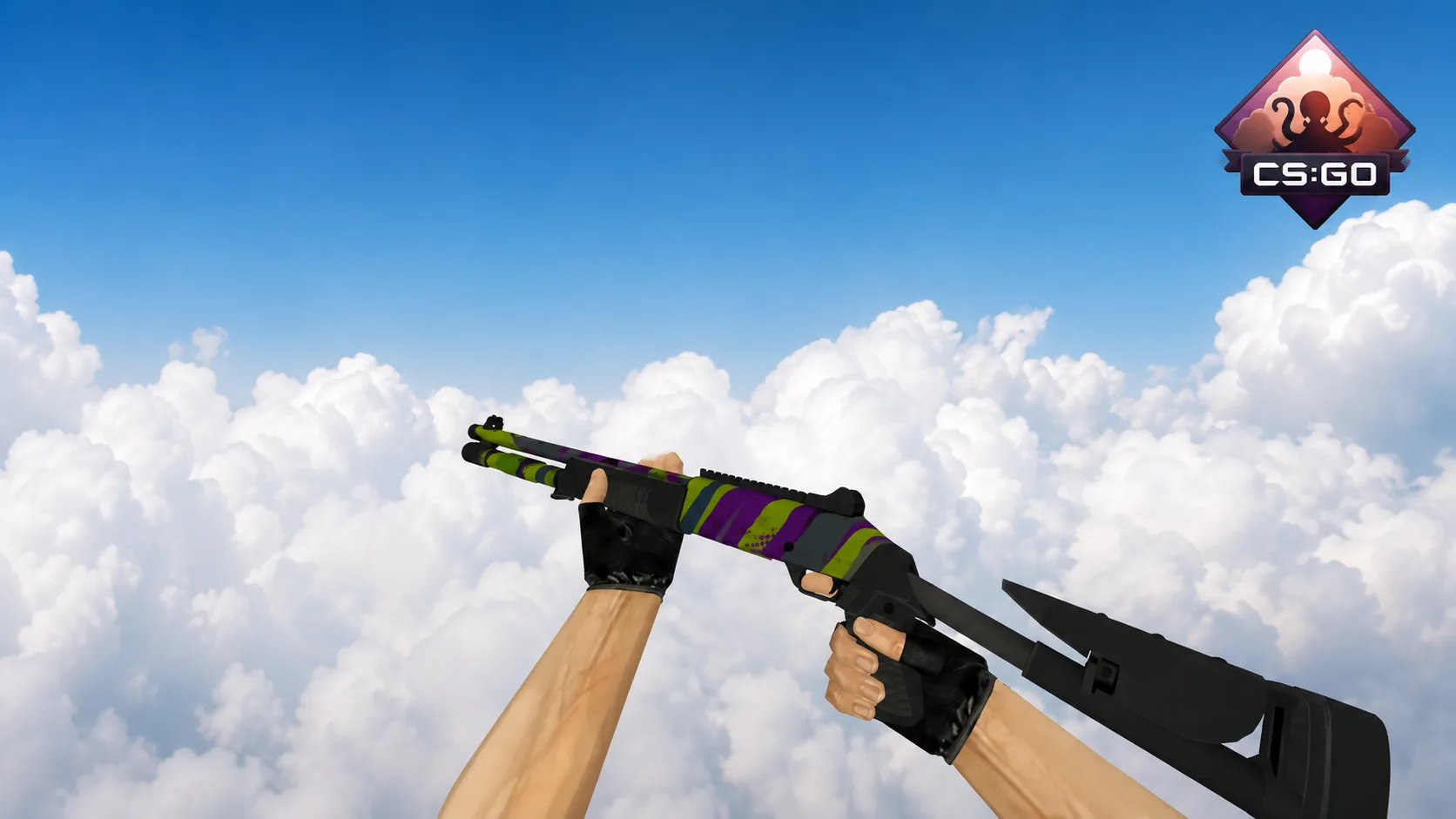
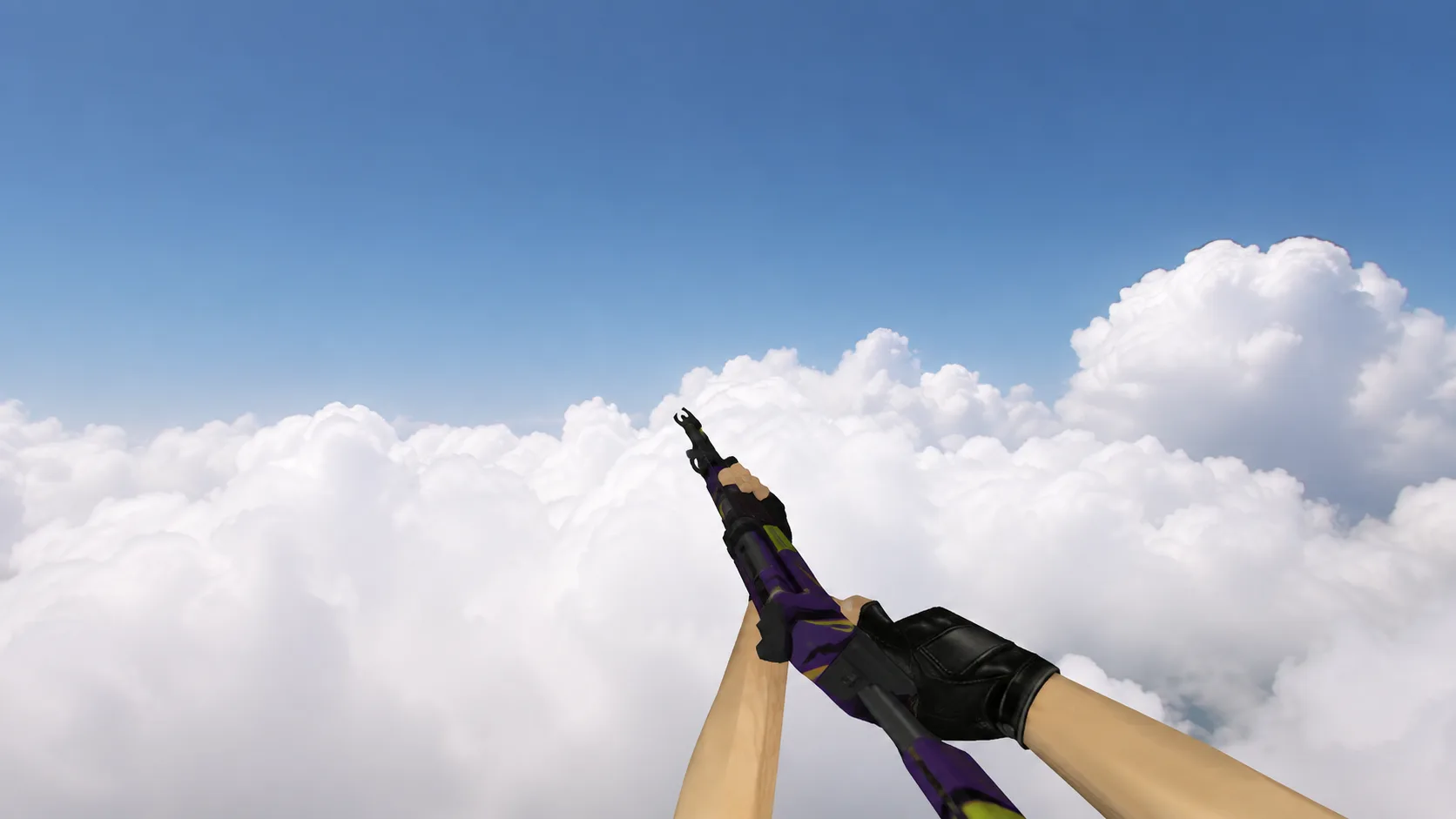
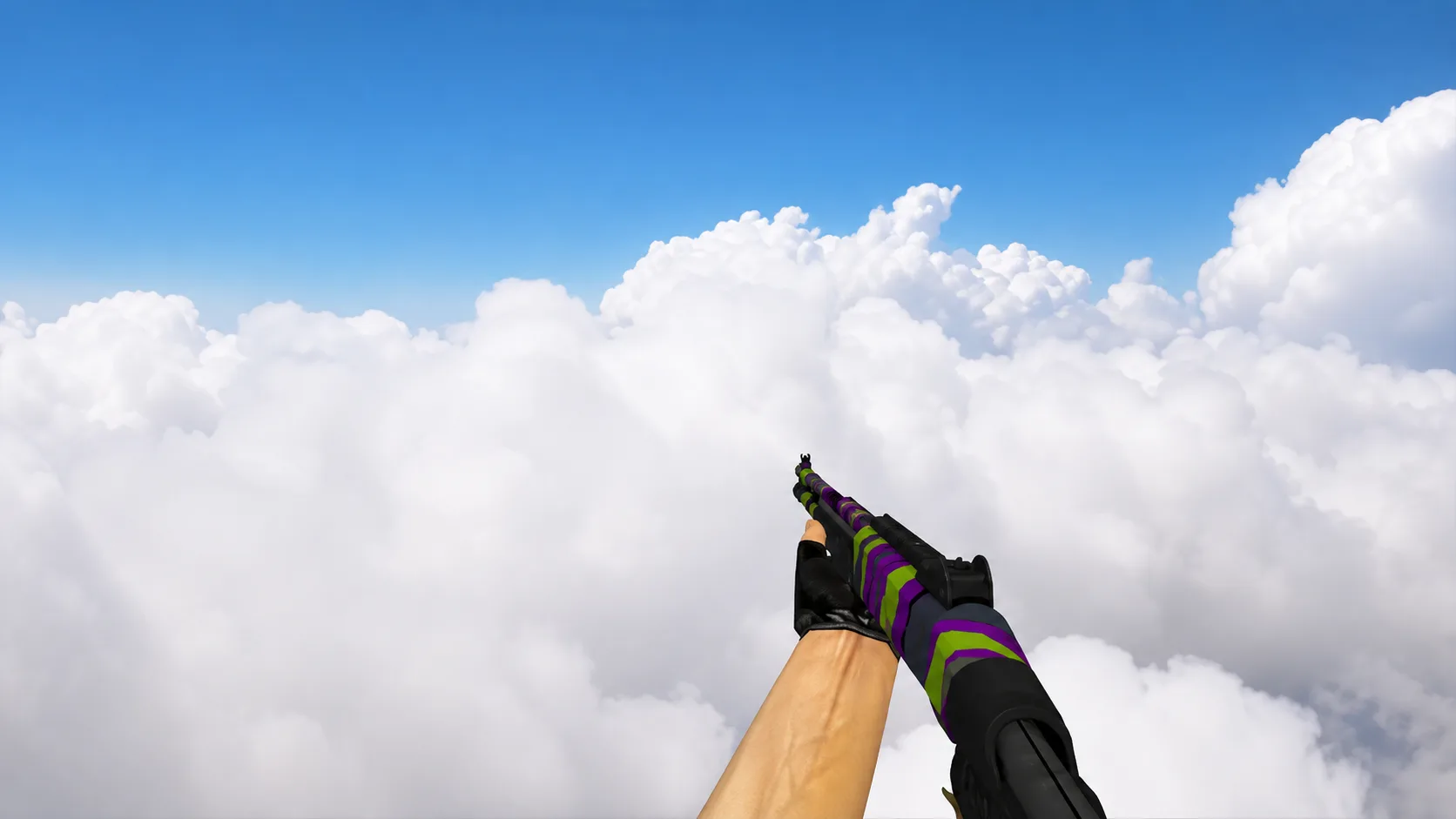
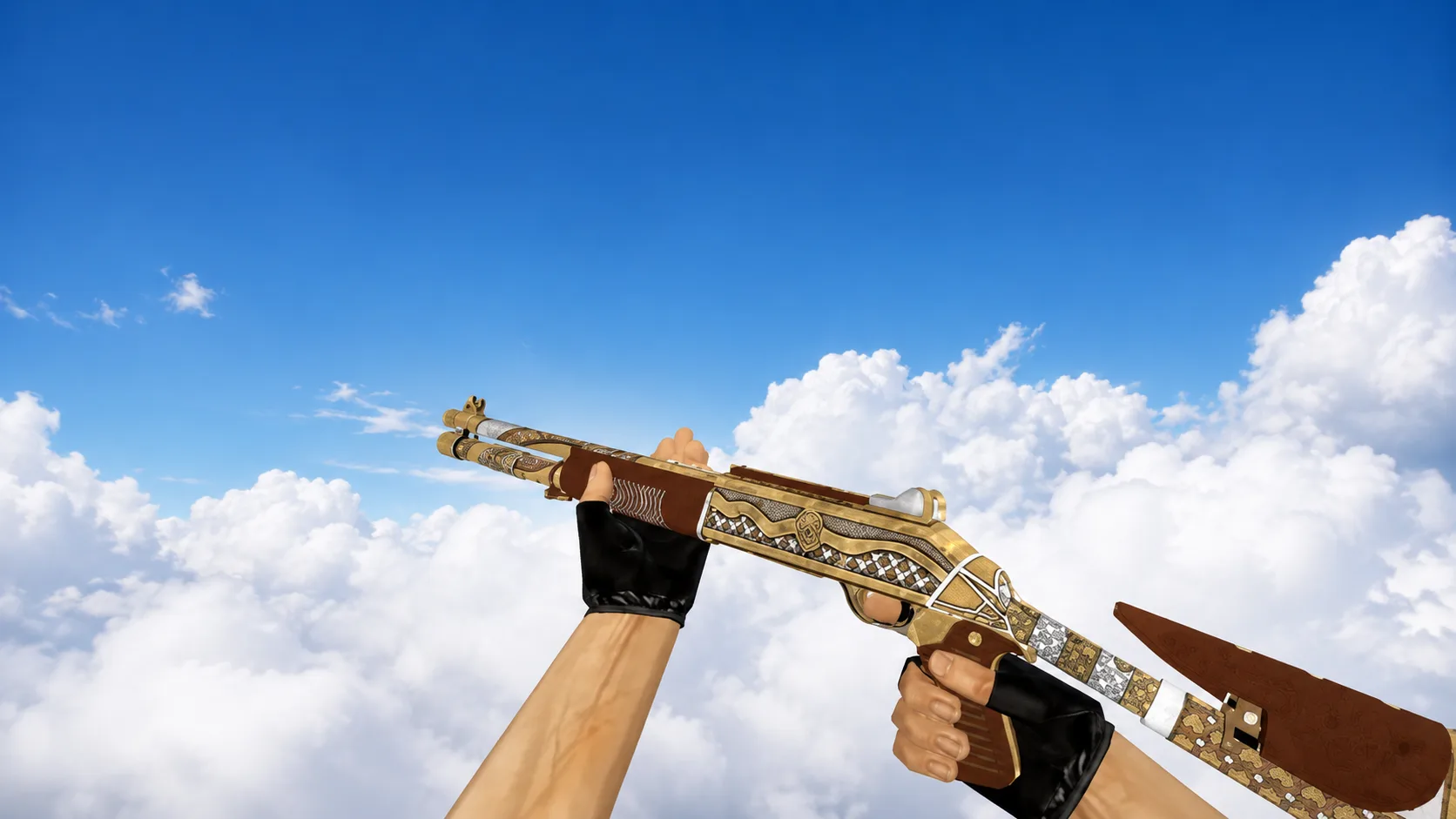
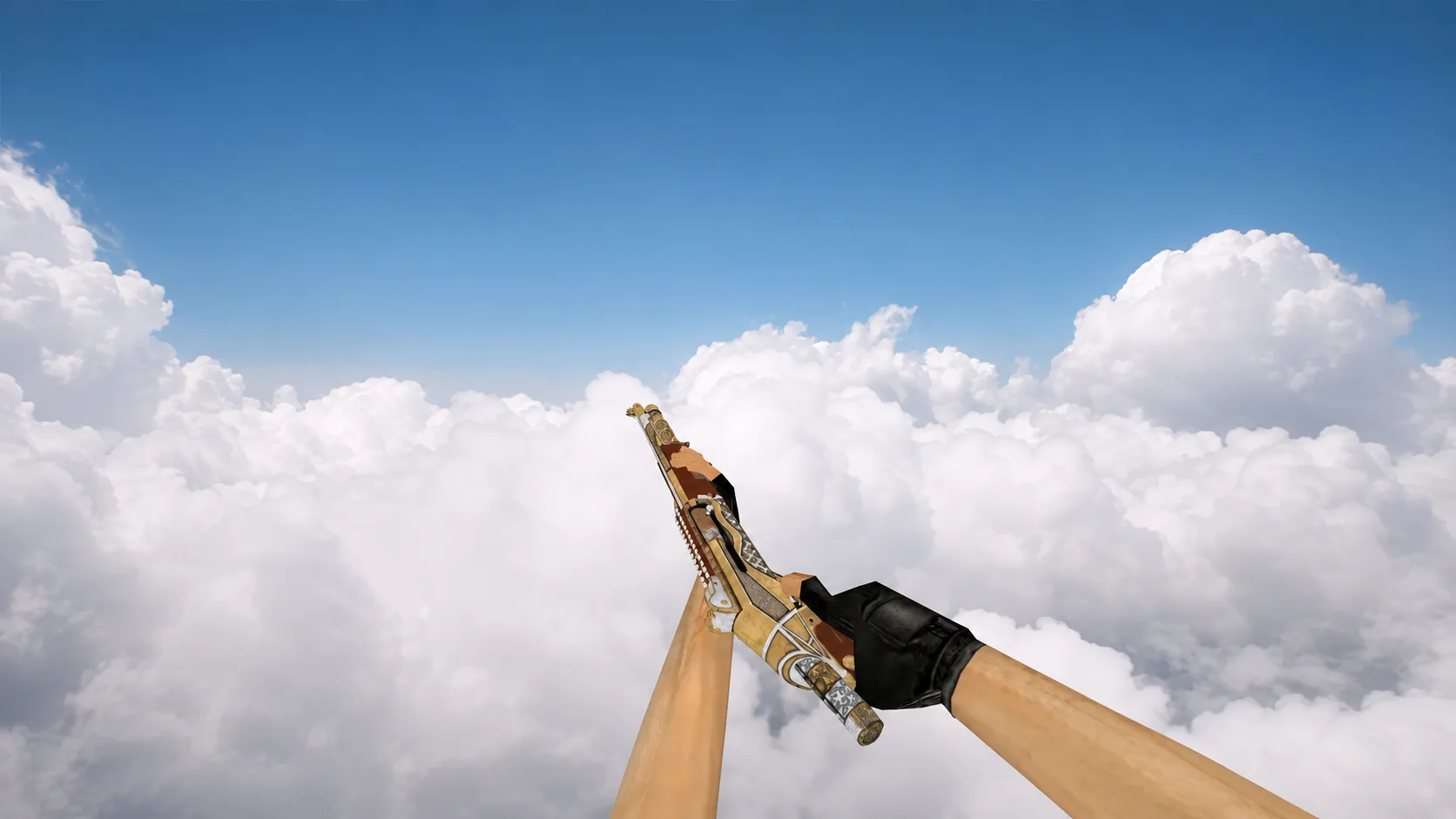
Model XM1014 "Arcturus" for CS 1.6
Install the futuristic model XM1014 "Arcturus" for CS 1.6. The sleek gray metal body with black inserts and yellow accents will update your arsenal.
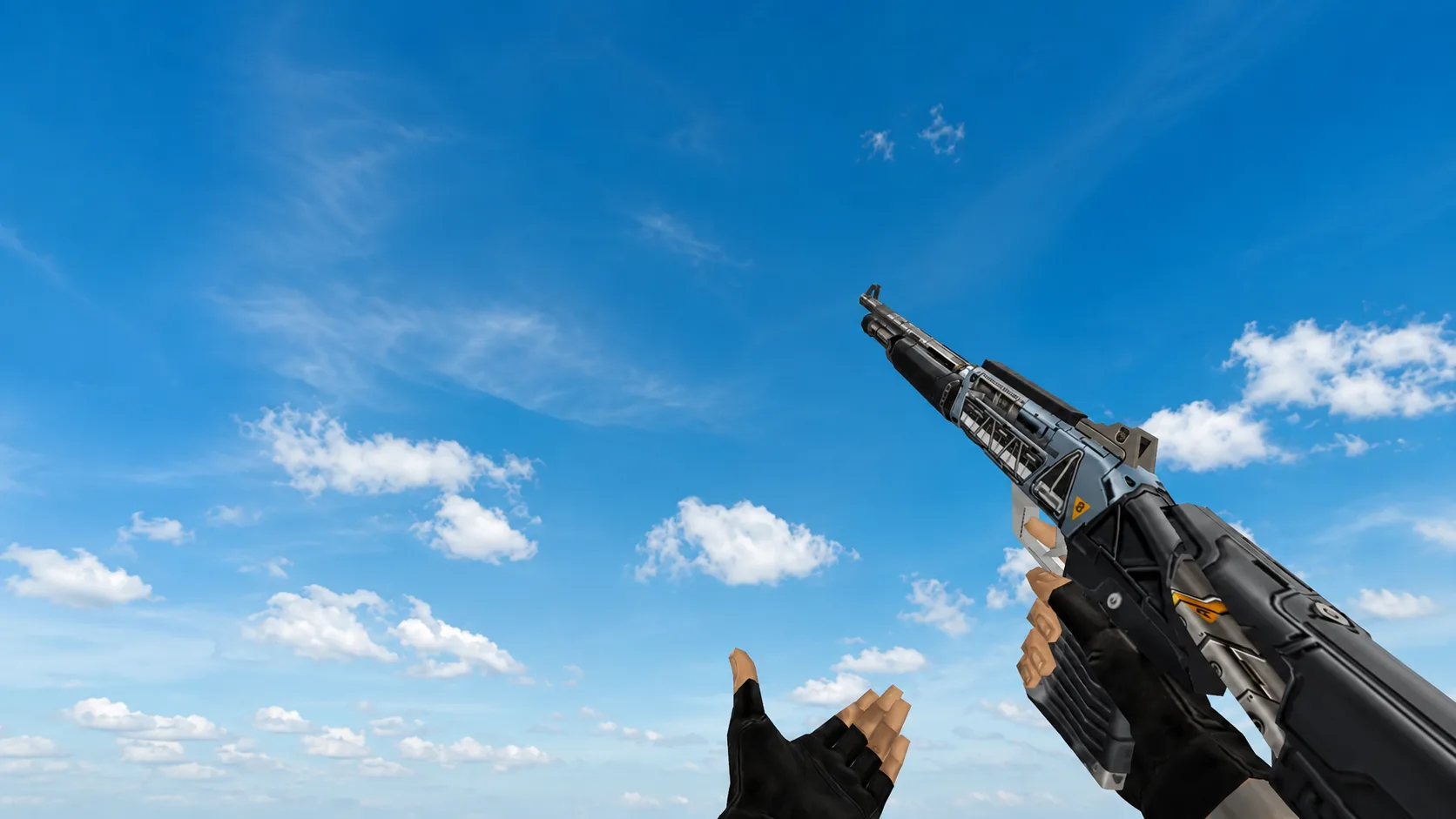
Plunge into the future with XM1014 Arcturus! Model in matte gray metal with black polymer inserts and bright orange accents. The unique yellow "8" badge and futuristic lines make it stand out from the boring classics. Don't miss the chance to update your arsenal - download and install right now!