 Russian
 Ukrainian
 English
 Polish
How to install:
Download the archive with the modification and unpack it to a convenient location on your computer.
Move the model file (with .mdl extension) to the folder cstrike/models in your game directory, confirming the replacement of the original file.
We recommend that you read the instructions first “How to install skins on weapons in CS 1.6”.
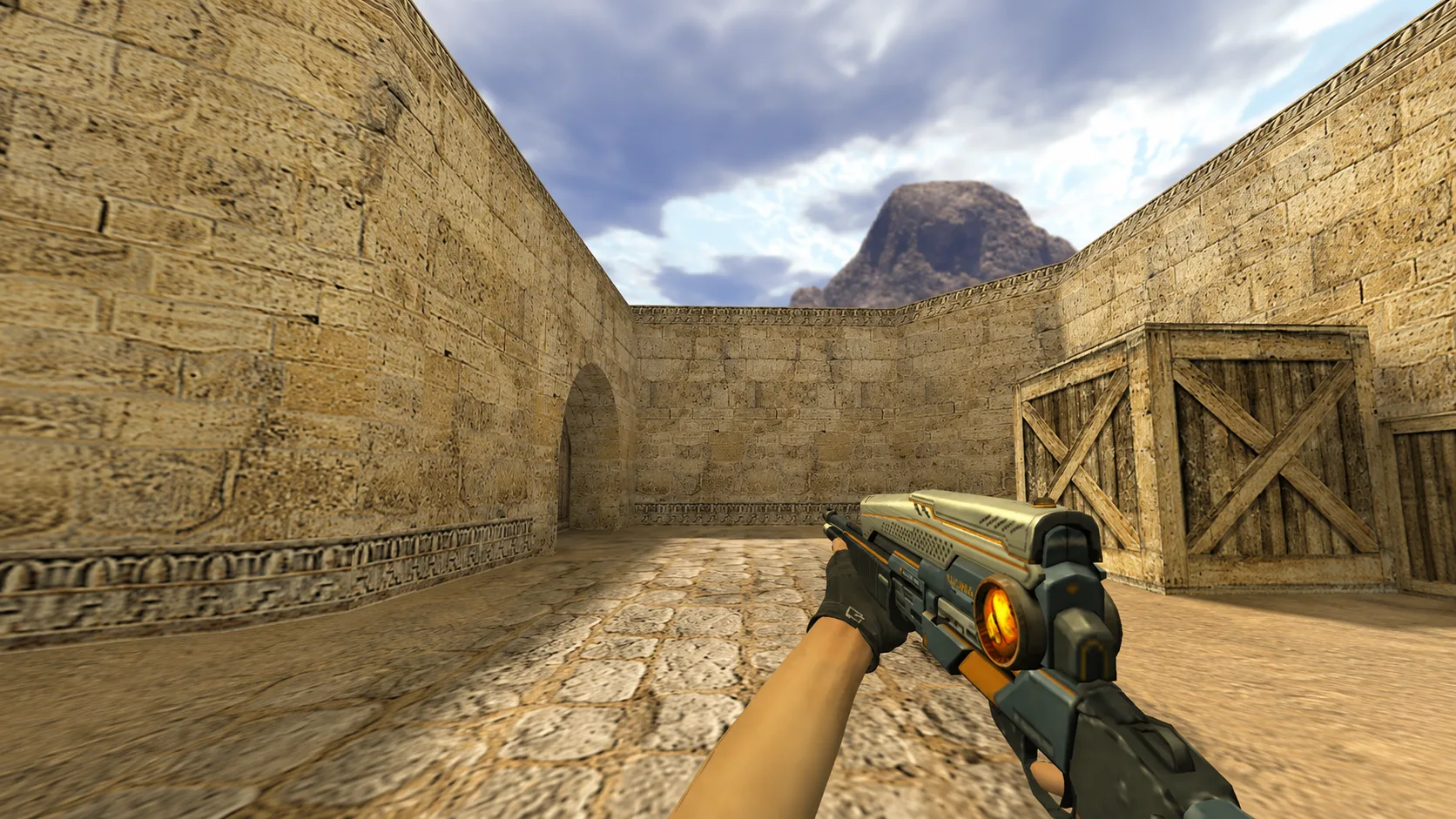
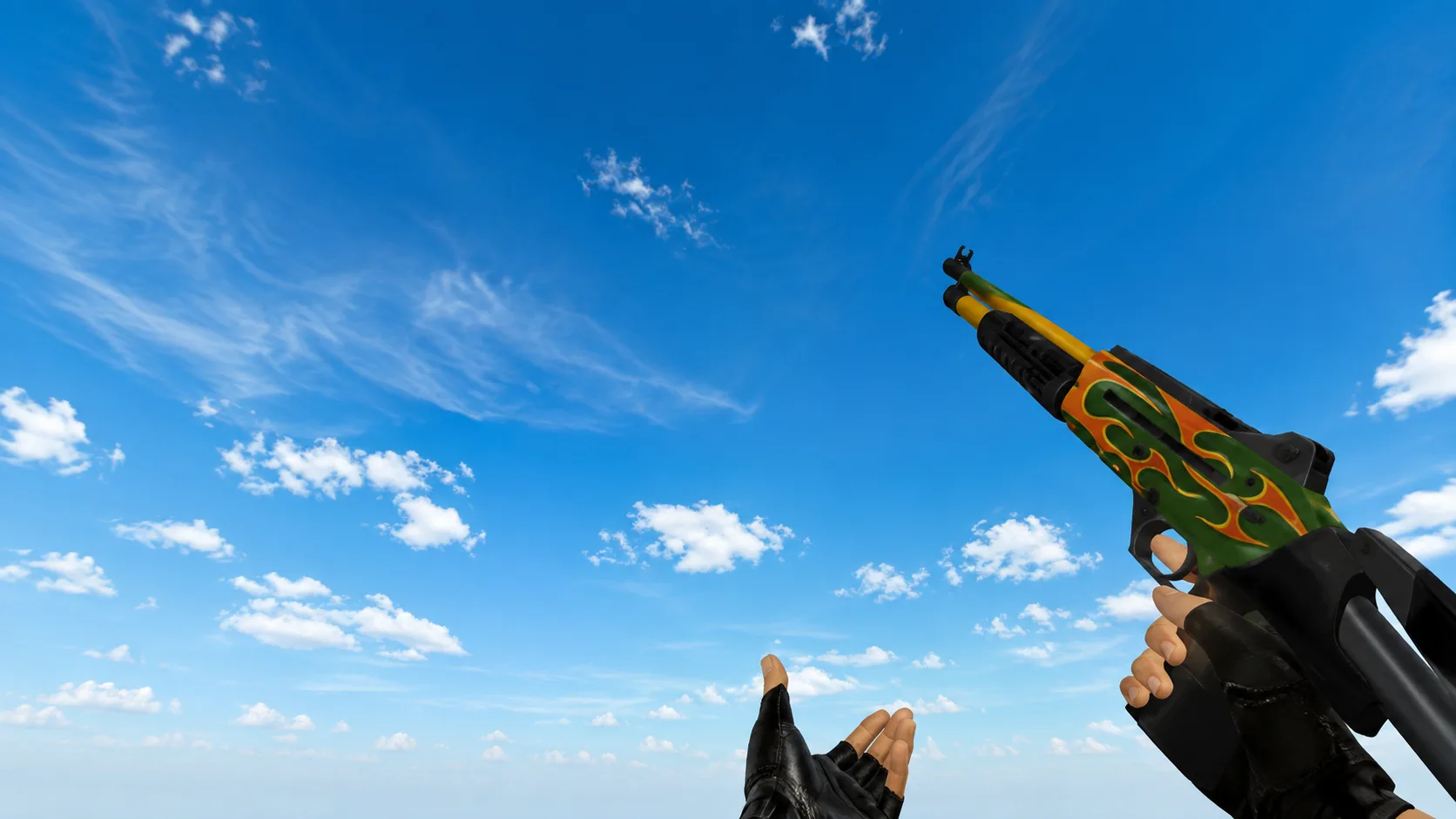
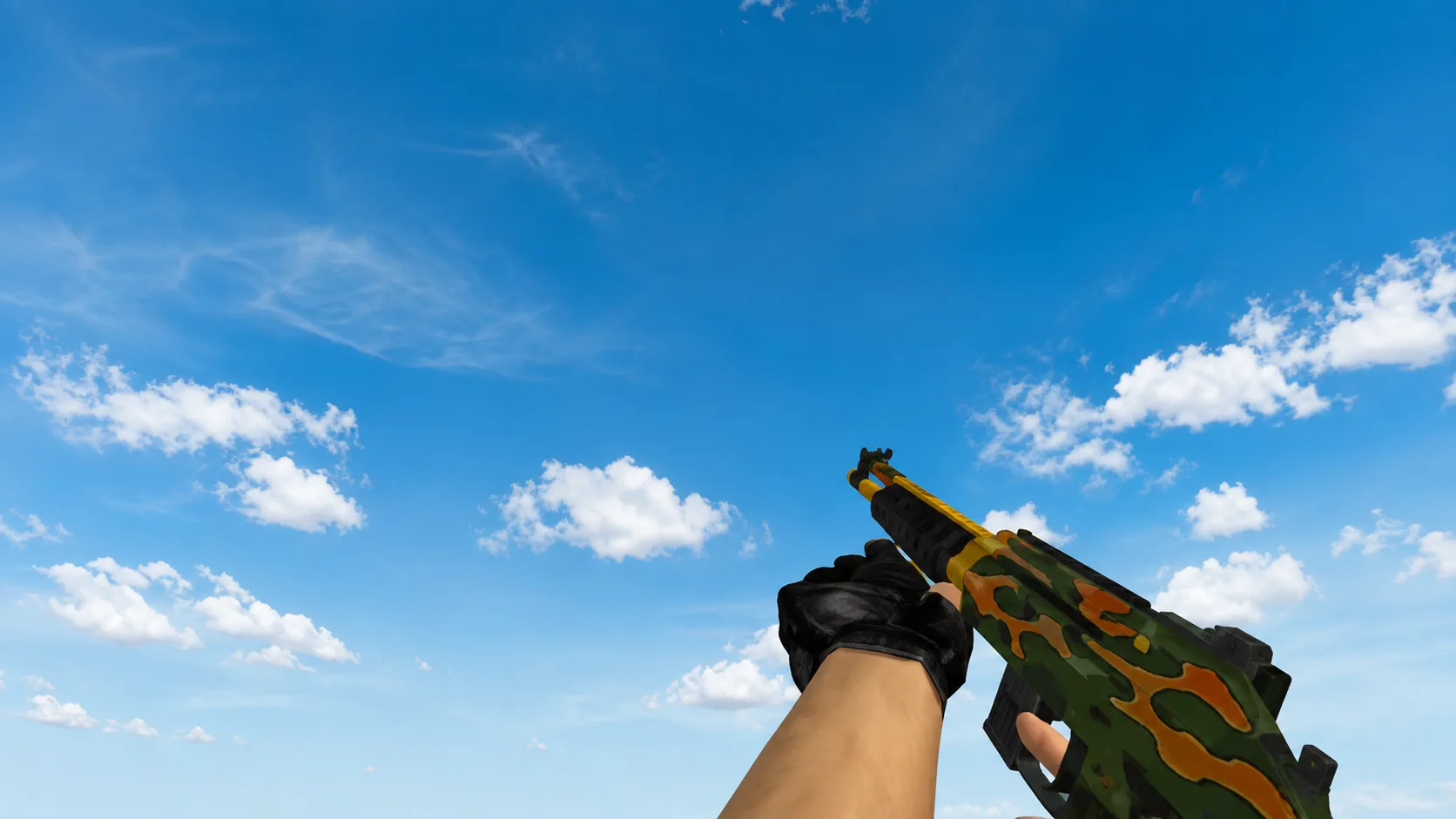
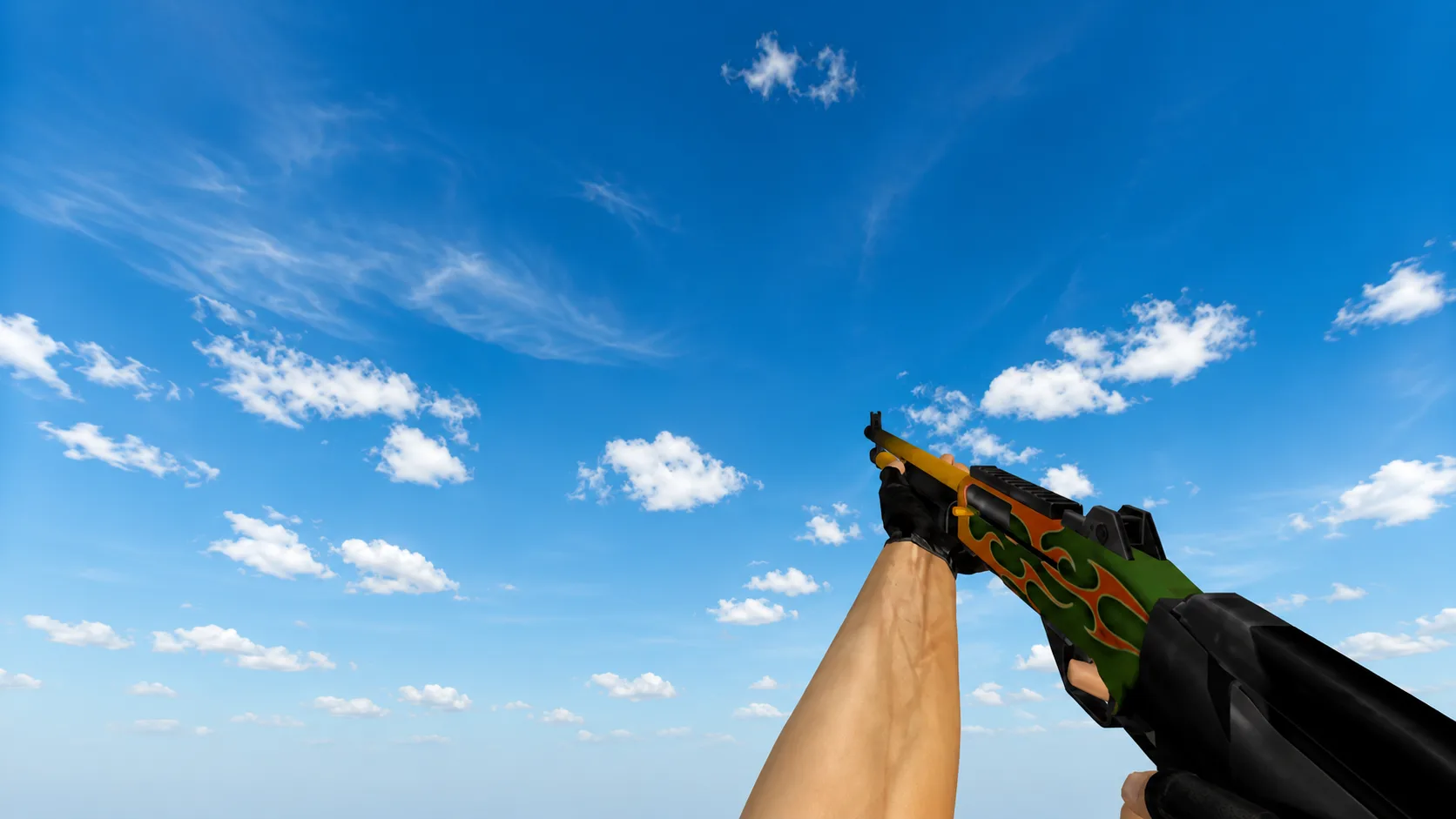
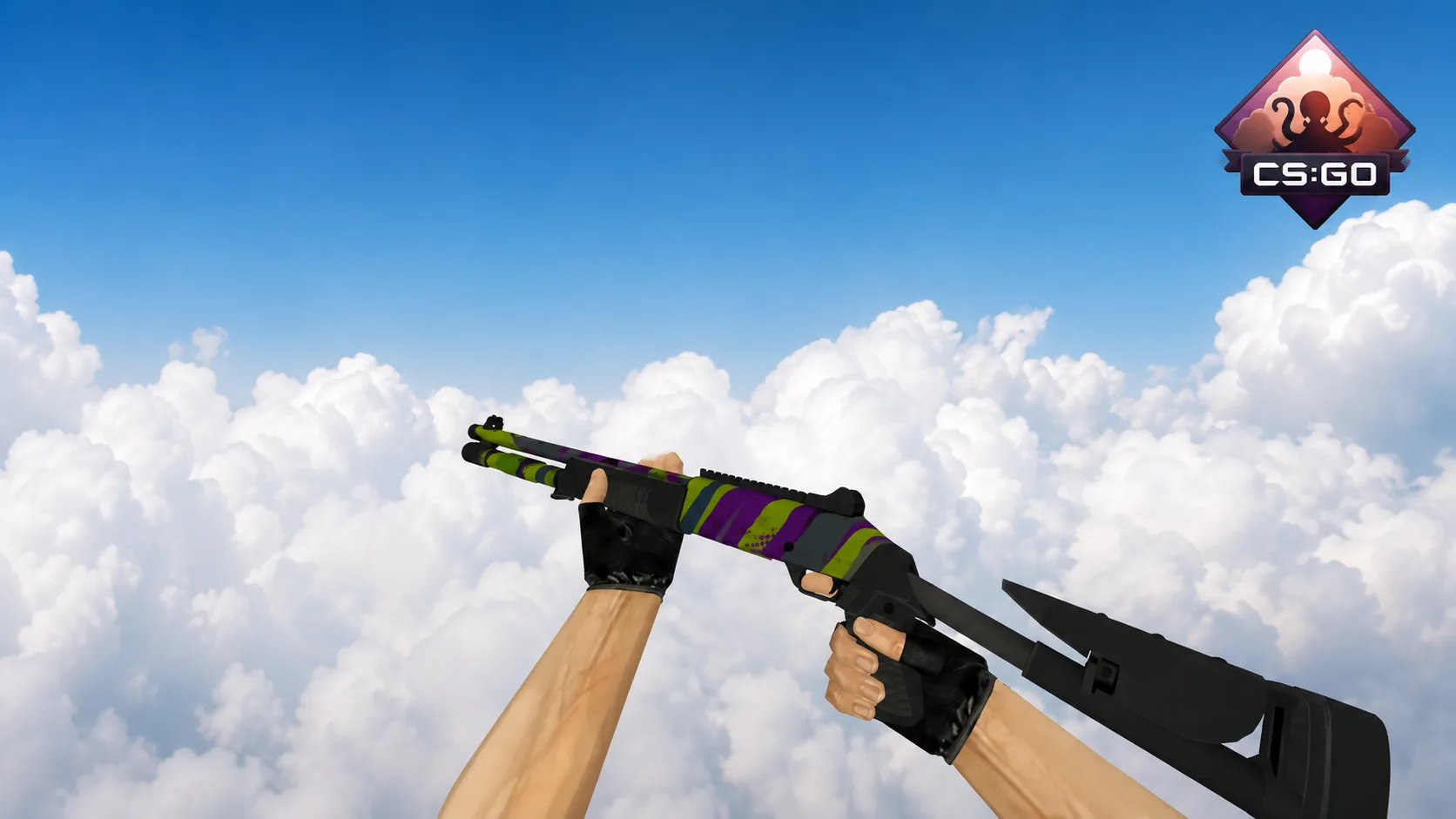
Model XM1014 "Northern-Lights" for CS 1.6
The XM1014 "Northern-Lights" model for CS 1.6 with an iridescent blue-pink gradient will favorably replace the standard gray shotgun. Download and install the model!
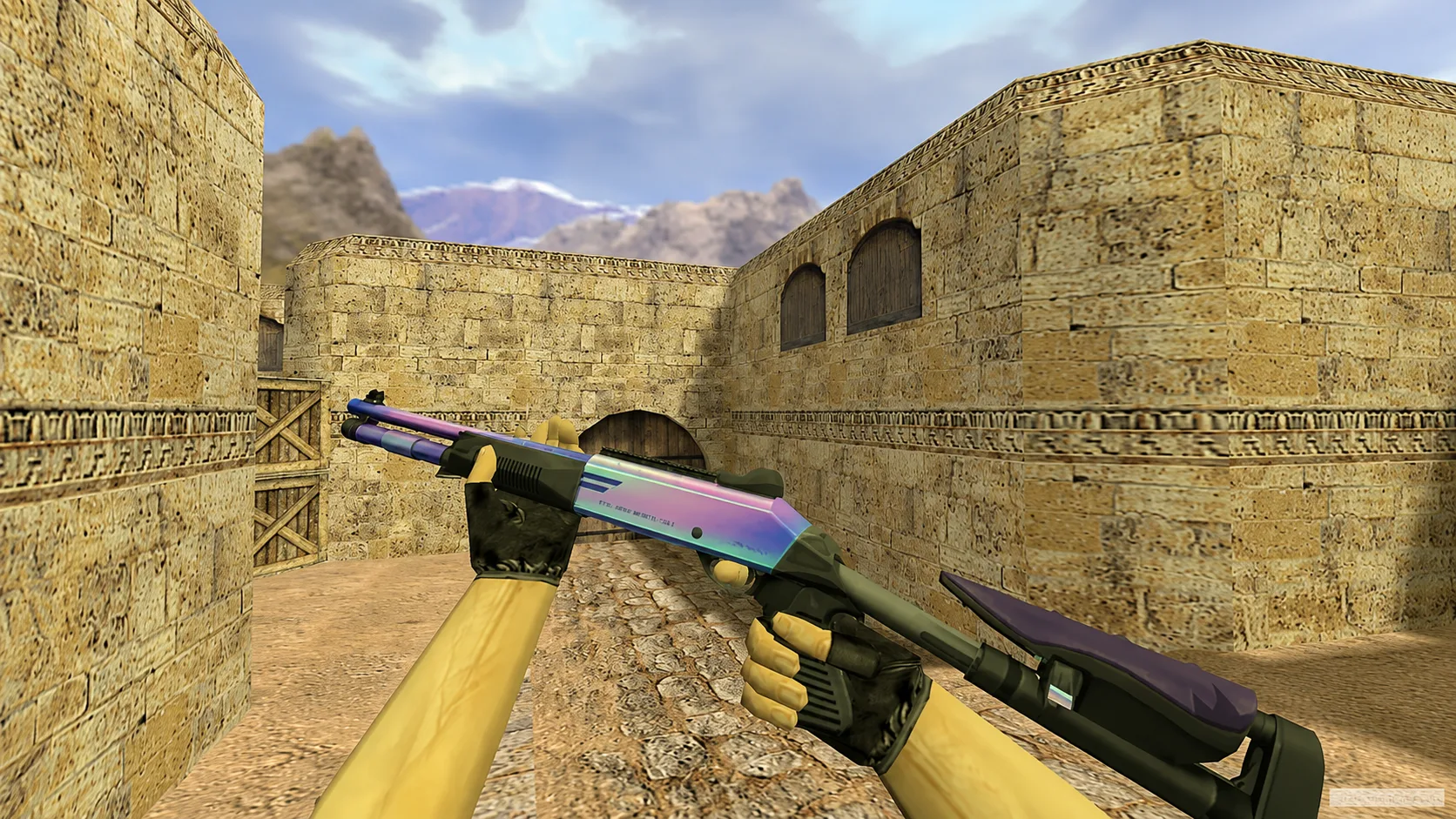
Luxurious XM1014 "Northern-Lights". Instead of the dull standard, there is a mesmerizing metallic gradient, smoothly transitioning from deep purple to turquoise. Transform your arsenal - download and install this model!