 Russian
 Ukrainian
 English
 Polish
How to install:
Download the archive with the modification and unpack it to a convenient location on your computer.
Move the model file (with .mdl extension) to the folder cstrike/models in your game directory, confirming the replacement of the original file.
We recommend that you read the instructions first “How to install skins on weapons in CS 1.6”.
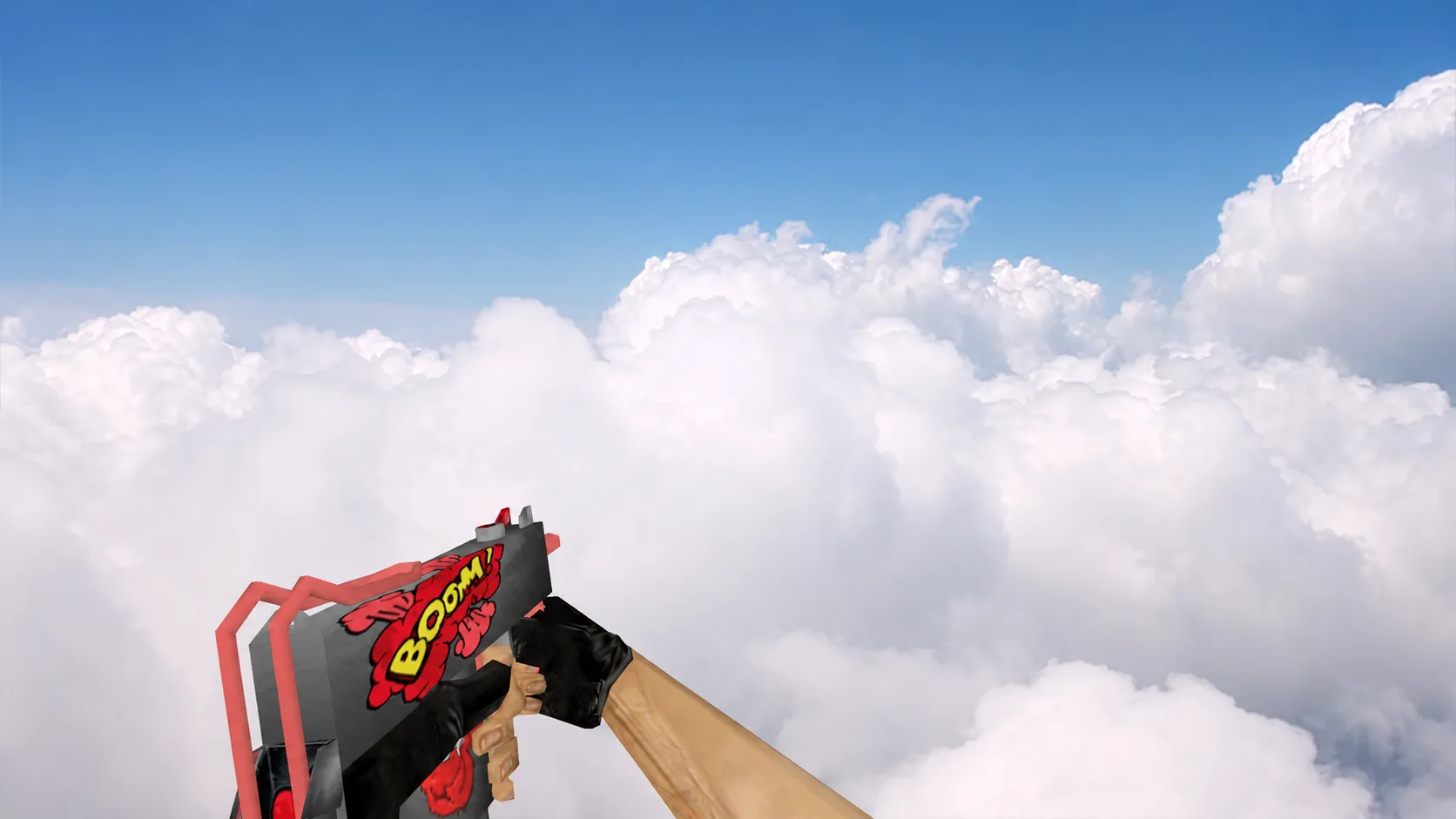
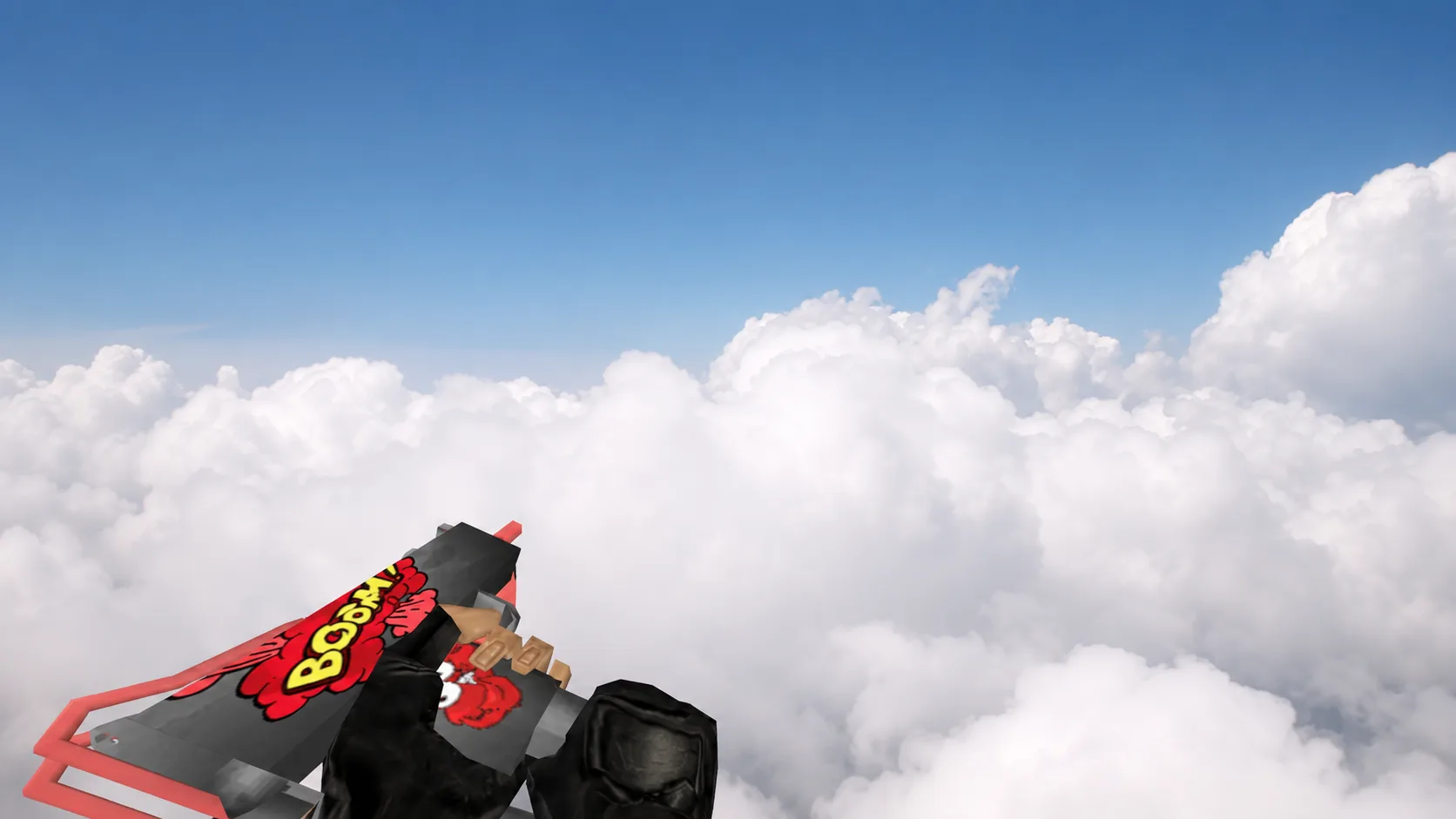
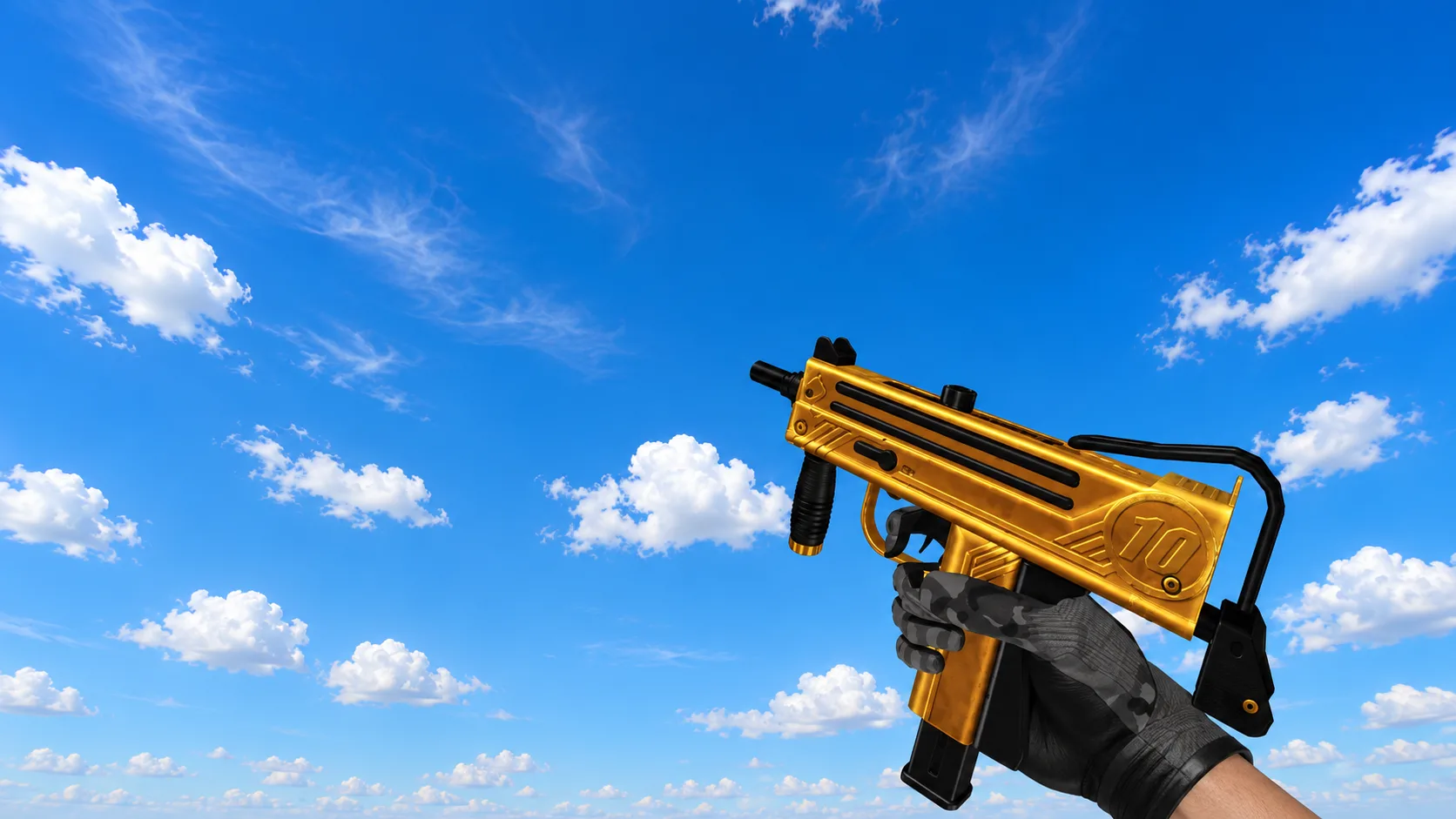
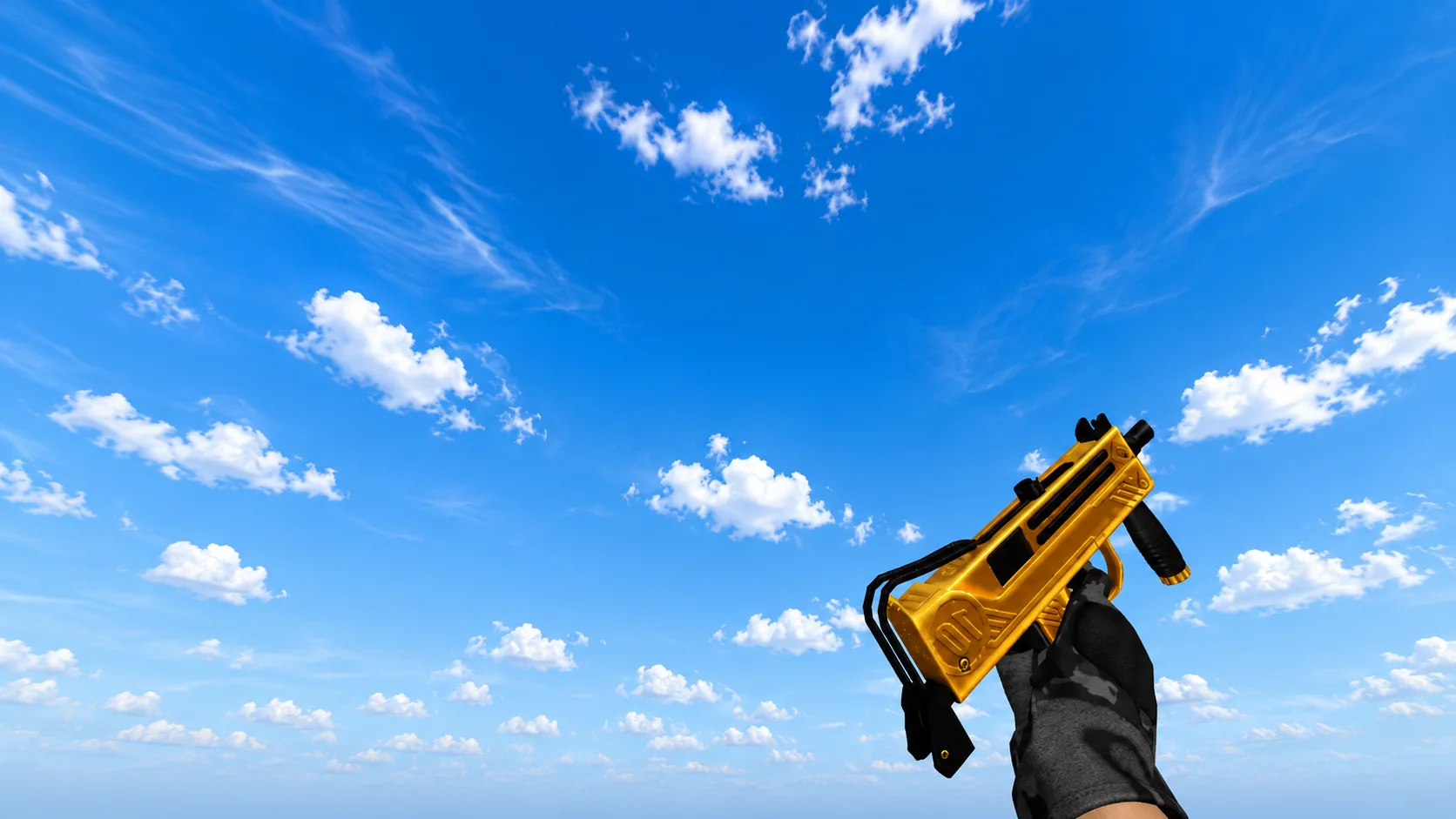
Model MAC-10 "Southeast Tiger" for CS 1.6
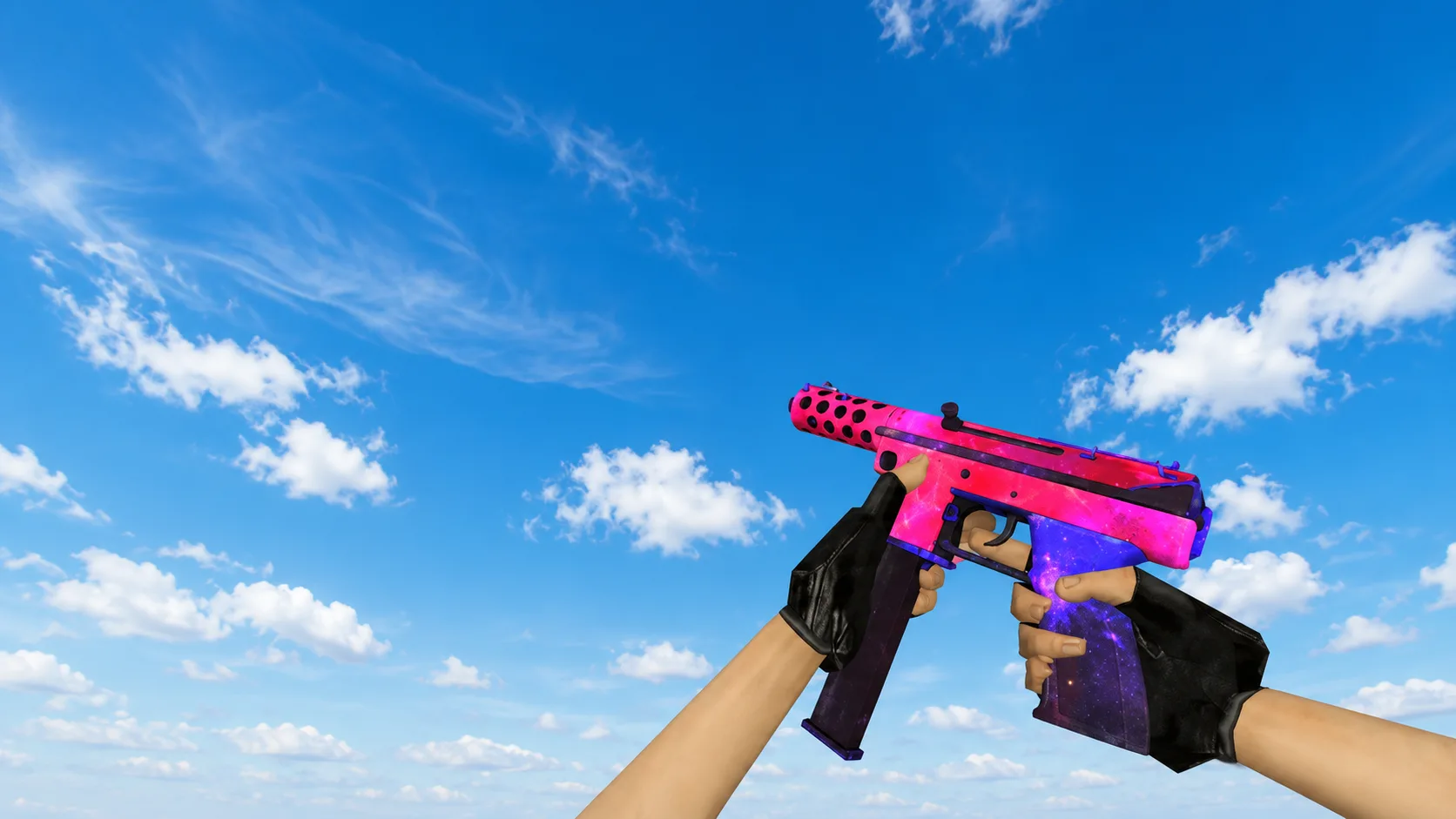
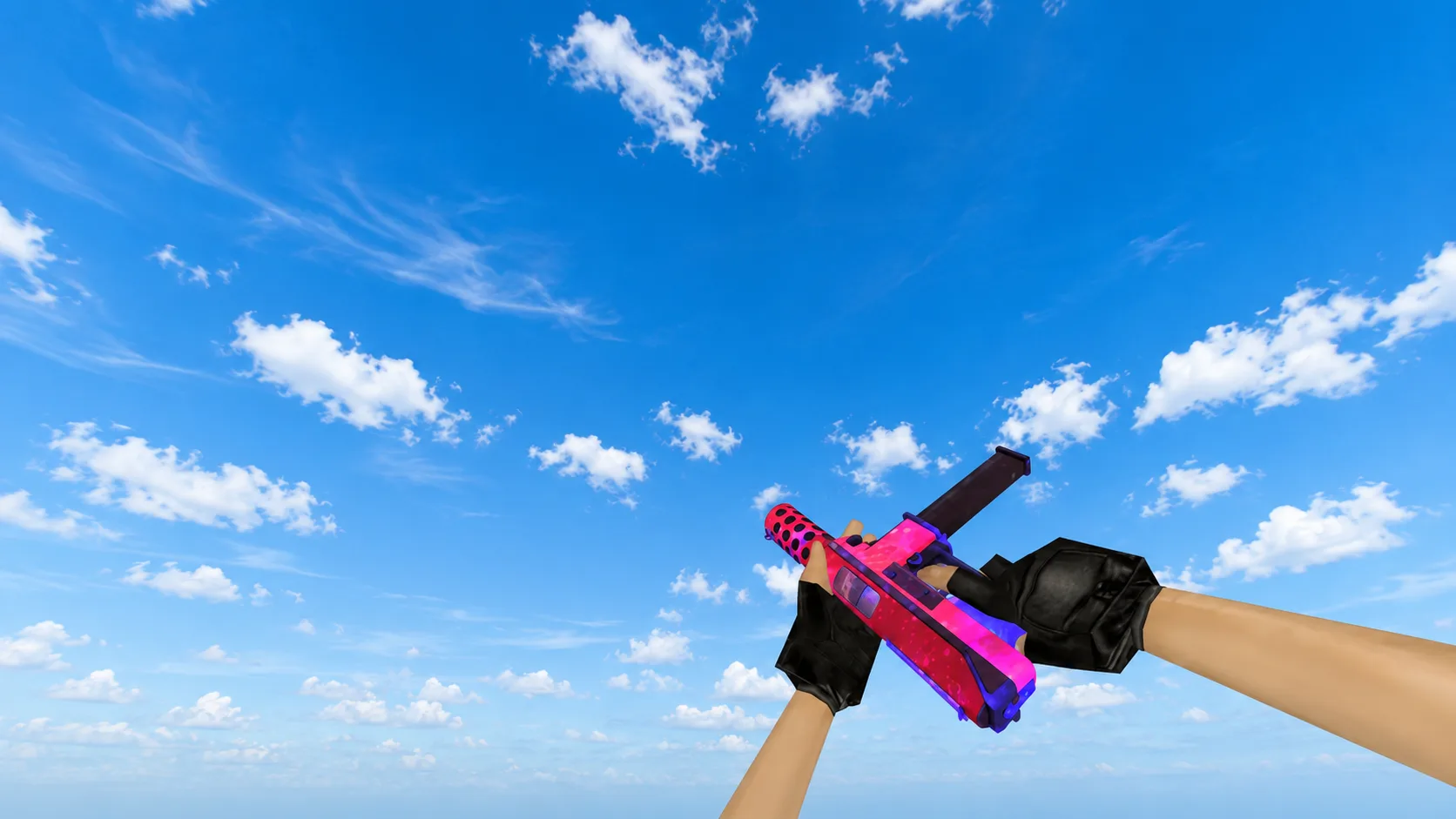
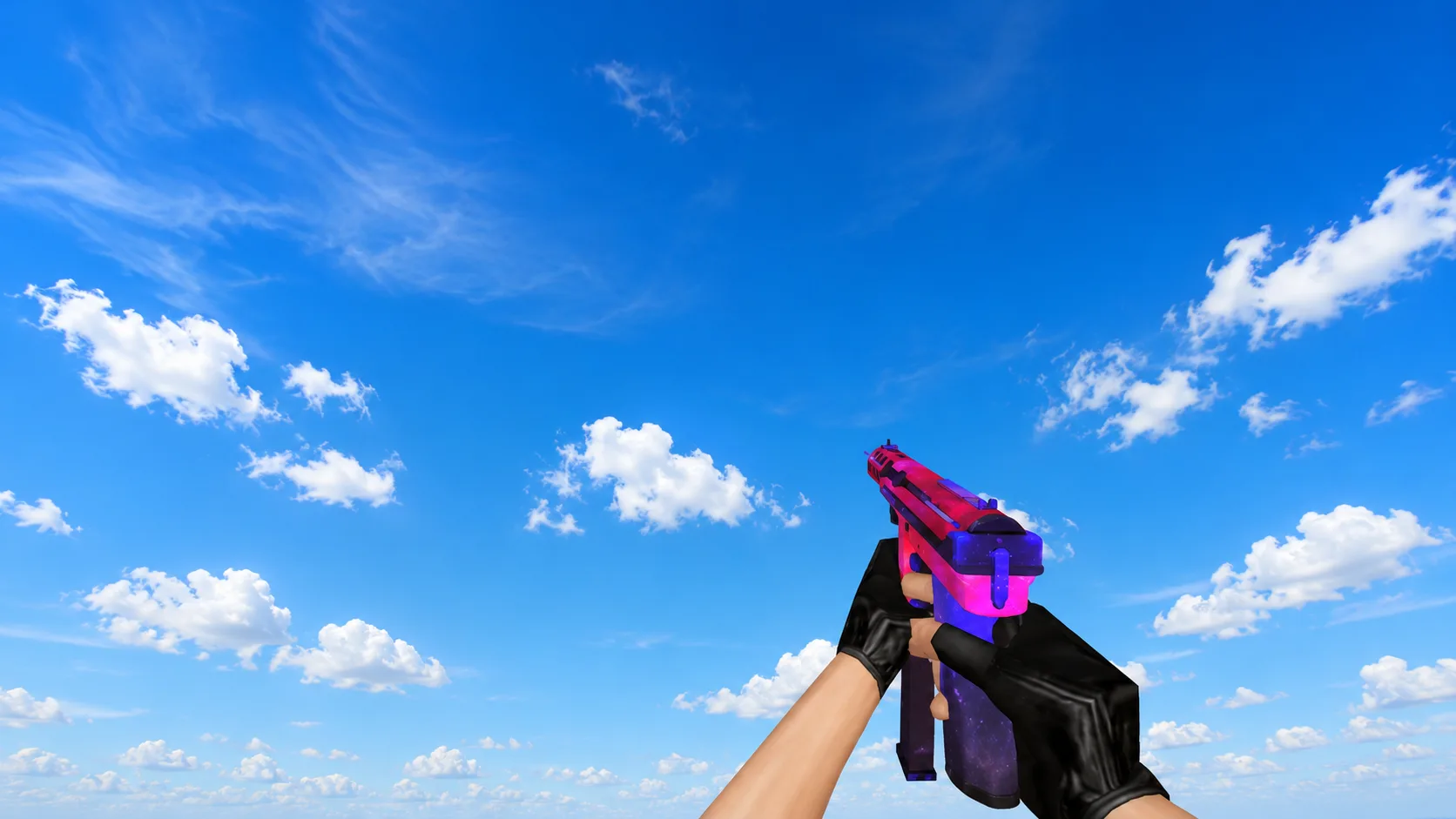
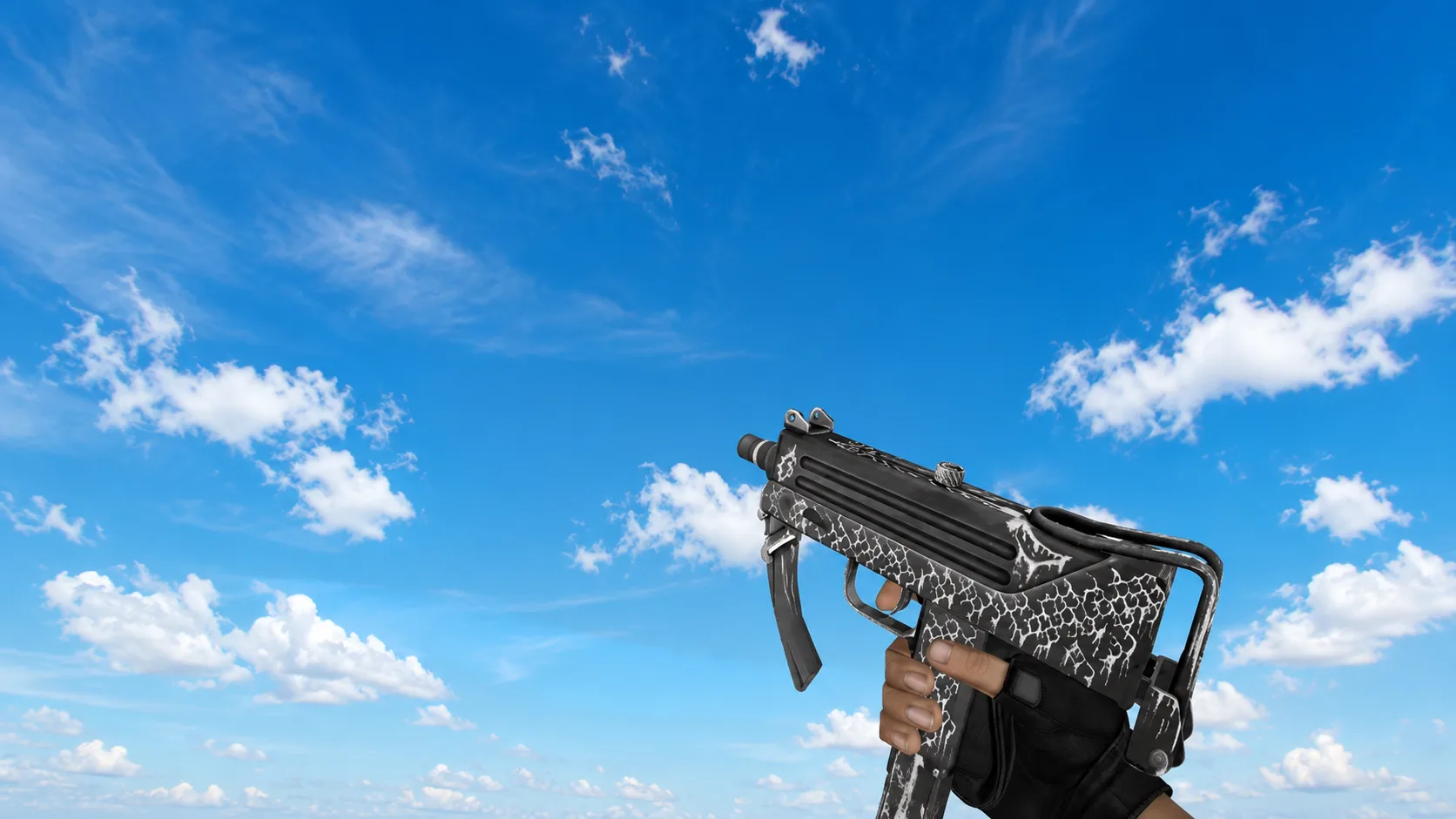
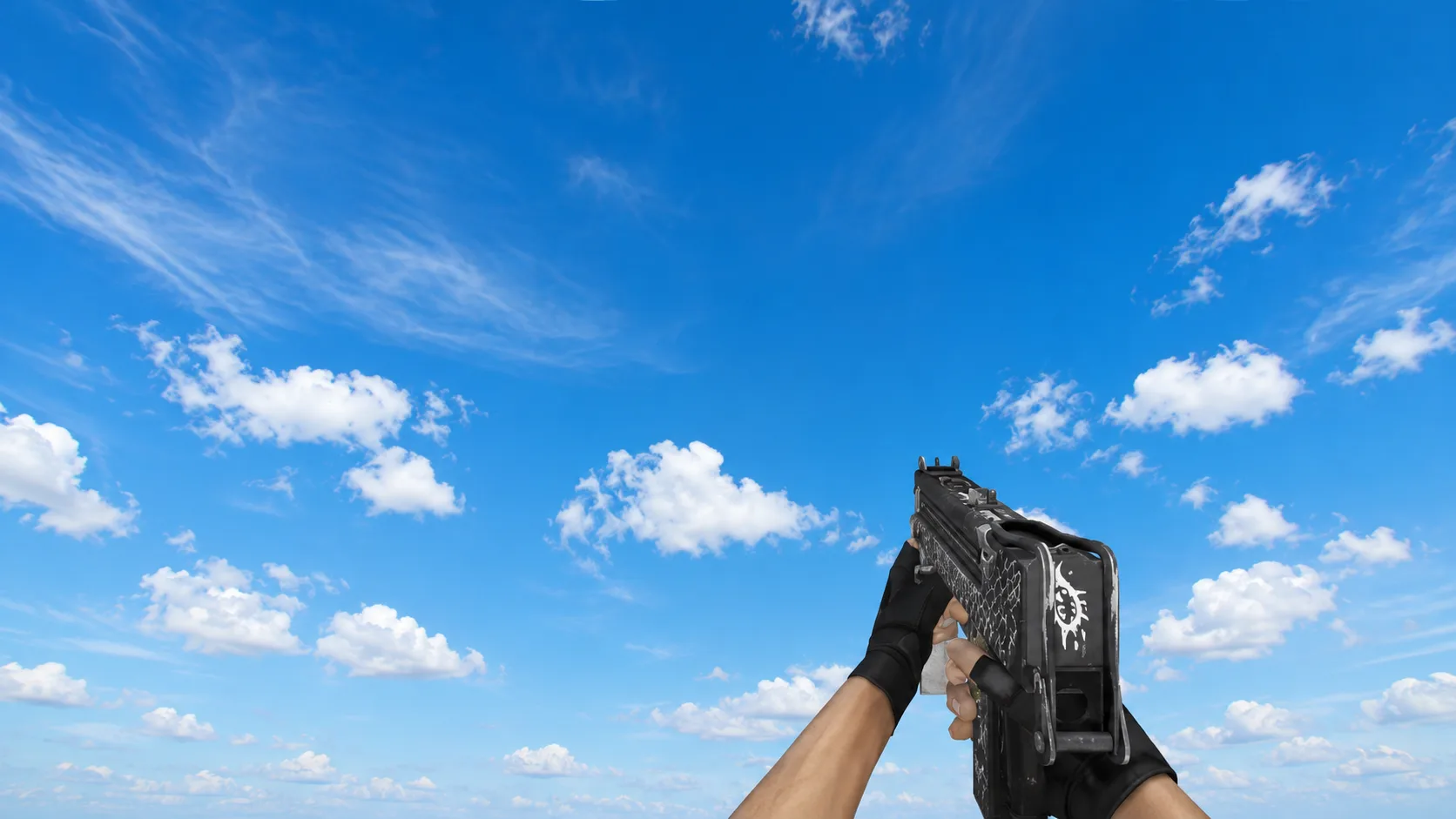
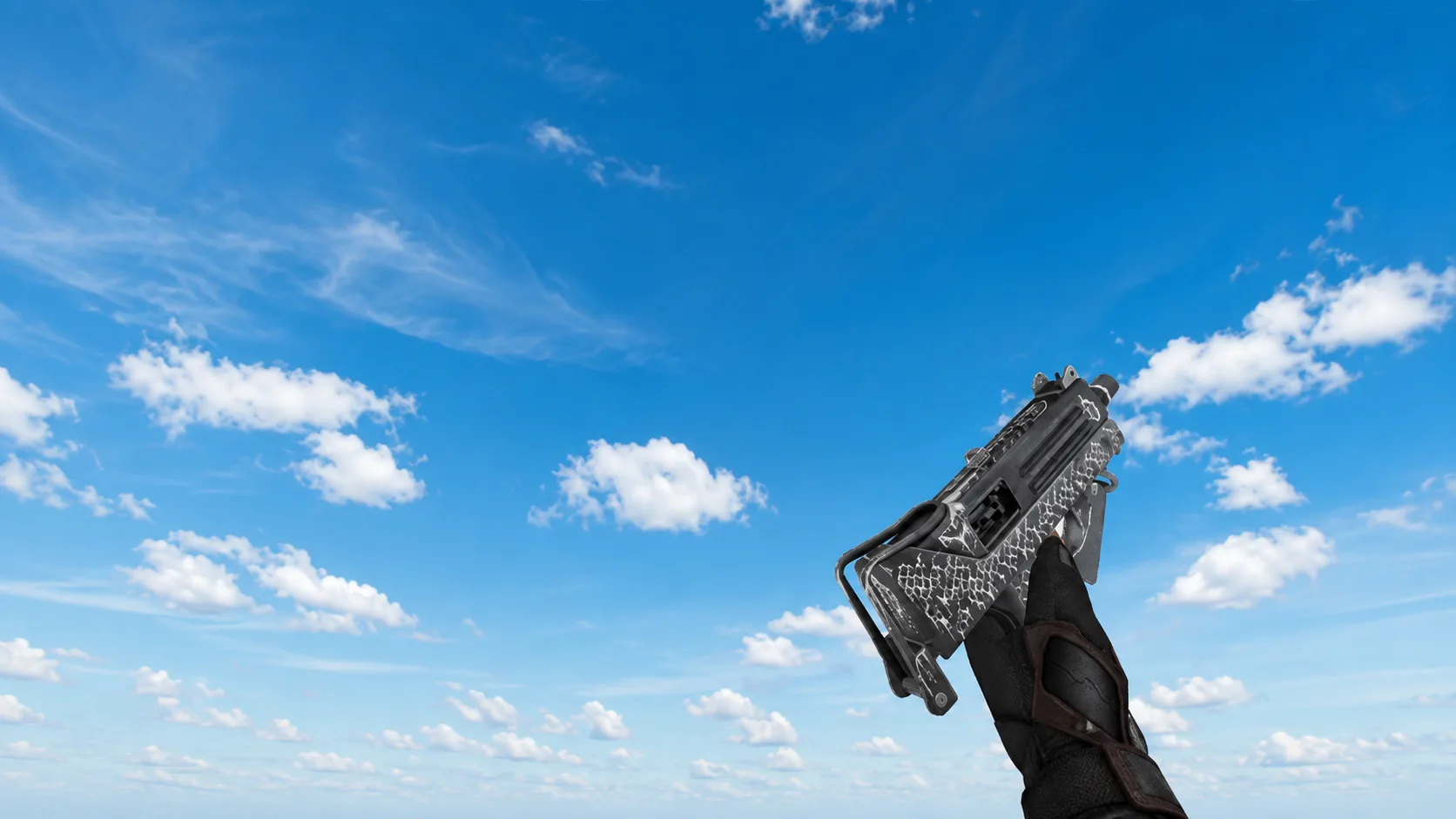
Download Model MAC-10 “Southeast Tiger” for CS 1.6 skin has a tactical design with tiger camouflage. Look at the screenshots and install it instead of the standard one.
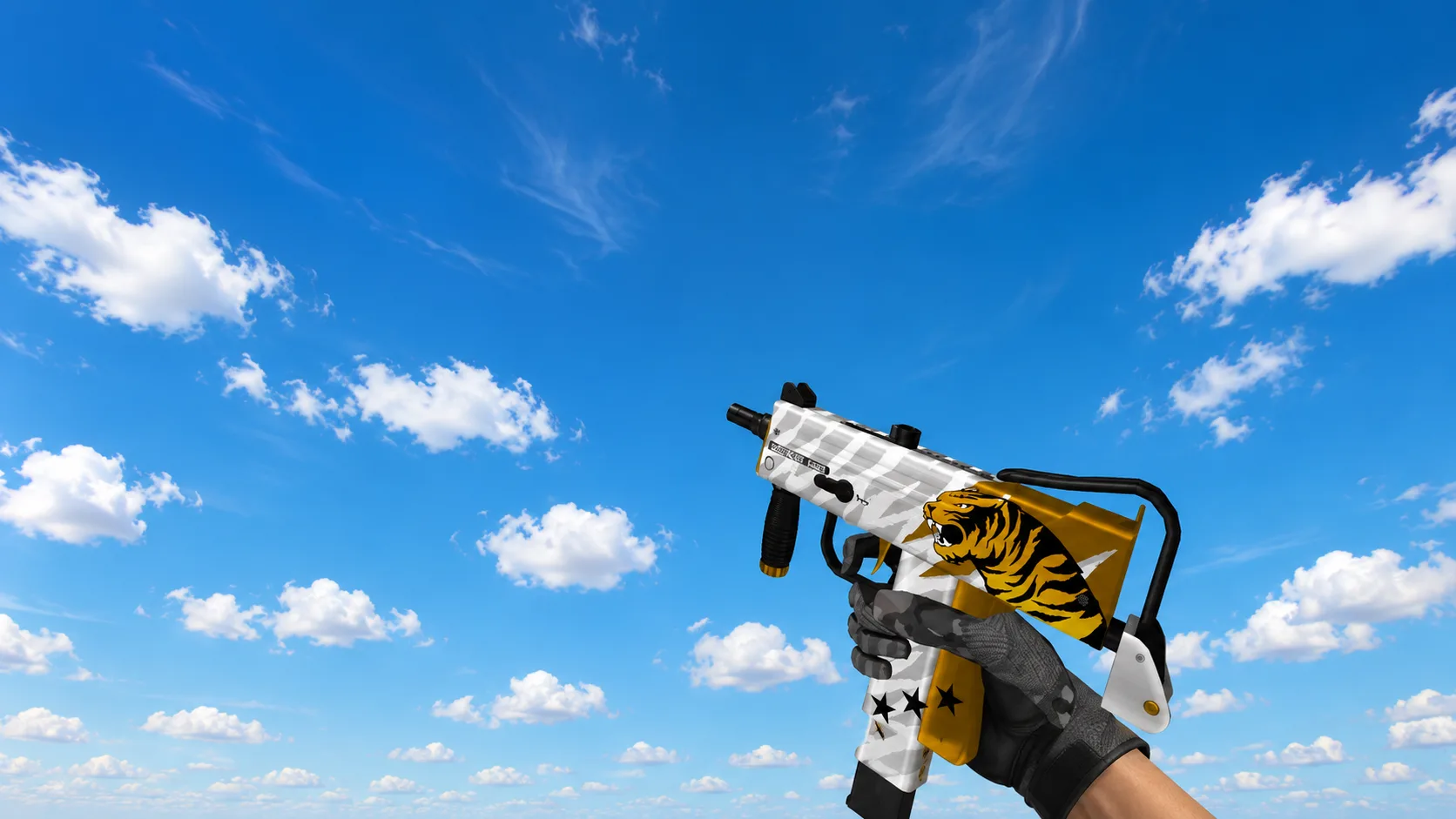
Aggressive custom skin for MAC-10 in CS 1.6. The upper part is decorated with light striped camouflage, and a roaring tiger is depicted on a yellow background at the bottom. Includes custom character gloves.