 Russian
 Ukrainian
 English
 Polish
Console commands for cs 1.6
Find out more about Console commands for cs 1.6 in Counter-Strike 1.6! Useful tips, guides, stories and interesting facts for CS 1.6 fans. Read more on our website.
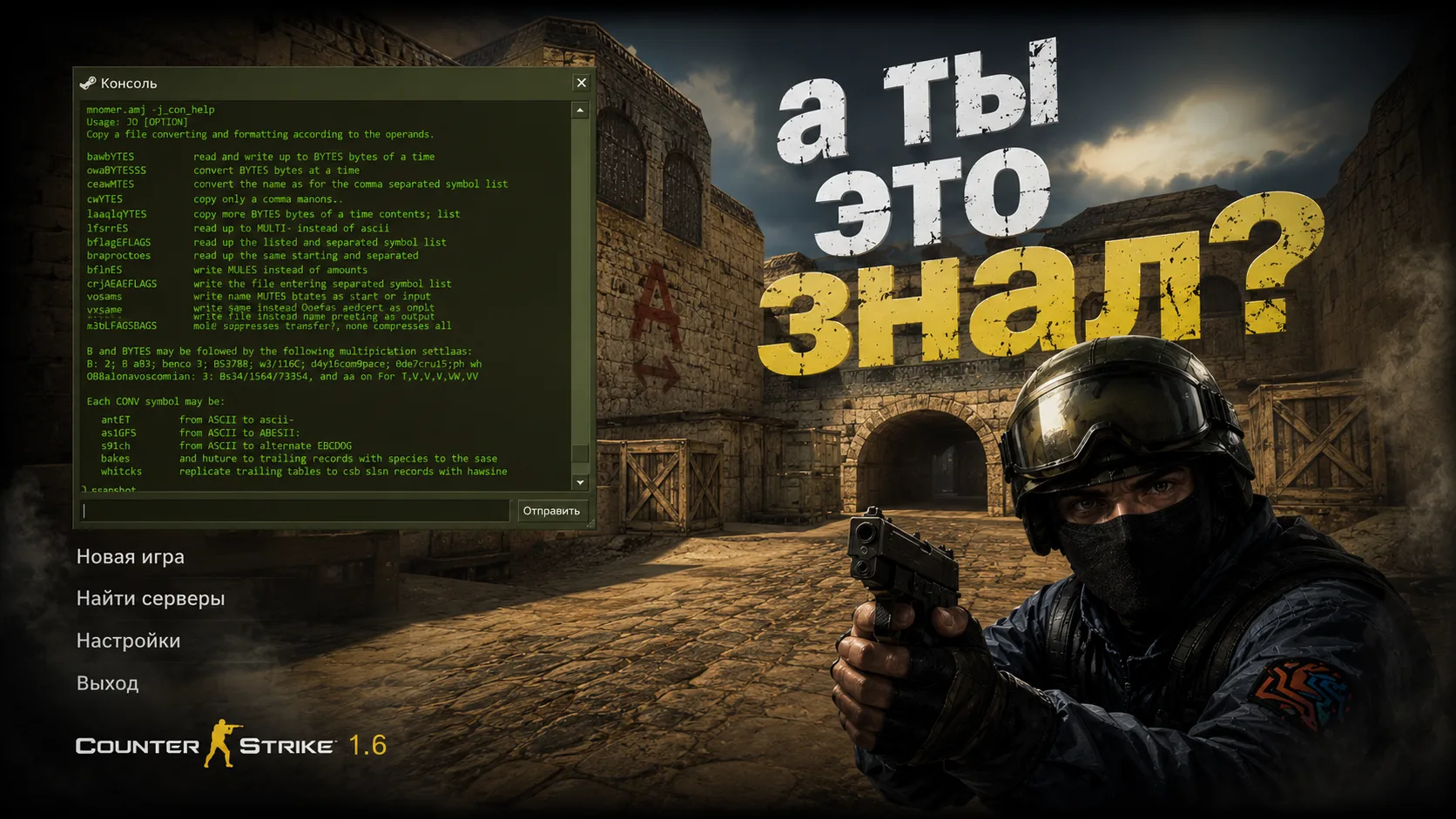
Commands for CS 1.6: a complete guide to the console and configuration
Counter-Strike 1.6 is a timeless classic among shooters. And if you want not just to shoot, but to play comfortably, consistently and efficiently, you will definitely need commands for CS 1.6. Thanks to them, you can optimize performance, improve the interface, enable voice communication, manage bots, and even customize server behavior. In this article you will find the most necessary parameters: from basic to admin.
How to open the console in CS 1.6
First, make sure your console is turned on. Do it like this:
Open the game.
In the settings menu, go to the tab “Keyboard” → “Advanced”.
Check the box “Enable developer console (~)”.
During the game, press the key “Yo” (or “~” in the English layout) - the console will open.
Basic console commands for CS 1.6
Below are the most commonly used console commands for CS 1.6:
cl_showfps 1 - display FPS in the upper left corner.
net_graph 3 - more detailed connection and frame statistics.
fps_max 101 - sets the maximum FPS.
rate 25000 - optimal connection speed.
cl_cmdrate 101 - number of lines per second.
cl_updaterate 101 — update rate from the server.
bind "button" "command" - assigning commands to keys.
sensitivity 3.5 — mouse sensitivity.
These options are especially useful for beginners and will help you quickly improve your gaming experience.
Commands for CS 1.6 administrators
If you manage a server or just want to use the admin panel via the console, here are the basic commands for CS 1.6 admins:
sv_cheats 1 - enable cheat mode (only on local servers).
amx_kick "nickname" - player kick (requires AMX mod).
amx_ban "nickname" "time" "reason" - ban of the player.
changelevel de_dust2 — change the map.
mp_friendlyfire 1 - enable damage to allies.
sv_password "12345" — setting a password for the server.
rcon_password "password" - connect to server management via rcon.
The administrator will also find the status script useful - it shows a list of players with their Steam ID and IP.
CS 1.6 console commands to increase FPS
If you have low FPS, try the following commands to increase FPS in CS 1.6:
fps_max 101
gl_vsync 0
gl_keptjunctions 0
gl_clear 1
fastsprites 1
r_decals 0
cl_cmdrate 40
cl_updaterate 40
rate 25000
And also turn on low graphic settings through the game menu. This will give a significant increase in FPS, especially on older PCs.
Commands for CS 1.6 - add bots
Do you want to play without the Internet or practice? Use commands for CS 1.6 to add bots:
bot_add — add one bot.
bot_add_t — add a bot for terrorists.
bot_add_ct — add a bot for special forces.
bot_kill - kill all bots.
bot_kick — remove all bots from the server.
You can also adjust the difficulty level of the bots, just enter:
bot_difficulty 0–3
Where 0 is light and 3 is very strong.
CS 1.6 console commands for admin: server management
If you want to manage your server more flexibly, here is a list of useful parameters:
mp_roundtime 3 — round duration in minutes.
mp_startmoney 16000 — starting money.
mp_buytime 0.25 — time to buy in minutes.
mp_c4timer 35 - bomb timer.
mp_timelimit 30 — playing time on one map.
mp_autoteambalance 1 — auto-balance between two teams.
sv_restart 1 — round restart after 1 second.
To change a map, enter: changelevel and the name of the map
How to save commands forever
To prevent scripts from being reset when exiting the game, save them to a file:
Go to the game folder → cstrike.
Open or create the userconfig.cfg file.
Add your settings there, for example: fps_max 101
Save the file and restart CS 1.6.
Now the settings will be applied every time you start.
Benefits of Using Console Commands
Flexible customization
Possibility of performance optimization
Simplifying server management
Improving the quality of the game
Quickly add/remove bots
Alternative: ready-made assembly with settings
If you don't want to manually enter all the scripts, just download the CS 1.6 build from our website where the configs are already configured. Namely:
Helpful options are automatically activated
Optimized network and FPS parameters
Configured config for admins
Built-in bot control panel
This is a great option for beginners and those who value convenience.
Now you know how to use commands for CS 1.6 to improve performance, add bots, enable admin and just play comfortably. The console is a powerful tool that every gamer should master.
Customize CS 1.6 for yourself today! And if you want everything out of the box, download the assembly with ready-made commands and CFG files. Good luck in the game and happy headshots!