 Russian
 Ukrainian
 English
 Polish
How to install graffiti in Counter-Strike 1.6
Find out more about How to install graffiti in Counter-Strike 1.6 in Counter-Strike 1.6! Useful tips, guides, stories and interesting facts for CS 1.6 fans. Read more on our website.
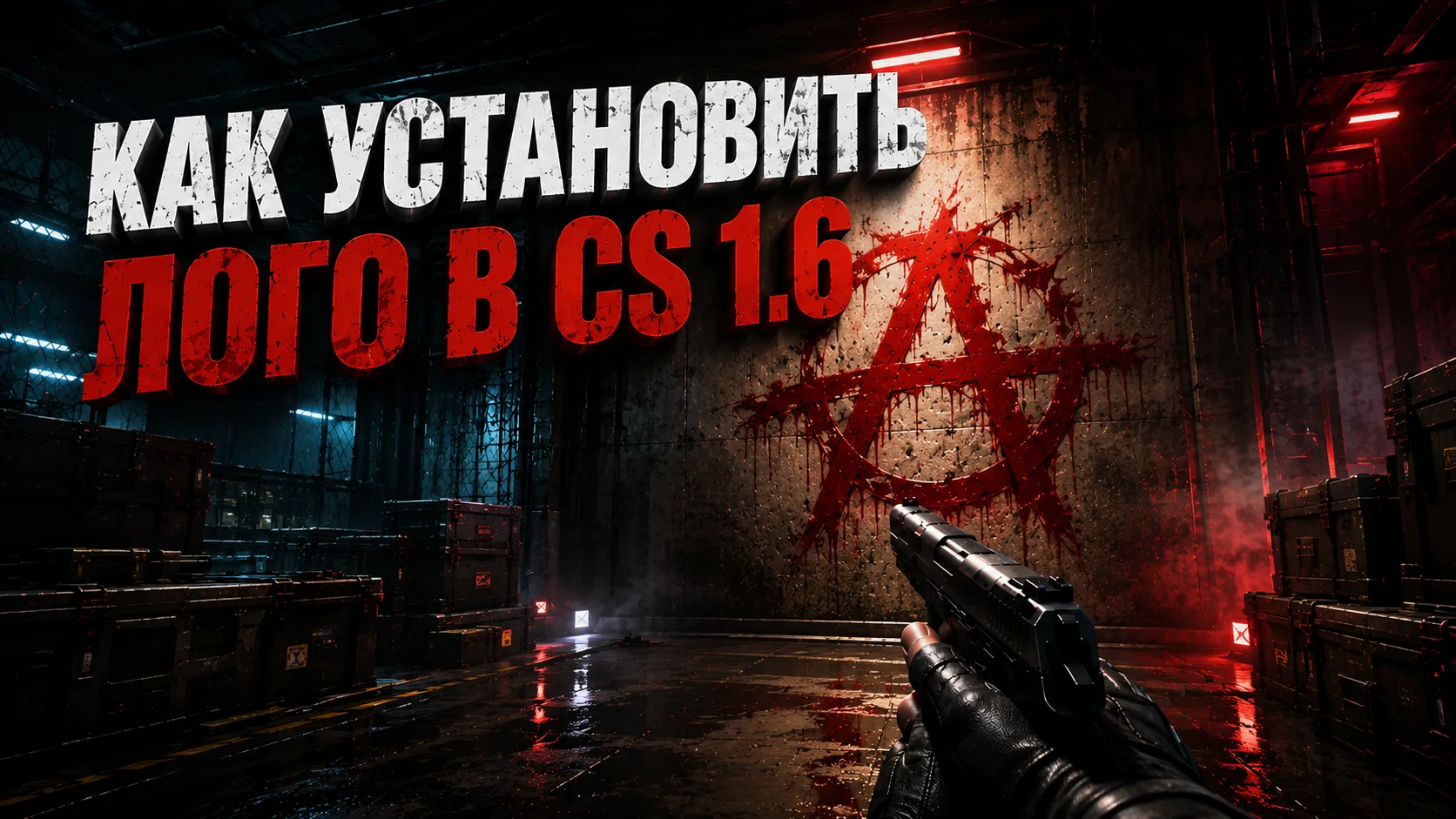
Graffiti in Counter-Strike 1.6 is a great way to personalize the game and add a little bit of your own style. Installing new graffiti is quite simple, even if this is your first time. Here are detailed instructions.
1. Determine the type of graffiti
There are two main types of graffiti in the game:
Colored — bright and catchy to stand out on the map.
Black and white - classic style for lovers of minimalism.
Download the archive with the necessary graffiti, you can find them on our website in the section graffiti for CS 1.6
2. Colored graffiti
To install colored graffiti, follow these steps:
Find the file tempdecal.wad in the archive.
Move this file to a folder cstrike in the game directory. For example:
Steam version: Program Files (x86)/Steam/steamapps/common/Half-Life/cstrike.
Non-Steam version: C:/Program Files/cstrike.
Confirm replacing the file if the system prompts.
3. Black and white graffiti
For black and white graffiti follow these instructions:
Find the file with the extension .bmp in the archive.
Copy this file to a folder cstrike/logos.
Launch the game, go to settings and select your graffiti from the list of available ones.
4. Check out the graffiti in the game
After transferring the files, open Counter-Strike 1.6. In the game, press the key to apply graffiti (usually T). Make sure the graffiti is displayed correctly.
Useful tips
Backup: Before replacing files, make a backup copy of the original ones so that you can return them in case of an error.
Compatibility: Make sure the graffiti files are correct for your version of the game.
Create your own graffiti: If you want to create your own graffiti, use an image editor and save the file in .bmp format with the desired parameters.