 Russian
 Ukrainian
 English
 Polish
How to add bots in cs 1.6
Find out more about How to add bots to cs 1.6 in Counter-Strike 1.6! Useful tips, guides, stories and interesting facts for CS 1.6 fans. Read more on our website.
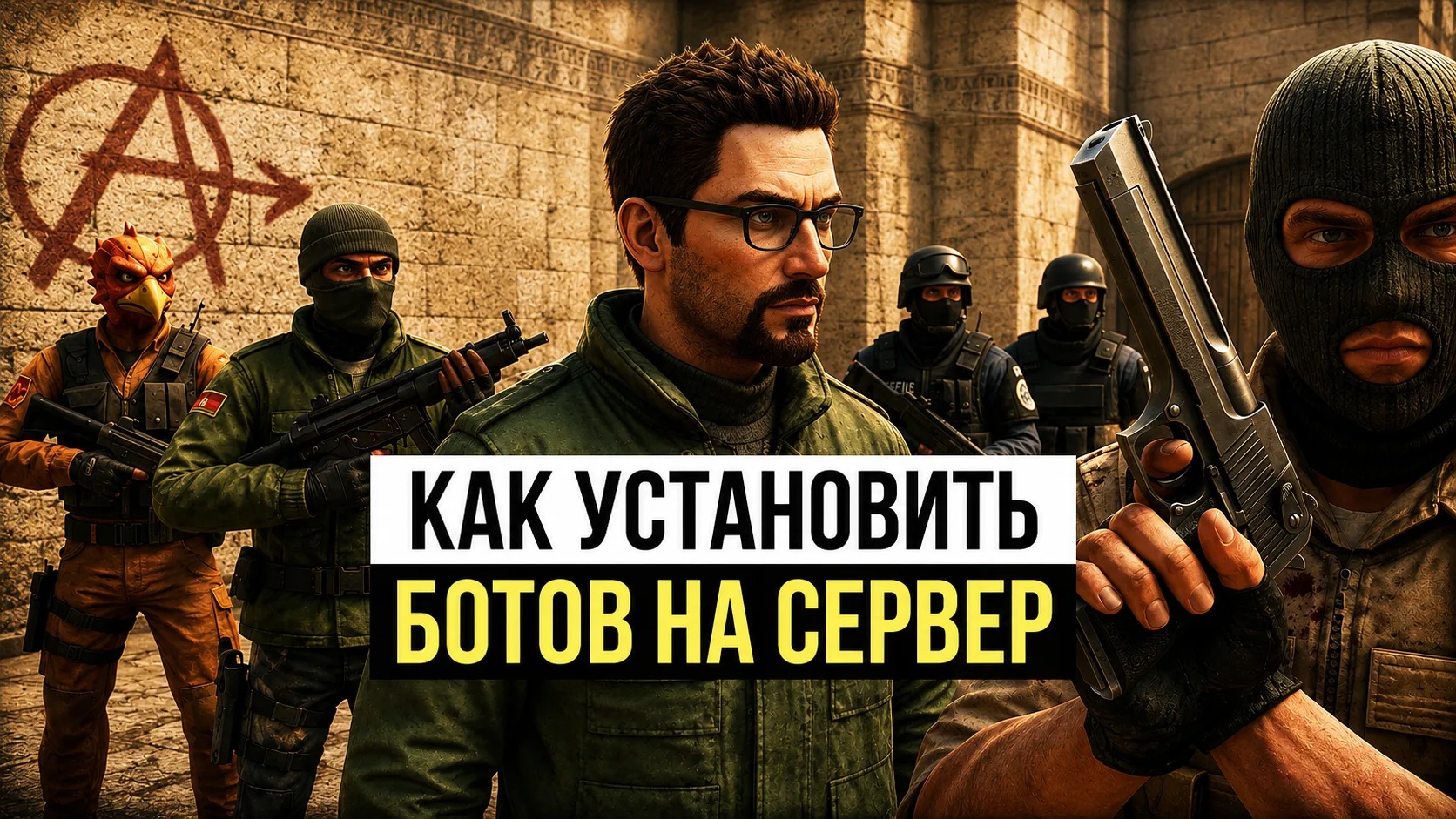
How to add bots to CS 1.6: step-by-step guide for beginners and more
Counter-Strike 1.6 is a time-tested classic of the genre. And if you want to practice before playing with real opponents or just play alone, you definitely need to know how to add bots to CS 1.6. In this article, we will walk you through the process of installing and configuring bots step by step, and tell you about popular builds, commands and capabilities.
Why add bots to CS 1.6 at all?
If you don't have an Internet connection or want to practice in a quiet environment, then this mode is the ideal solution. They help:
Explore maps
Improve reaction and accuracy
Warm up before matches
Play without toxic teammates
In addition, playing with virtual characters is suitable for beginners who are just starting to get acquainted with Counter-Strike.
How to add bots in CS 1.6: where to start?
By default, the licensed version of CS 1.6 does not include virtual players. The most popular and stable option is zBot. Not only is it easy to install, but it also supports most maps, unlike the outdated PodBot.
Before you start adding, make sure that your CS 1.6 build does not contain different characters by default. Otherwise the installation may cause errors.
Instructions: how to download bots in CS 1.6
Download the archive from zBot
You can find zBot using this link on our website.
Unpack the archive
Open the folder with CS 1.6, then move the files from the archive to the root directory of the game. If necessary, confirm the replacement.
Launch the game
Go to the "Create a server" section. If everything is set correctly, the “Add Rivals” option will appear in the menu. Select the required number (for example, 10 per team) and start the game.
How to add bots to CS 1.6 via the console
If the menu does not appear or you want to do everything manually, use the console commands:
bot_add - adds one random character
bot_add_t - adds terrorists
bot_add_ct - adds special forces
bot_kill - kills everyone
bot_quota 10 - sets the total number of players
These commands are especially useful if you want register bots in CS 1.6 quickly, without leaving the match.
Alternative methods: command menu and keyboard shortcuts
After installing zBot, you will be activated bot management menu, called by key H. In this menu you can:
Add/Remove
Select difficulty level
Assign side (T or CT)
Customize your behavior style
This approach is suitable for those who prefer a visual interface instead of a console.
Counter Strike 1.6: how to add bots with a ready-made assembly
If you don't want to bother with manual installation, just download the build with already built-in characters. This is the easiest way to start playing.
Advantages of ready-made assembly:
No manual installations
Everything already works out of the box
Often includes visual enhancements and user-friendly menus
How to create bots in Counter-Strike 1.6 using mods
For non-standard modes (for example, zombies, surf or jailbreak), standard bot players may not be enough. In this case, bot modifications come to the rescue:
zBot - best for standard maps and training
CSBot - included in some builds, works without Waypoint files
YaPB — suitable for hardcore modes and non-standard maps
You can also create your own configuration and scripts to automate the behavior of AI players.
What can modern bots do?
If you think bots are just targets, you're wrong. Modern zBot in CS 1.6 can:
Follow radio commands
Plant and defuse bombs
Rescue hostages
Pick up weapons
Use tactics and cover
Make jokes into the microphone (can be disabled: bot_chatter off)
Of course, they will not replace live players, but their capabilities are more than enough for training.
Useful commands for managing bots
Here is a list of the most necessary commands:
Team
Purpose
bot_add
Add a bot to a random team
bot_add_t
Add a bot for terrorists
bot_add_ct
Add a bot for counter-terrorists
bot_kick
Remove all players
bot_kill
Kill all characters
bot_difficulty 1-3
Set difficulty (0 – easy, 3 – expert)
bot_quota N
Number of bots on the map
bot_chatter off
Disable bot chatter
Now you know exactly how to add bots to CS 1.6, be it through the console, menu or build installation. This is a great way to improve your skills, enjoy single-player gaming, and practice your favorite offline shooter.
Tip: start with easy opponents, and then gradually increase the difficulty. This will help you develop as a player.
Successful matches and accurate shots!