 Russian
 Ukrainian
 English
 Polish
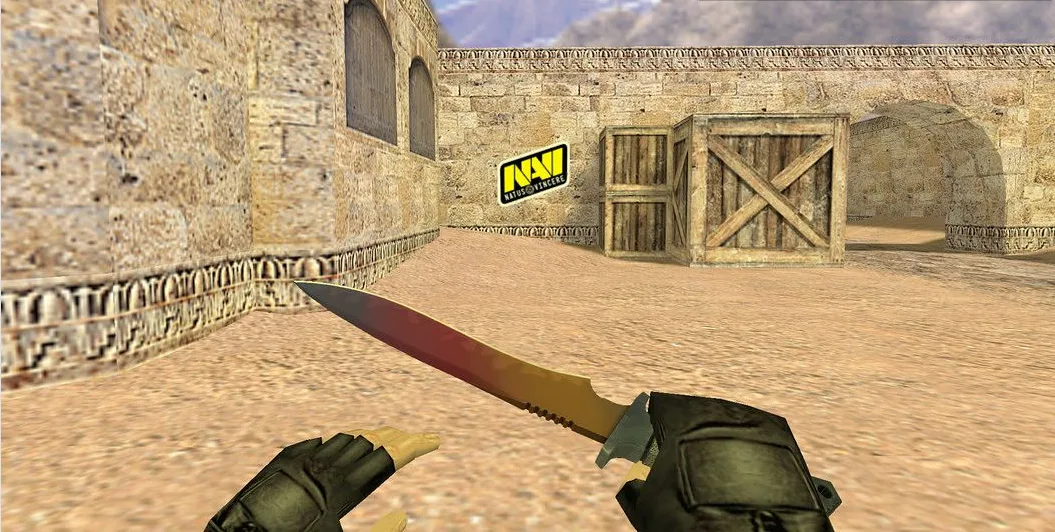
How to change hand in cs 1.6
Find out more about How to change hand in cs 1.6 in Counter-Strike 1.6! Useful tips, guides, stories and interesting facts for CS 1.6 fans. Read more on our website.
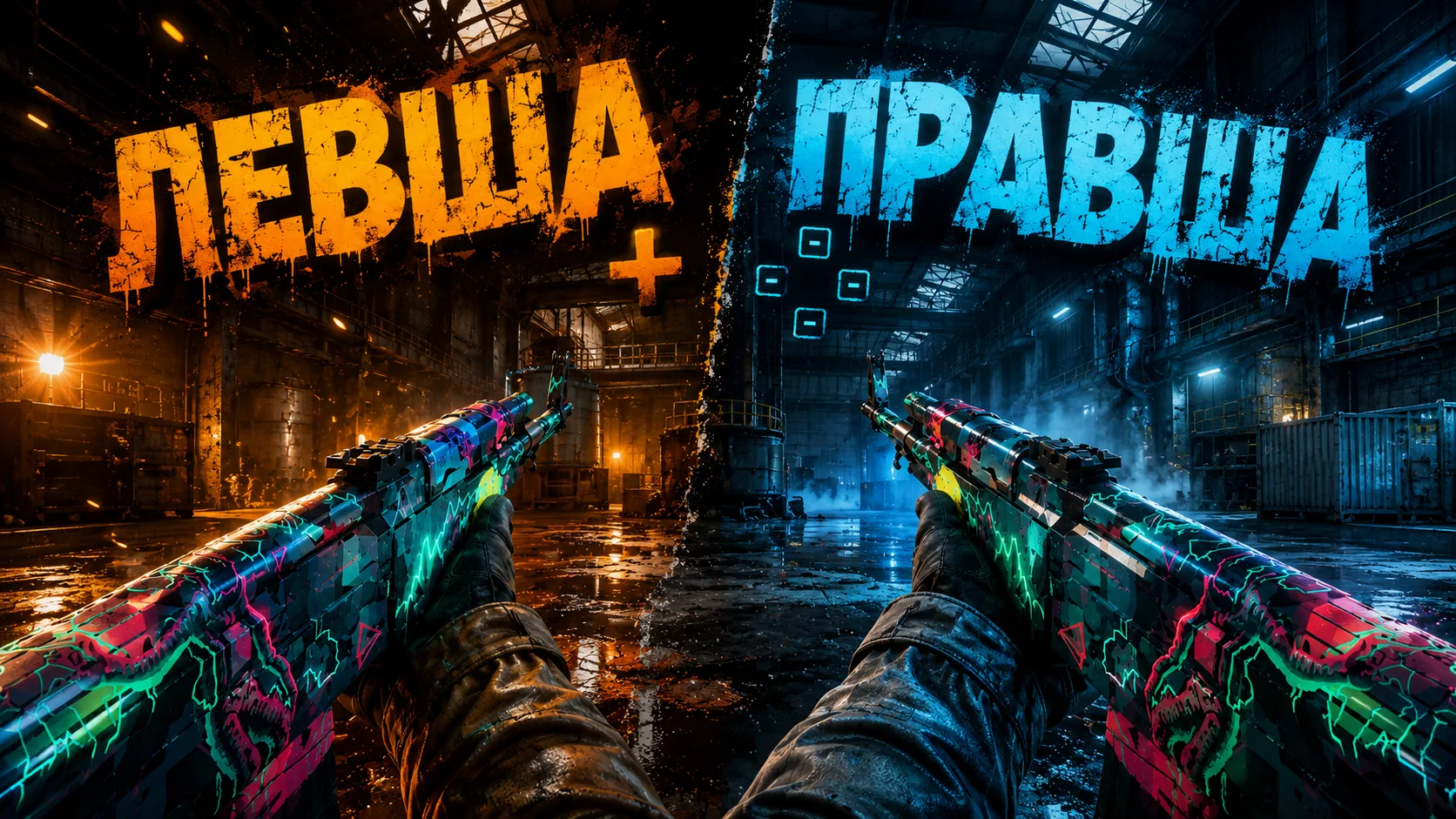
How to change hand in CS 1.6: detailed instructions for a comfortable game
It's the little things that make a difference - especially in shooters like Counter-Strike 1.6. One of these nuances is the location of the weapon on the screen. Many players play with the right side of the weapon display, others with the left, and others are more accustomed to constantly switching. If you are wondering how to change your hand in CS 1.6, you are in the right place. In this article we will tell you how to do this through the console, settings and what to do if the view to the right or left does not change.
Why change your hand in CS 1.6?
Weapon placement affects not only comfort, but also performance in the game. For example:
Improves personal effectiveness
The view becomes more comfortable
Fewer distractions
Improves aiming accuracy
If you are accustomed to a certain position of the weapon in other games, it will be more convenient for you to customize the interface for yourself and change your hand to your usual one in CS 1.6.
How to change hand in CS 1.6 via console
This is the fastest and most reliable way to change the weapon display side.
What to do:
Launch CS 1.6.
Press the key “Yo” (or “~”, if the layout is English) to open the console.
Enter one of the commands:
For right hand position: cl_righthand 1
For left weapon position: cl_righthand 0
Press Enter and the weapon will change sides. The change takes effect instantly, even during the round.
How to change weapons to the right hand in CS 1.6 through the menu
If you don’t want to work with the console, there is an alternative way.
How to do it:
Go to CS 1.6 and open “Settings” (Options).
Go to the tab "Advanced".
Find an item "Weapon Alignment".
Select:
Right Handed - for the right position of the weapon.
Left Handed - for the left position of the weapon.
After that, click “OK” and you're done!
How to change hand in CS 1.6 if it doesn’t change
Sometimes it happens that teams don't work. Causes and solutions:
1. Hand does not change after restart
You may have a config installed that resets the settings.
Solution: Open userconfig.cfg or config.cfg (folder cstrike) and find the line cl_righthand. Make sure the correct value is saved.
2. CS 1.6 build blocks changes
Some modified builds do not allow you to change the display side of the weapon
Solution: use a clean build of CS 1.6 or a version in which all standard settings are available. You can find such builds on our website https://www.cs16adrenalin.com/category/cs
3. After changing the card, the hand returns
Some servers automatically download their configs.
Solution: re-enter cl_righthand 1 or 0, or bind it to the key.
How to bind a button to quickly change hands
If you want instantly switch hands, use bind:
bind "L" "toggle cl_righthand 0 1"
Now when you press a key L the weapon will change side to the opposite.
You can choose any convenient key instead of “L”.
Which files are responsible?
CS 1.6 uses the cl_righthand parameter built into the config. You can add it to the file:
cstrike/userconfig.cfg
Add the line:
cl_righthand 1
And save it. This will fix the selected side of the weapon display even after restarting the game.
CS 1.6 build with the ability to change hands
To avoid hassle with manual edits, you can download the optimized build of CS 1.6, which contains:
Activated hand setting via menu
Saved basic commands in userconfig.cfg
There is quick access to HUD and control settings
Blocking scripts and modifications removed
This build is especially suitable for beginners who are just starting to dive into the world of CS.
Benefits of Proper Hand Adjustment
Quickly adapts the game to your preferences
Improves visibility
Saves time on setup
Eliminates discomfort when aiming
Helps you focus better on your goals
This is especially important if you play for results or plan to participate in matches with other experienced players.
Now you know how to change your hand in CS 1.6, be it through the console, menu, or even using a bind. This is a small change that can have a big impact on your comfort and performance in the game.
Change the placement of weapons to suit you right now - and make the gameplay more convenient and productive.
Successful frags, minimal misses and only headshots - no matter from which side you shoot!