 Russian
 Ukrainian
 English
 Polish
How to install a weapon model (skin) in cs 1.6
Find out more about How to install a weapon model (skin) in cs 1.6 in Counter-Strike 1.6! Useful tips, guides, stories and interesting facts for CS 1.6 fans. Read more on our website.
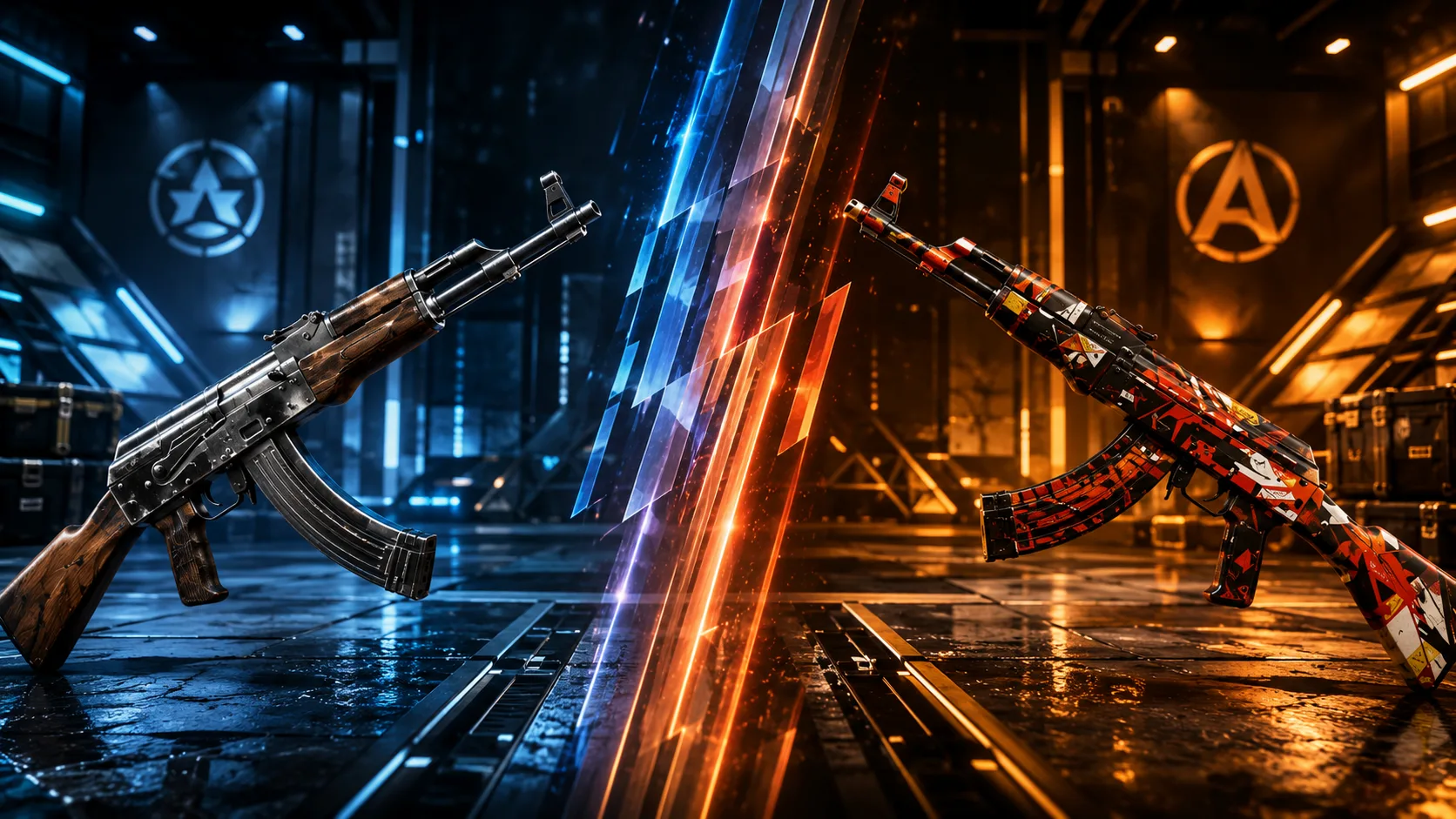
How to install skins on weapons in CS 1.6
You downloaded the skin from https://www.cs16adrenalin.com or from somewhere else. Installation into the game will not require additional programs; the most important thing is to replace the files in the correct folders of your Counter-Strike 1.6.
MDL files in cstrike/models (models)
WAV files in cstrike/sound (sounds)
TGA files in cstrike/gfx/vgui (pictures for the purchasing menu)
SPR files in cstrike/sprites (effects)

V (view), P (player), W (world) models as an example Famas PAW
You decide what files to install. For example, if you do not need new sounds or pictures, then simply do not copy the corresponding files from the archive.