 Russian
 Ukrainian
 English
 Polish
How to make your own logo in cs 1.6
Find out more about How to make your own logo in CS 1.6 in Counter-Strike 1.6! Useful tips, guides, stories and interesting facts for CS 1.6 fans. Read more on our website.
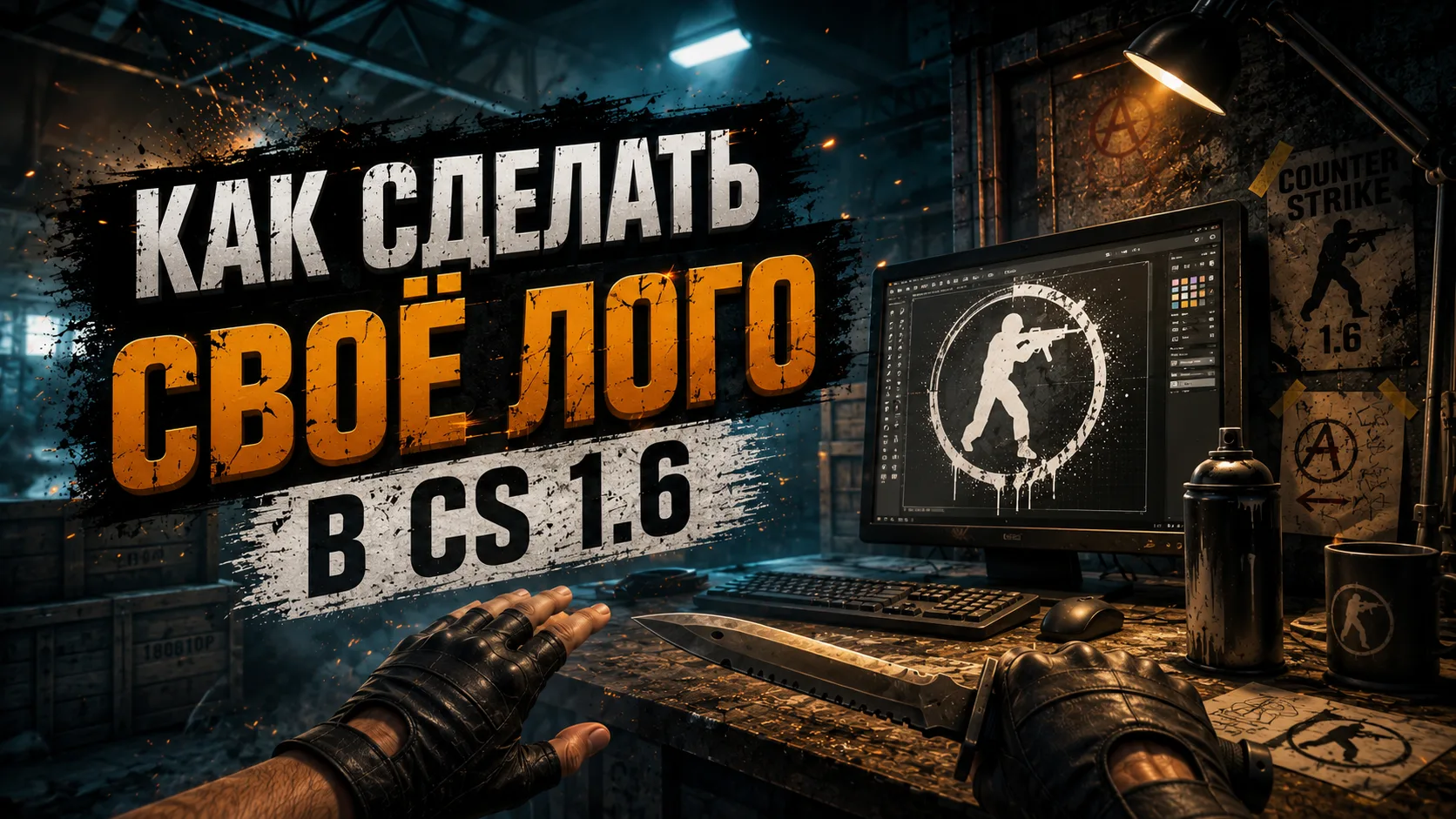
How to make your own logo in KS 1.6: step-by-step instructions
In Counter-Strike 1.6 you can not only shoot accurately and throw flash drives, but also stand out among other playersusing your own logo. If you want your graffiti to be unique and not standard, this guide will come in handy. Here we will tell you how to make your own logo in CS 1.6using a simple free program.
Why do you need your own logo?
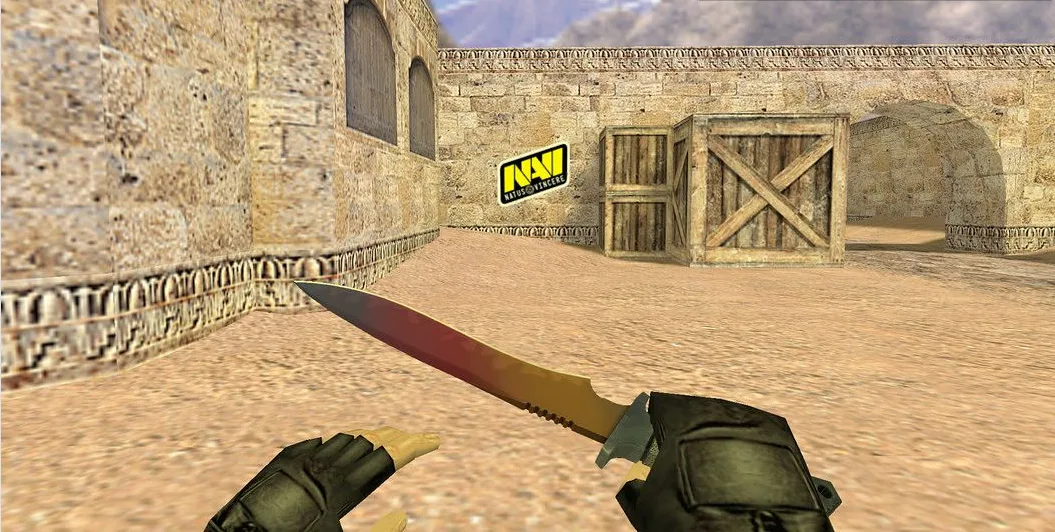
The logo in CS 1.6 is the same picture that you can “draw” on walls, floors and other surfaces. It usually appears after pressing the T key (default). This is not only a way of self-expression, but also a great opportunity:
Leave a mark on the game
Increase recognition on the server
Add some personality to the gameplay experience
Just have fun with friends
And if you want to be as original as possible, it's timecreate your own logo in CS 1.6rather than using standard images.
How to put your logo in CS 1.6?
For this we need a special utility - HL Tag Converter. With its help, you can turn any picture (for example, your nickname, clan emblem, or even the emblem for CS 1.6 in the form of a butterfly) into a file that the game can understand.
Where to download?
The HL Tag Converter program is freely distributed, you can find it on thematic sites or forums on CS 1.6.
How to create your own logo in KS 1.6 - step by step
Step 1: Prepare your image
Any image in JPG, BMP or PNG format will do. Preferably square and with a resolution of up to 256×256 pixels. The smaller the number, the better the display quality in the game.
Tip: do not use too dark images - they will be difficult to see in the game.
Step 2. Open HL Tag Converter
Download and install HL Tag Converter.
Launch the program and click the button “Open Image”.
Select your image.
Step 3. Adjust the picture
Click “Adjust Image”.
Next - “Apply changes and convert to 256 colors”.
The program will automatically trim and recode the logo to the desired format.
Step 4: Save the logo
Click “Save Tag” → “Export to WAD file”.
Name the file tempdecal.wad.
Copy the file and paste it into the folder: C:\Games\Counter-Strike 1.6\cstrike If you are using the Steam version: C:\Program Files (x86)\Steam\steamapps\common\Half-Life\cstrike
Make a copy of tempdecal.wad and rename it to pldecal.wad.
Step 5: Set to Read Only
Right-click on both files (tempdecal.wad and pldecal.wad).
Select “Properties”.
Check the box “Read Only”.
This is necessary so that the game does not overwrite your logo upon launch.
Logo for CS 1.6 in .wad format - what is it?
The .wad format is a game archive that stores graphics, including sprays. Thanks to HL Tag Converter you get exactly such a file. The main thing is not to forget to put the desired name and protect it from being overwritten.
How to check if a logo works?
Launch the game.
Connect to a server or create a game.
Press the key T - if everything is done correctly, your emblem will appear on the wall.
Possible errors and their solutions
Problem: The logo is not displayed.
Solution: Make sure that the tempdecal.wad and pldecal.wad files are in the cstrike folder and are set to read-only.
Problem: The emblem resets after exiting.
Solution: Most likely, you forgot to put write protection or the game is launched from a different path (for example, on Steam - from a different folder).
Problem: The logo is not displayed beautifully.
Solution: Use square images, avoid high resolution and bright background colors.
The benefits of your own logo
Uniqueness - no one will use the same spray
Possibility to put an image of your team or clan
Spectacular view on the server
A convenient way to mark “your zone”
You can make an icon for CS 1.6 in the form of a butterfly or any other object
Now you know how to create your own logo in KS 1.6 - from preparing the image to installing it in the game. It's easy and only takes 5-10 minutes, but it adds a real element of personality.
Stand out from others! Make a unique logo, put it in KS 1.6 and show everyone who is in charge here!
Good luck in the game and beautiful frags under your logo!