 Russian
 Ukrainian
 English
 Polish
How to make a small sight in CS 1.6
Find out more about How to make a small crosshair in CS 1.6 in Counter-Strike 1.6! Useful tips, guides, stories and interesting facts for CS 1.6 fans. Read more on our website.
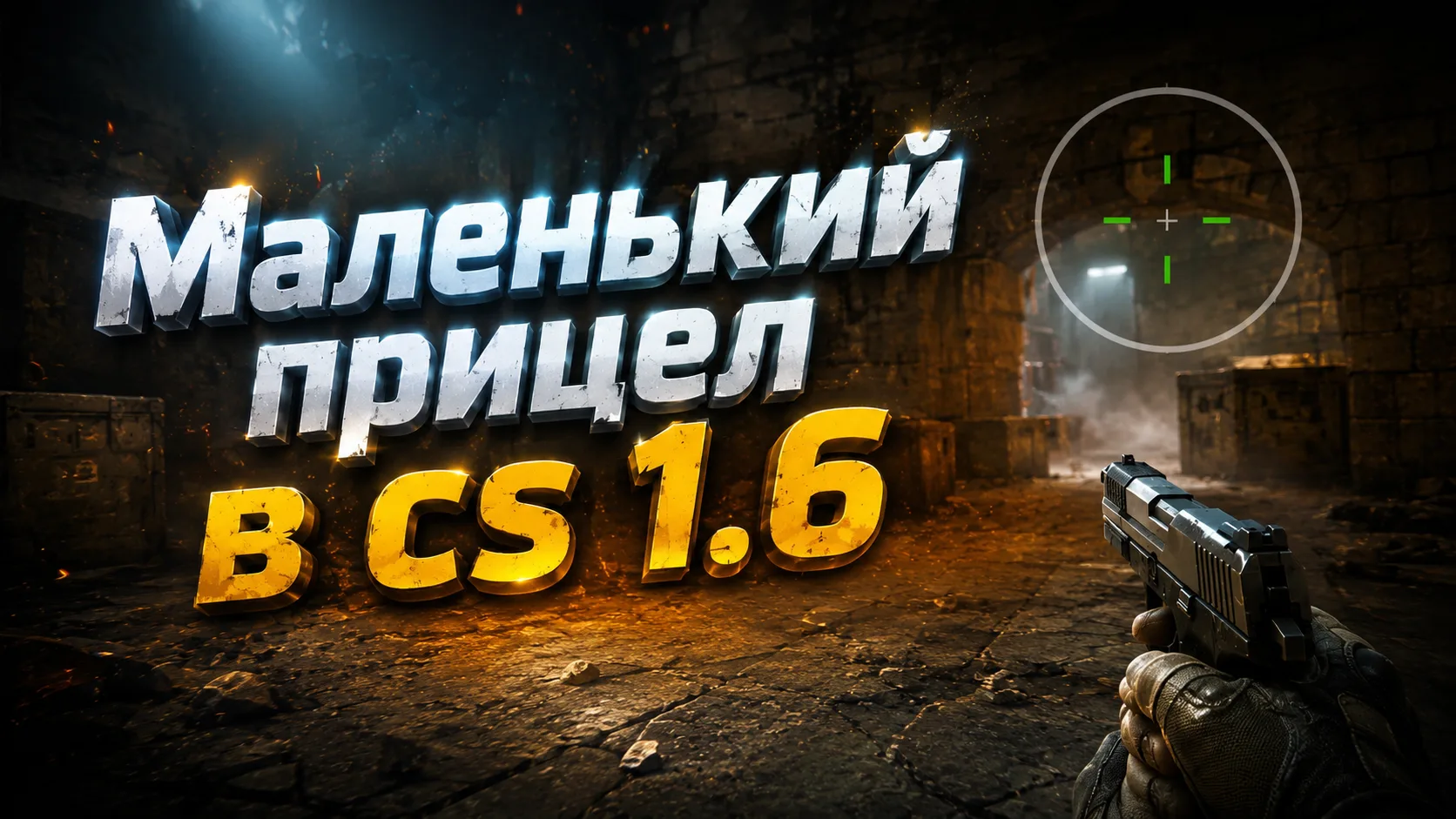
If you want to improve your shooting accuracy and target enemies faster in Counter-Strike 1.6, setting up your crosshair correctly is one of the most important steps. In this material we will tell you in detail how to make a small sight in CS 1.6, why it is needed, and what commands will help you permanently fix the necessary parameters.
Why choose a small scope?
In CS 1.6, the crosshair is displayed in the center of the screen and helps when shooting. A large crosshair can clutter your view and make it difficult to aim accurately, especially when shooting headshots. A small crosshair, on the contrary, makes shooting more accurate and comfortable.
For example, when shooting at long distances, a smaller cross allows you to focus on one point - this is critical for headshots. In addition, with a small cross size, it is easier to keep focus on the target and track its movement.
Setting up the KS 1.6 sight: how to make it smaller
In order to reduce the sight in CS 1.6, you will need to use the console. You can call the console using the “~” (tilde) key. Next, enter the following commands:
cl_crosshair_size small
cl_dynamiccrosshair 0
cl_crosshair_translucent 0.
Let's look at what each command does:
cl_crosshair_size - sets the size of the crosshair. The small value makes it compact.
cl_dynamiccrosshair - disables dynamic crosshair expansion when shooting and moving.
cl_crosshair_translucent - makes the crosshair opaque, which improves visibility.
This way, you get a stable, small scope that doesn't change shape during gameplay and ensures accurate shooting.
How to make a crosshair dot in CS 1.6?
If you want to make the crosshair a dot in KS 1.6, this is possible by further adjusting the color and shape. While the base game doesn't allow you to select a "point" directly, you can use the minimum size and turn off dynamics. In some cases, players even use modified sight configurations or models. But we recommend the honest way:
Set size: cl_crosshair_size "small"
Disable dynamics: cl_dynamiccrosshair 0.
Set the color of the cross to bright, for example:
cl_crosshair_color "255 0 0" // Bright red
This will create a minimalistic and noticeable cross that essentially looks like a dot.
How to make a small sight in CS 1.6 permanently?
To ensure that the settings are not reset, especially after restarting the game, they should be saved to a configuration file:
Go to the folder with CS 1.6.
Open the config.cfg file with Notepad.
Add the following lines to the end of the file:
cl_crosshair_size "small"
cl_dynamiccrosshair "0"
cl_crosshair_translucent "0"
Save your changes and close the file. Now the crosshair will be saved forever, even after a restart.
Alternative method: setting through the menu
If you do not want to work with the console, then some of the parameters can be changed through the menu:
Go to Settings → Multiplayer.
In the "Sight" section, select the size: "Small".
Uncheck the "Sight Transparency" box.
The rest (for example, dynamics) is better configured through the console.
How to make a very small sight in CS 1.6?
To make the crosshair as compact as possible, you can enter:
cl_crosshair_size "1"
This value makes the crosshair almost a dot, but not disappearing. The command is especially useful for players who want maximum accuracy and minimal distraction.
Advantages of a small scope
Increased accuracy
Enemies are better visible on screen
Doesn't distract from the goal
Faster focusing on heads (for headshots)
Ideal for shooting with AK-47, M4A1 and pistols
How to set the sight in a different color?
You can set any color of the cross through the RGB parameters. Examples:
cl_crosshair_color "0 255 0" // Bright green
cl_crosshair_color "255 255 0" // Yellow
cl_crosshair_color "255 192 203" // Pink
Avoid all-black (0 0 0) or white (255 255 255) colors - on many cards they blend into the background.
How to load a finished assembly with a small scope?
You can download a ready-made build of CS 1.6 with a small sight already configured and a convenient config. You can find such an assembly in our section builds for cs 1.6. All builds have a large selection of custom sights for every taste, just go to the game settings
Now you know how to make a small sight in CS 1.6, and why it can give you an advantage in the game. Customize the crosshair to suit you, experiment with colors and achieve maximum accuracy!
Try it right now: open the console, enter commands, and feel the difference in your next match!
Good game and good headshots!