 Russian
 Ukrainian
 English
 Polish
How to play on a local network in CS 1.6
Find out more about How to play on a local network in CS 1.6 in Counter-Strike 1.6! Useful tips, guides, stories and interesting facts for CS 1.6 fans. Read more on our website.
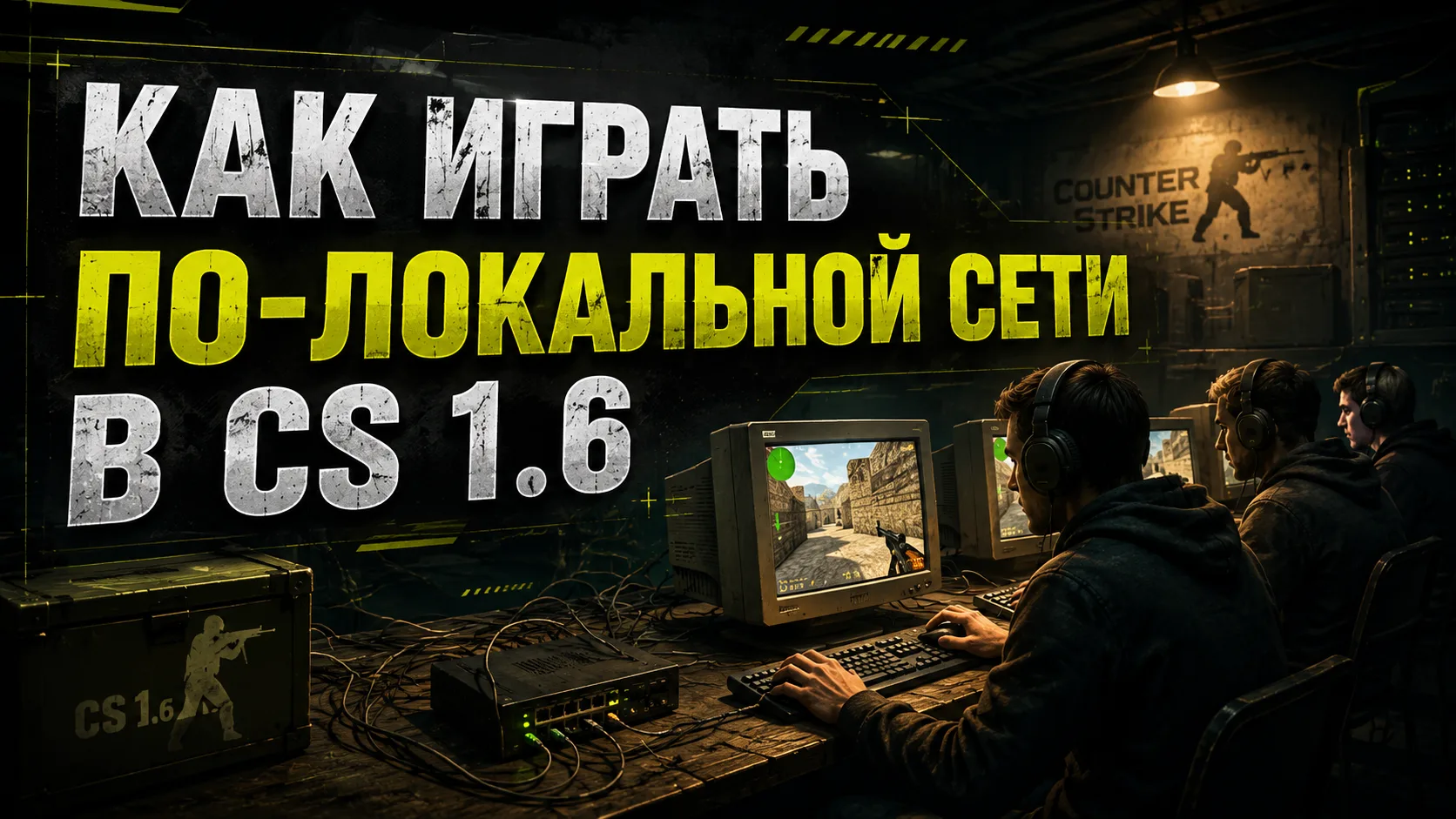
How to play CS 1.6 on a local network: a complete guide
CS 1.6 over a local network is a great opportunity to have fun with friends, especially when there is no stable Internet or you want to remember the good old days. And let the years go by, CS 1.6 remains one of the most beloved multiplayer games. In this article we will tell you how to play CS 1.6 over a local network, set up a connection and solve possible problems.
Why play CS 1.6 over LAN?
If you are tired of randomness on the Internet, lags on servers, or just want to play with a friend in the room, a local network is the ideal option. Here are some reasons why it's worth trying:
No internet required
Minimum ping and lags
Great for LAN parties, tournaments and get-togethers with friends
Play with people you know
The opportunity to quickly train in a friendly environment
What do you need to play locally?
Toplay CS 1.6 with a friend over a local network, you will need the following:
Installed CS 1.6 game on all computers
Connection between PCs (router, Wi-Fi or network cable)
Shared local area network (LAN)
The same version of the game (preferably the same build)
How to connect CS 1.6 over a local network: step by step
Step 1: Connect the computers
The easiest way is to use a router. Both computers must be connected to the same router - via cable or Wi-Fi. You can also connect two PCs directly using a network cable.
Step 2: Install one build of CS 1.6
To avoid conflicts, install the same version of the game on all machines. You can use the classic build or download one of the modern ones, already optimized for LAN games.
Advice: it is better to use an assembly without a built-in search for online servers to avoid connection errors.
Step 3: Create a Server
Launch the game on one of your computers.
Go to the New Game menu.
Select a map, number of bots, time limit and other parameters.
Click “Start” and the server will be created.
Step 4: Connecting Other Players
On another computer:
Launch CS 1.6.
Go to “Find Server” → “Local Network” tab.
If everything is configured correctly, the server will appear in the list.
Click Connect.
If the server is not displayed, use the console command:
connect IP:port
For example: connect 192.199.9.9:29999
The IP address can be found through the console (status) or the Windows command line (ipconfig).
How to play CS 1.6 on a local network via Hamachi
If you do not have a physical local network, you can use virtual LAN networks through programs:
Hamachi
ZeroTier
Radmin VPN
GameRanger
Example setup via Hamachi:
Install Hamachi on all PCs.
Create a network (one player) and give a name and password.
The remaining players connect to this network.
After connecting, launch CS and use the connect IP command.
This works just like a regular LAN, only virtually.
Possible problems and their solutions
Problem 1: The server does not appear in the LAN list
Make sure all computers are on the same network
Check that the firewall or antivirus is not blocking the game
Use connect IP:port as described above
Problem 2: Connection Error
Temporarily disable your firewall and antivirus
Make sure the IP address is correct
Check if port 27015 is open
Advantages of playing CS 1.6 over a local network
Ideal for friendly matches
No lags or delays
Full control over the server
You can add bots and custom maps
Suitable for tournaments and training matches
Where can I download the CS 1.6 build for a LAN game?
There are many builds specifically adapted for online play. In such versions, searching for servers on the Internet is already disabled, stability is improved and the necessary settings are built in.
What local builds usually include:
No advertising or junk
Operating LAN mode
Minimum System Requirements
Compatible with mods and maps
Now you know how to play CS 1.6 over a local network, be it with friends over Wi-Fi, through a router, or even over Hamachi. This is a great way to relax, reminisce about your school days, or just work out in a comfortable environment.
Try it today: gather your friends, set up your LAN and start playing like the good old days!
Good luck in your matches and only headshots!