 Russian
 Ukrainian
 English
 Polish
How to reduce ping in CS 1.6 quickly on any PC
We will tell you how to lower your ping quickly without upgrading your PC. If you have CS 1.6 lag, we will correct this situation, reduce the ping, increase the FPS and Contra will no longer lag.
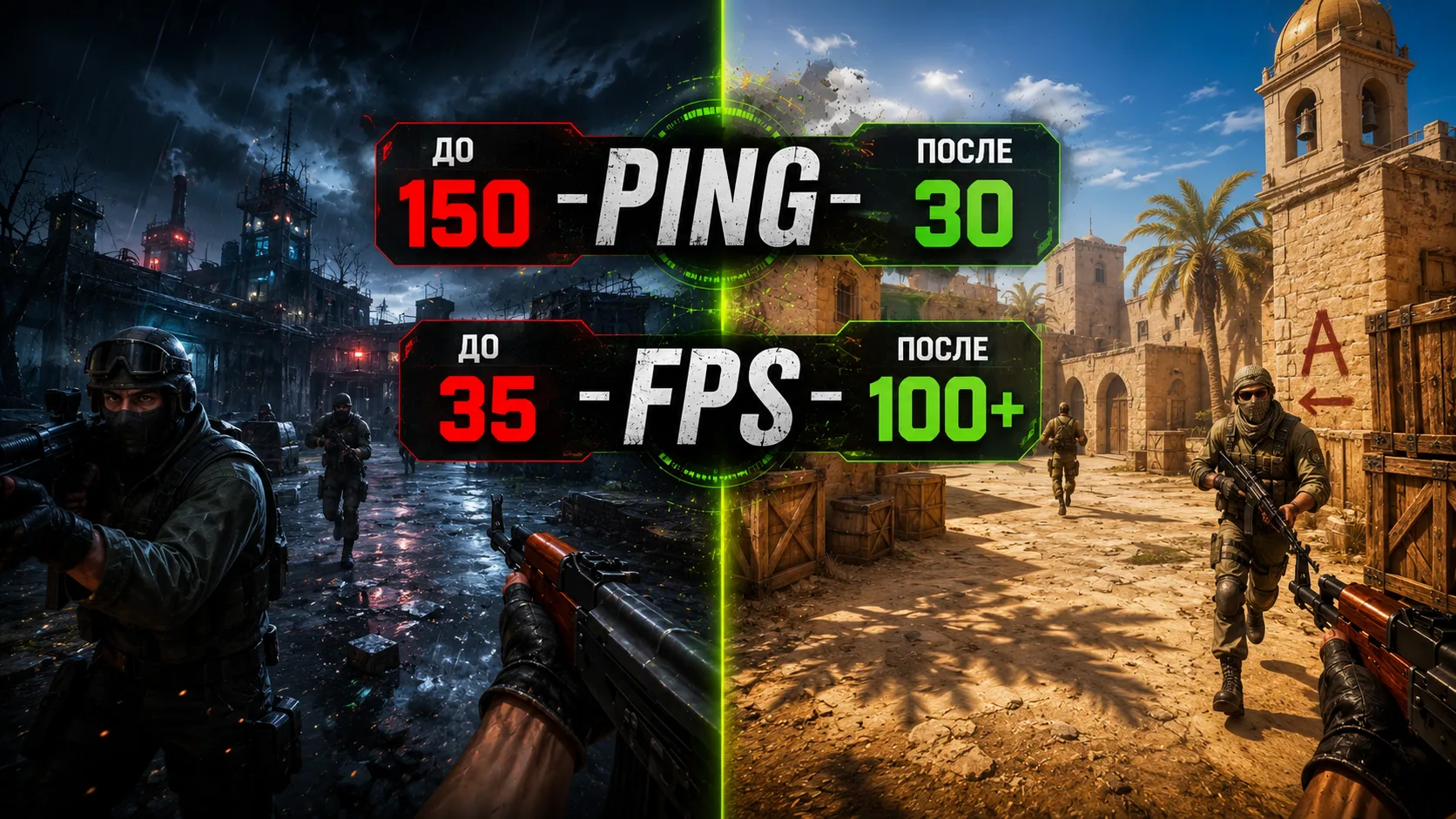
Today, right now, you will learn the TOP ways of How to reduce ping in CS 1.6, Increase FPS for a game without lags from 100+ and of course you will know What is FPS, PING and How to set up CS 1.6 to become a Turbo player.
What is Ping? – this is the time during which your computer receives all the information from the counter game server on which you play.
How to see your ping
To find out your ping in cs 1.6, you need to be on the game server - Press the “Tab” key on your laptop or PC keyboard, it is located to the left of the “Q” key, above the “Caps Lock” key.
Why is there high ping and lag in CS 1.6?
Ping is measured in milliseconds and is influenced by several key factors, such as:
Your internet speed
When choosing an Internet tariff, please note that the higher your Internet speed, the better for you as a gamer, because you will experience less lag; for a more or less comfortable game you need an Internet speed of 5 Mbit/s.
Computer load with various programs.
If your PC does not have top characteristics, then before playing you should close applications, for example: Skype, Icq, Telegram, Browser, Torrent, etc., the more programs you close, the lower the ping will be and the higher your FPS.
Game server location
If, for example, you are from Ukraine, and the server is located in England, then your ping will be much higher than when playing on a server located in Ukraine, so when searching for a CS 1.6 server, sort the servers by Ping - the lower the better.
How to sort servers in search
Quite easy while in the game - Click on the tab Find servers, then click on the tab Internet, then click on the button Filters, and in the pop-up sorting window in the tab Ping – select <50, after that you will get a list of servers with low ping only.
Setting up the CS 1.6 game client
We already know 3 factors that affect Ping in the game, now let’s move on to the last and one of the most important factors No. 4.
How to configure CS 1.6 to reduce ping
We set the maximum parameters in the game console to lower the ping:
And the first question you may have is - How to open the console in CS 1.6.
To open the Console, you need Launch the game, and being in the main menu – Press key “e”, it is located in the upper left corner of the keyboard, and just below the ESC key.
If you have problems opening the console or it does not work, read our article how to make a working console in cs 1.6.
In the console, you need to insert 3 parameters one by one and press the "Submit" button or the "Enter" key:
cl_updaterate 101
cl_cmdrate 101
rate 25000
These parameters are designed for good, fast and stable Internet; if you have weak Internet, try setting the following values:
cl_updaterate 30
cl_cmdrate 30
rate 15000
You can also try setting different values for these parameters yourself and watch how the ping behaves; if it is high, then set the values higher, but do not indicate below 30 and rate 15000, these are the minimum values.
If your PC lags and is itself weak, then you definitely need to run the game with low priority, this will increase the performance of the game and reduce the ping.
How to assign CS 1.6 low priority? - Easy, open Task ManagerWindows (on Win8 - not relevant), using the key combination on the keyboard of your PC or Laptop Ctrl + Shift + Esc, find the tab “Processes” , then find the process called “hl.exe", right-click on it and hover over the tab "Priority", and the last step is to select a priority “Low”, that's all, the task is completed.
Many people ask - What should the ping be? - and the answer is simple, a ping up to 80 is considered good, and up to 30 is considered ideal.
Great, now you know what Ping is, how to view it and how to reduce ping in CS 1.6 for those who have a high ping.
Program to reduce ping in Contra 1.6
Remember and don't look for a program to reduce ping, it doesn't exist, and if you find it on the Internet, then download the virus which will break your game and maybe even kill your windows.